Privacy
Overview
Privacy settings let you control how your personal data is accessed, used, and shared. You can manage app permissions, protect sensitive information, and review data access across your device.
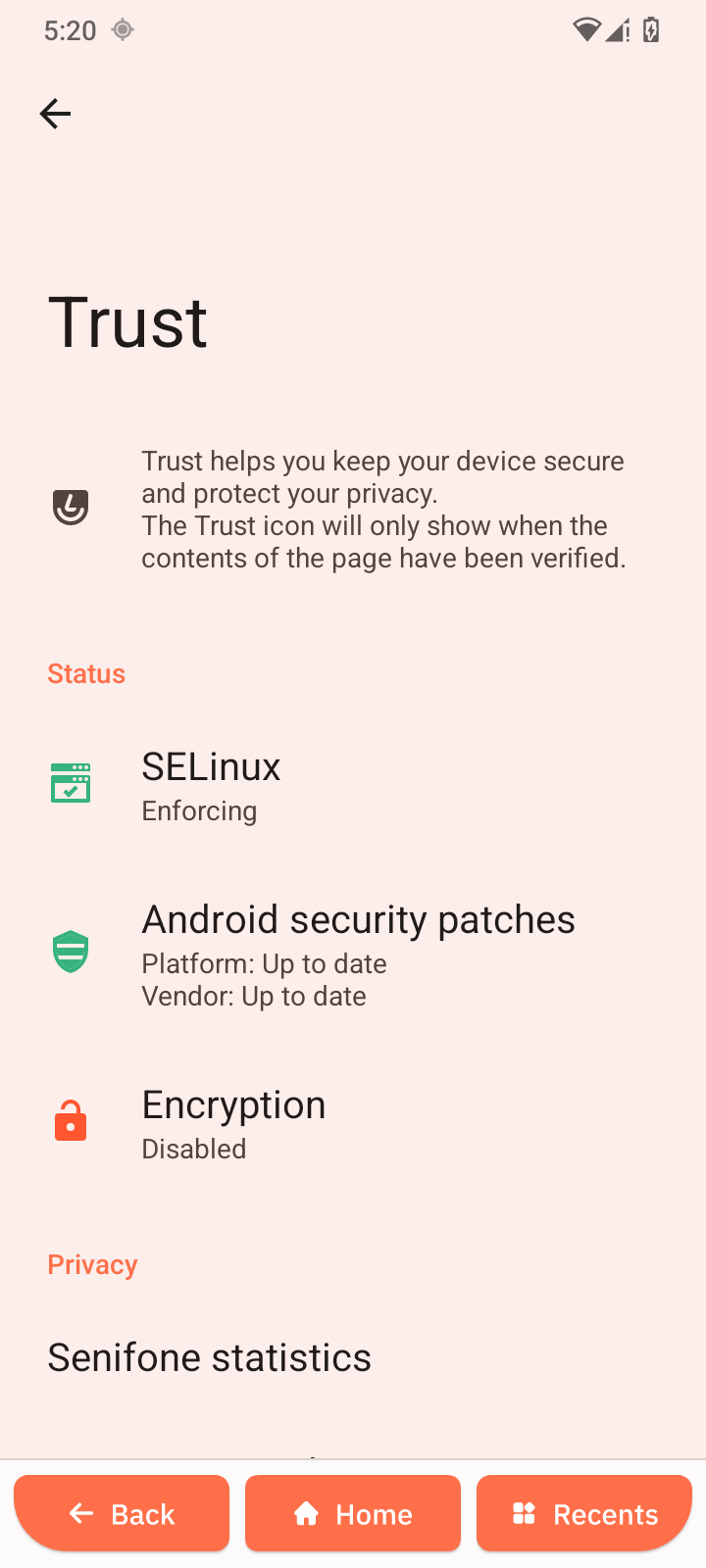
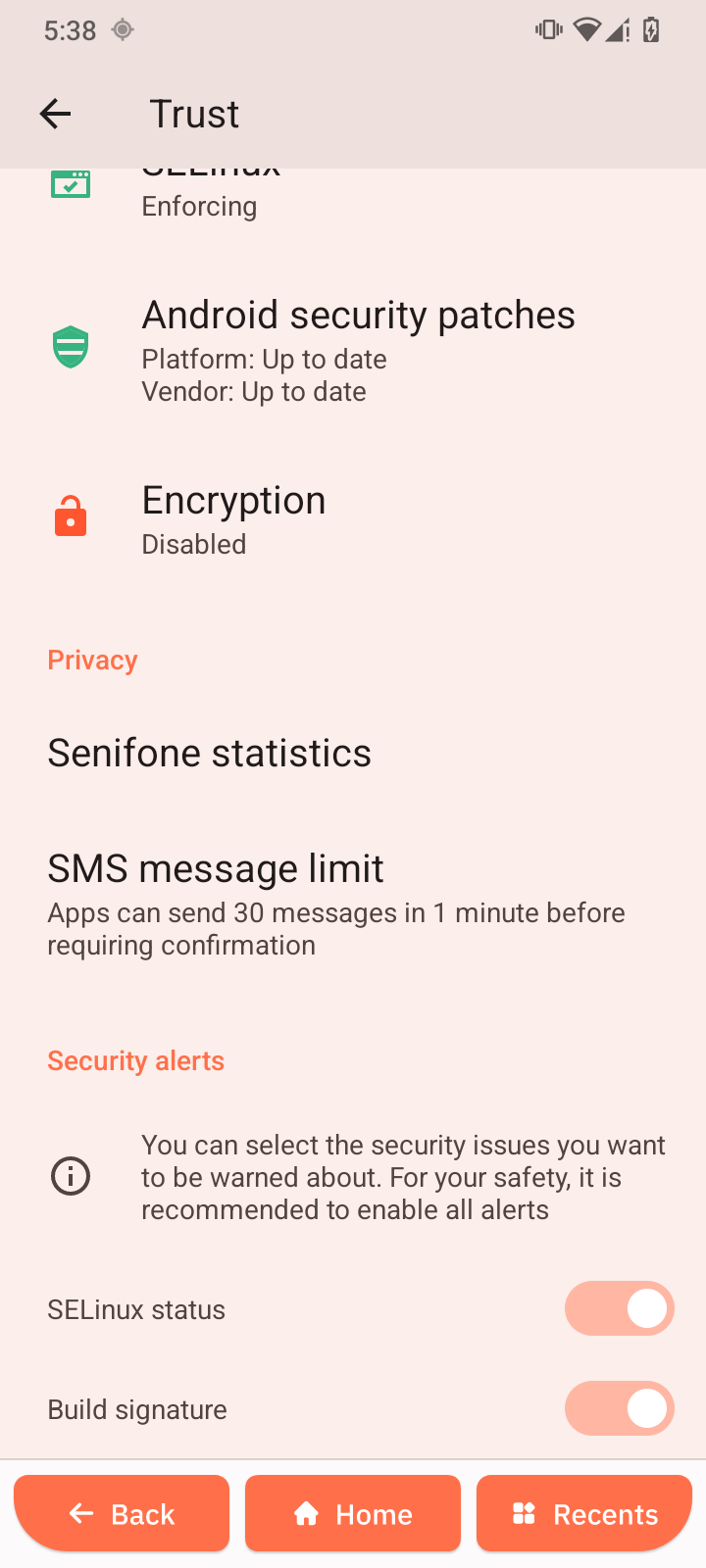
Trust
Provides tools to help keep your device secure and safeguard your privacy.
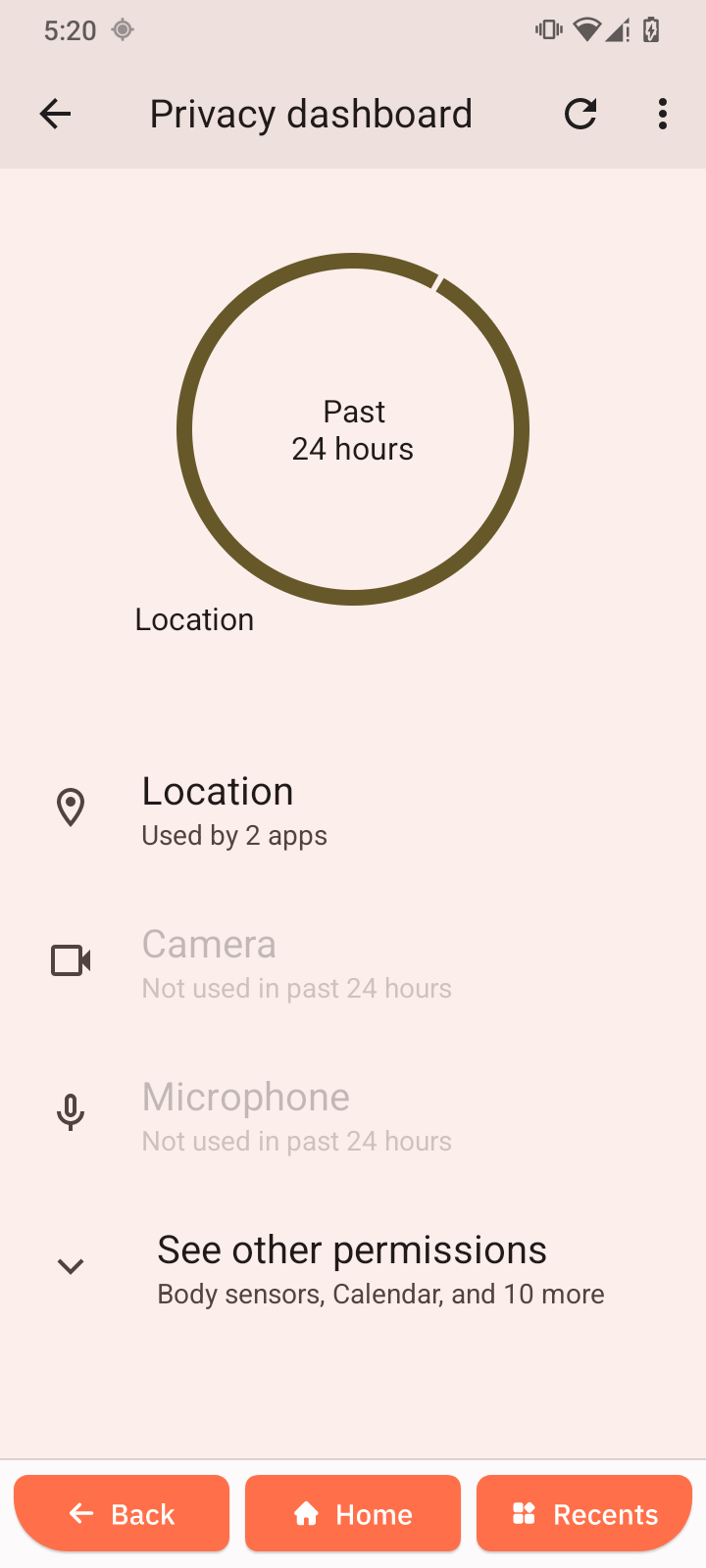
Privacy dashboard
Displays which apps have recently accessed sensitive data such as location, camera, and microphone.
-
Open Privacy dashboard.
-
Review recent activity.
-
Tap an app to manage its permissions.
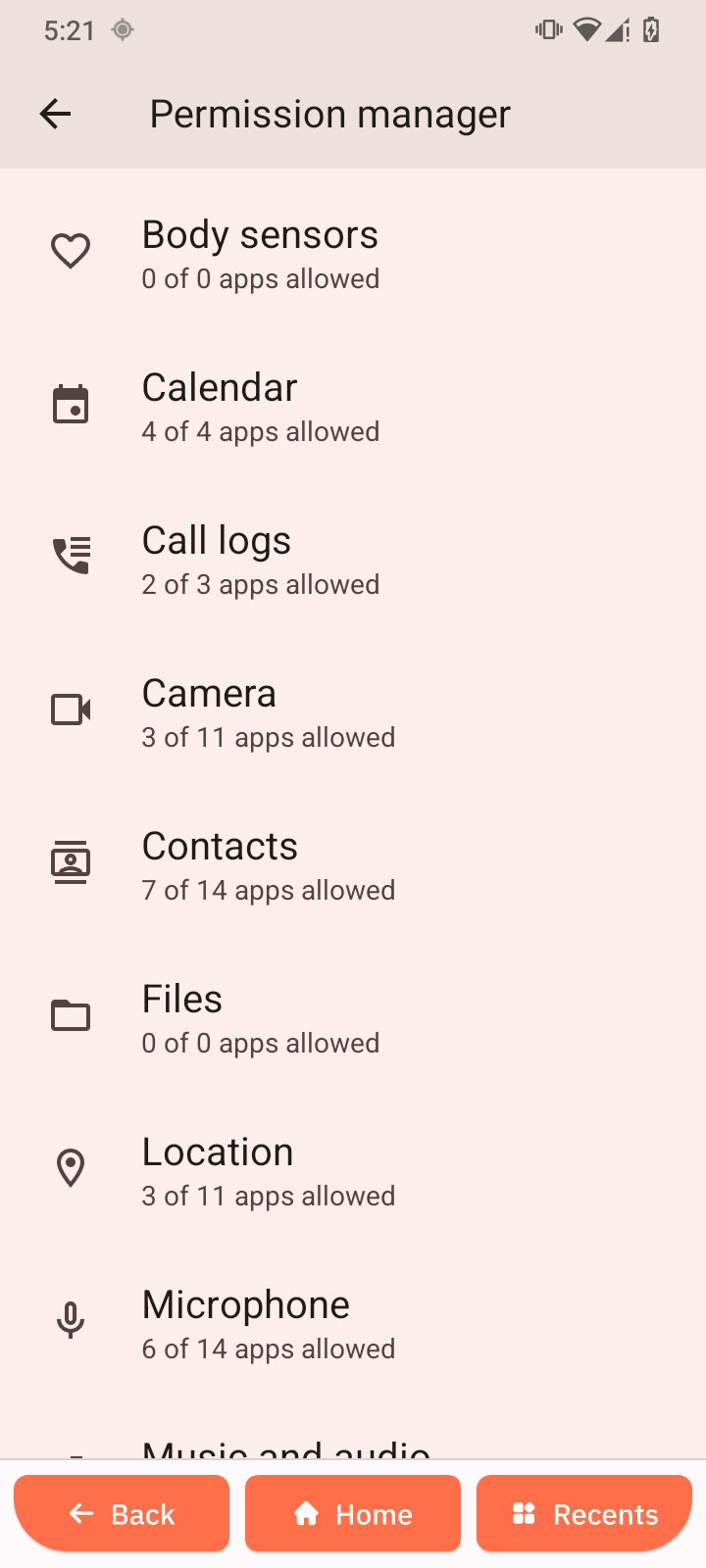
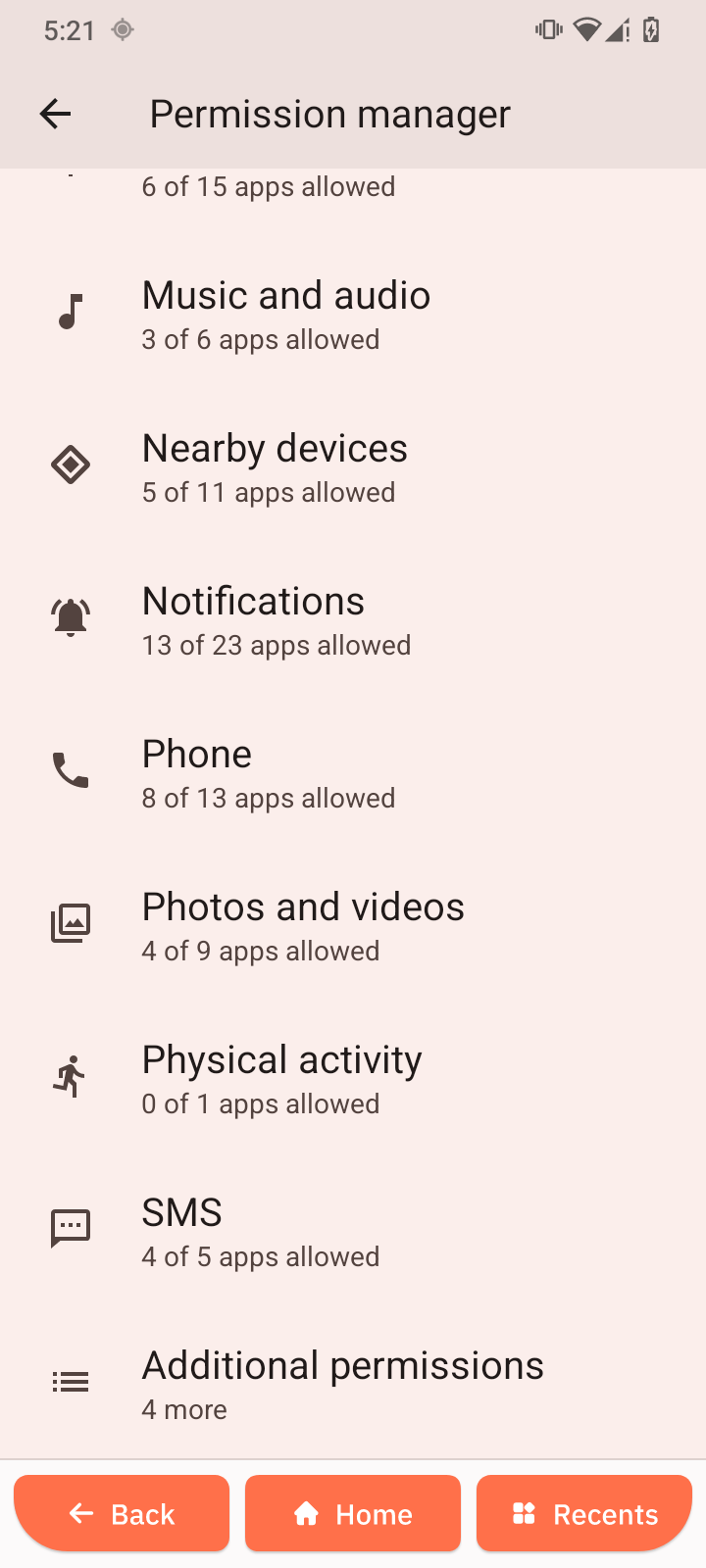
Permission manager
Lets you control which apps can access specific features and data.
-
Open Permission manager.
-
Select a permission (e.g., Camera or Location).
-
Allow or deny access for each app.
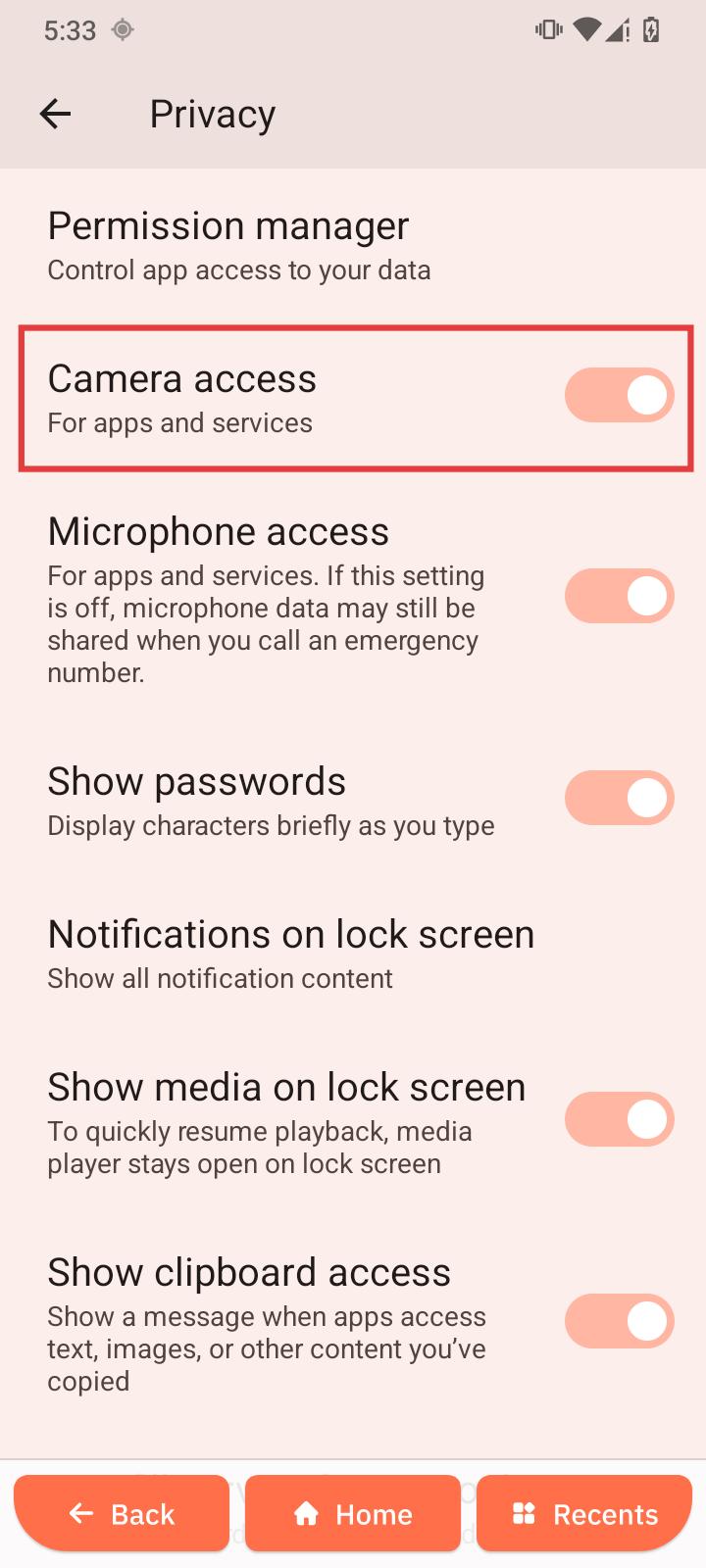
Camera access
Enables or blocks camera access for all apps.
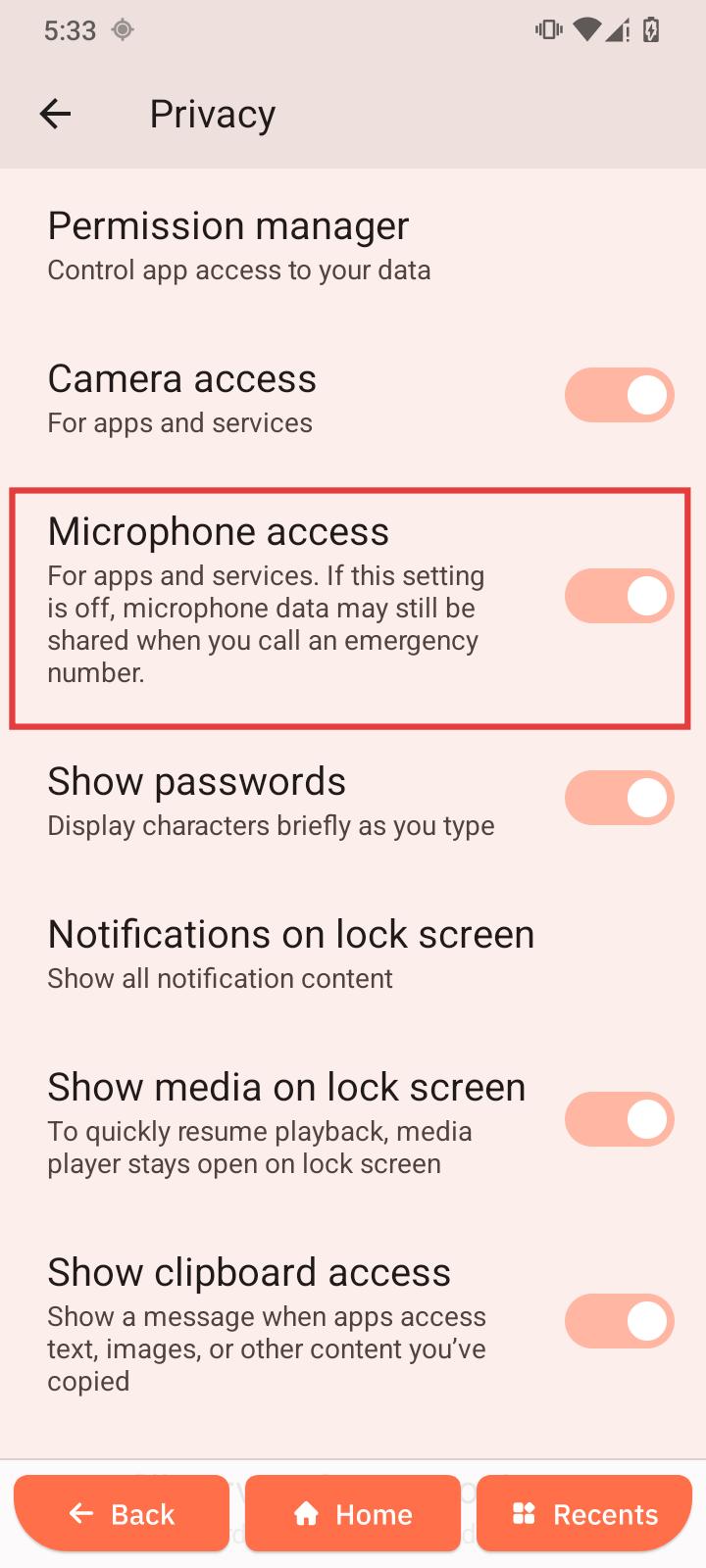
Microphone access
Enables or blocks microphone access for apps and services.
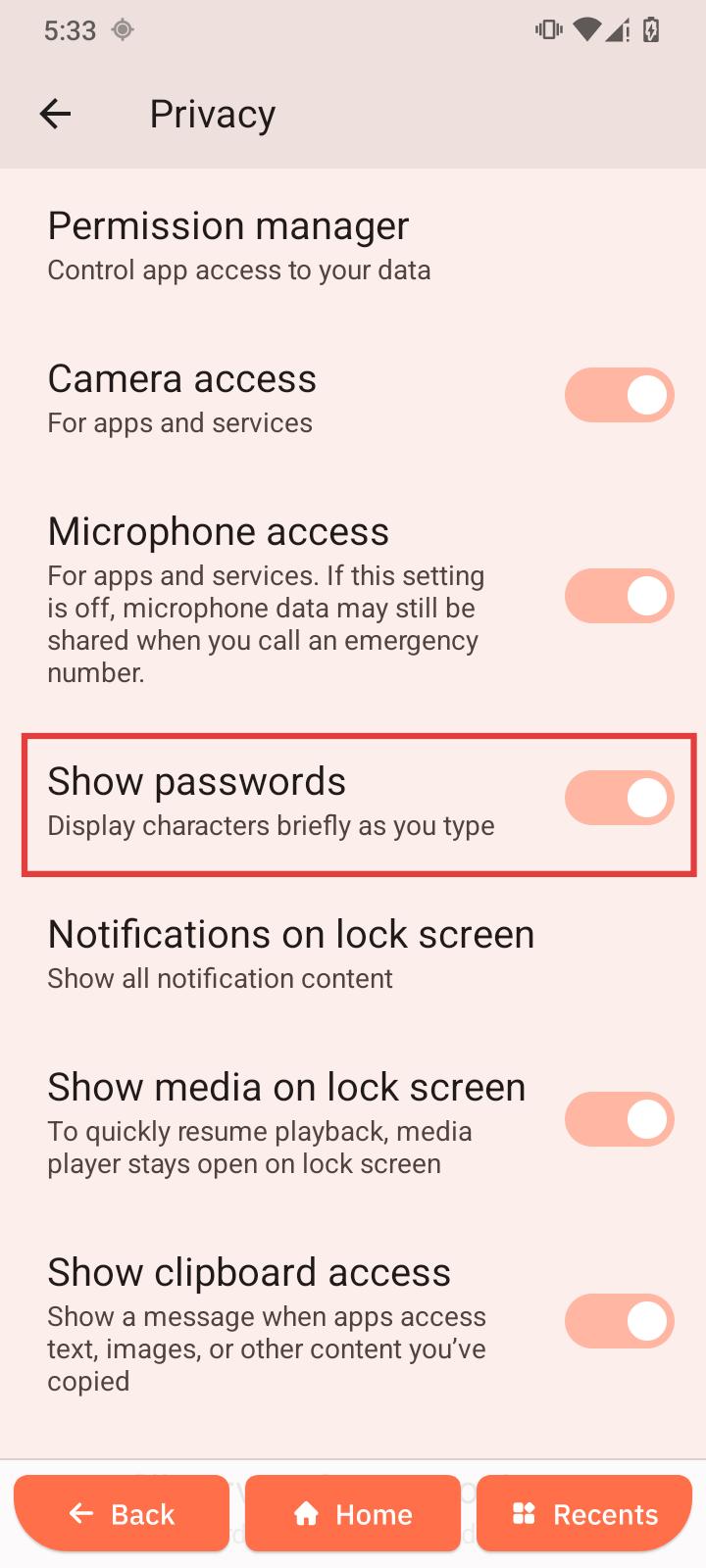
Show passwords
Briefly displays characters as you type passwords for easier input.
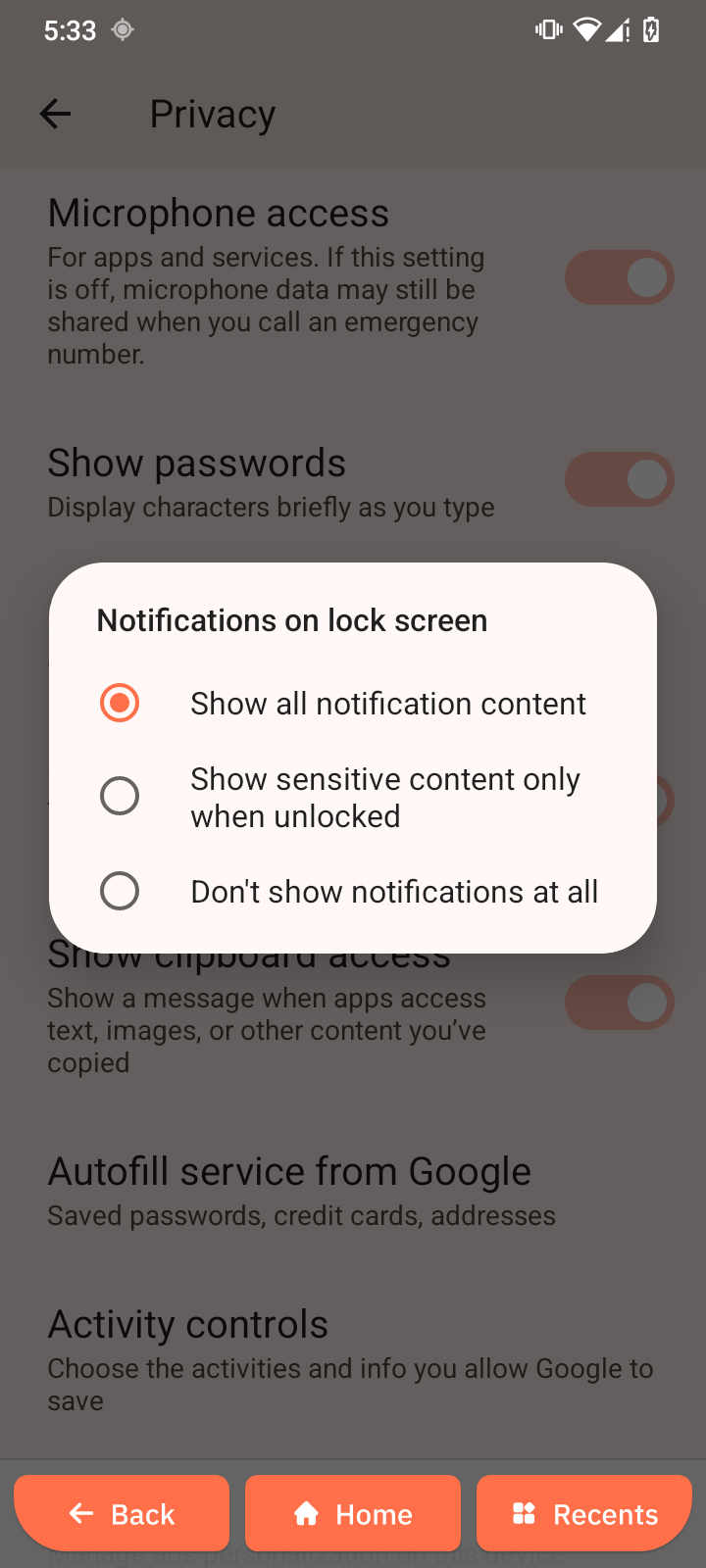
Notifications on lock screen
Controls how notifications appear on the lock screen.
-
Tap Notifications on lock screen.
-
Choose your preferred display option.
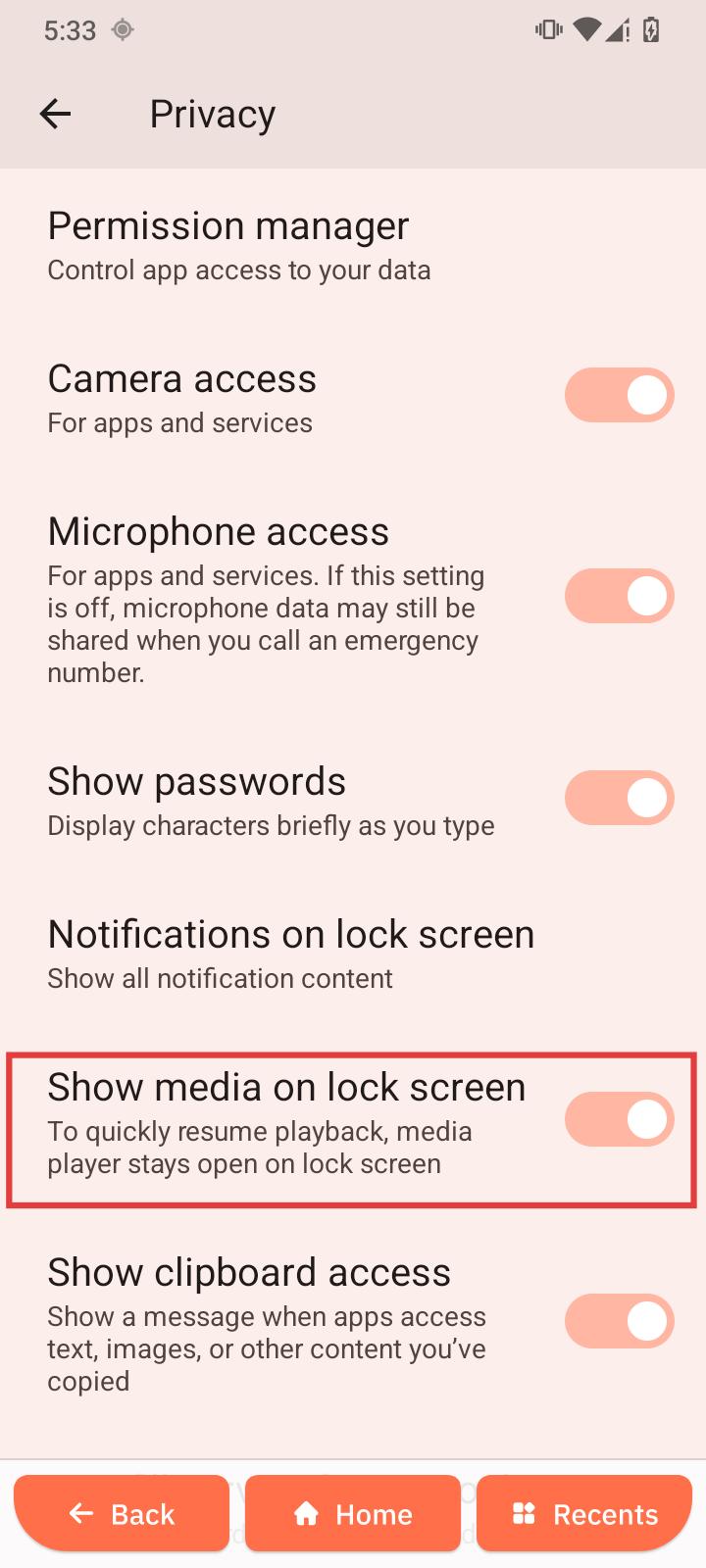
Show media on lock screen
Displays media playback controls on the lock screen.
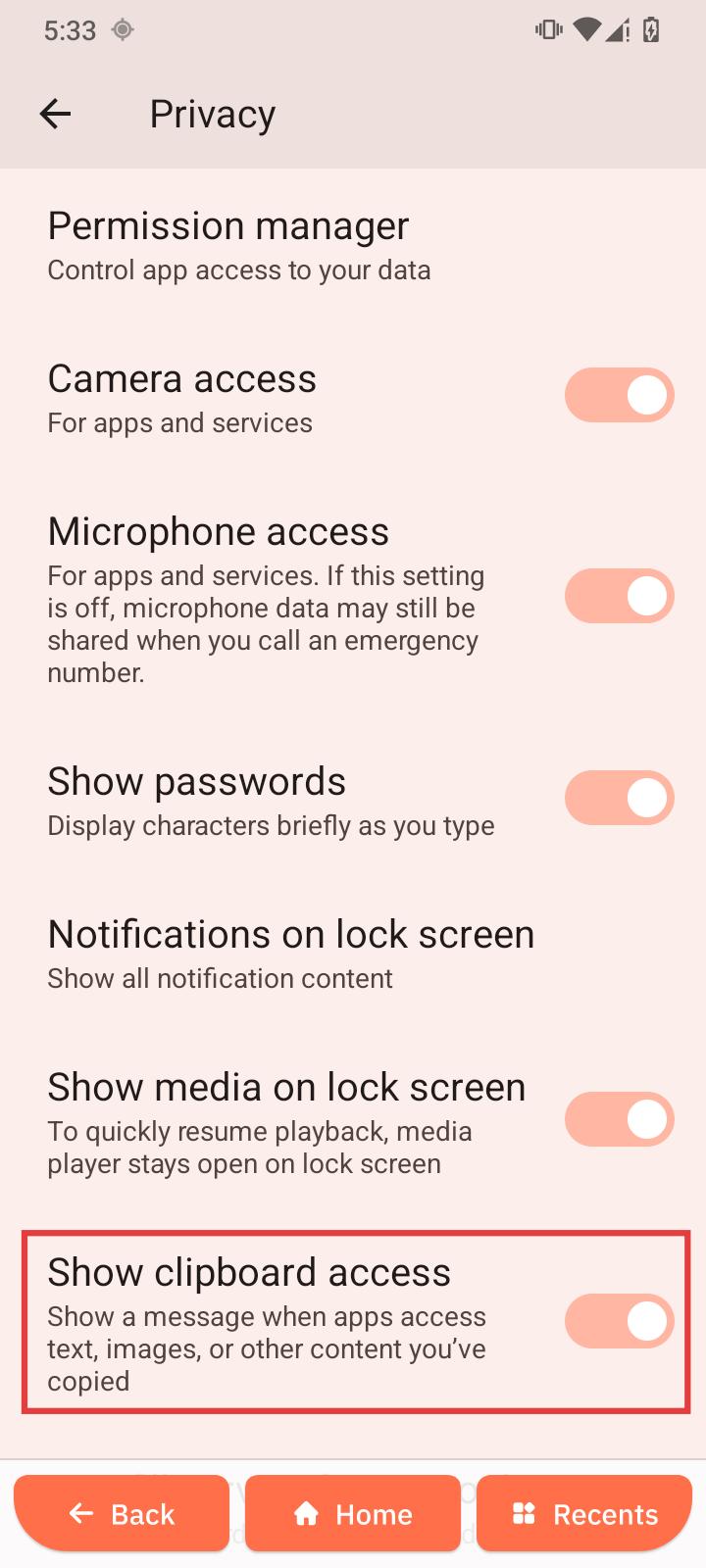
Show clipboard access
Notifies you when apps access copied content.
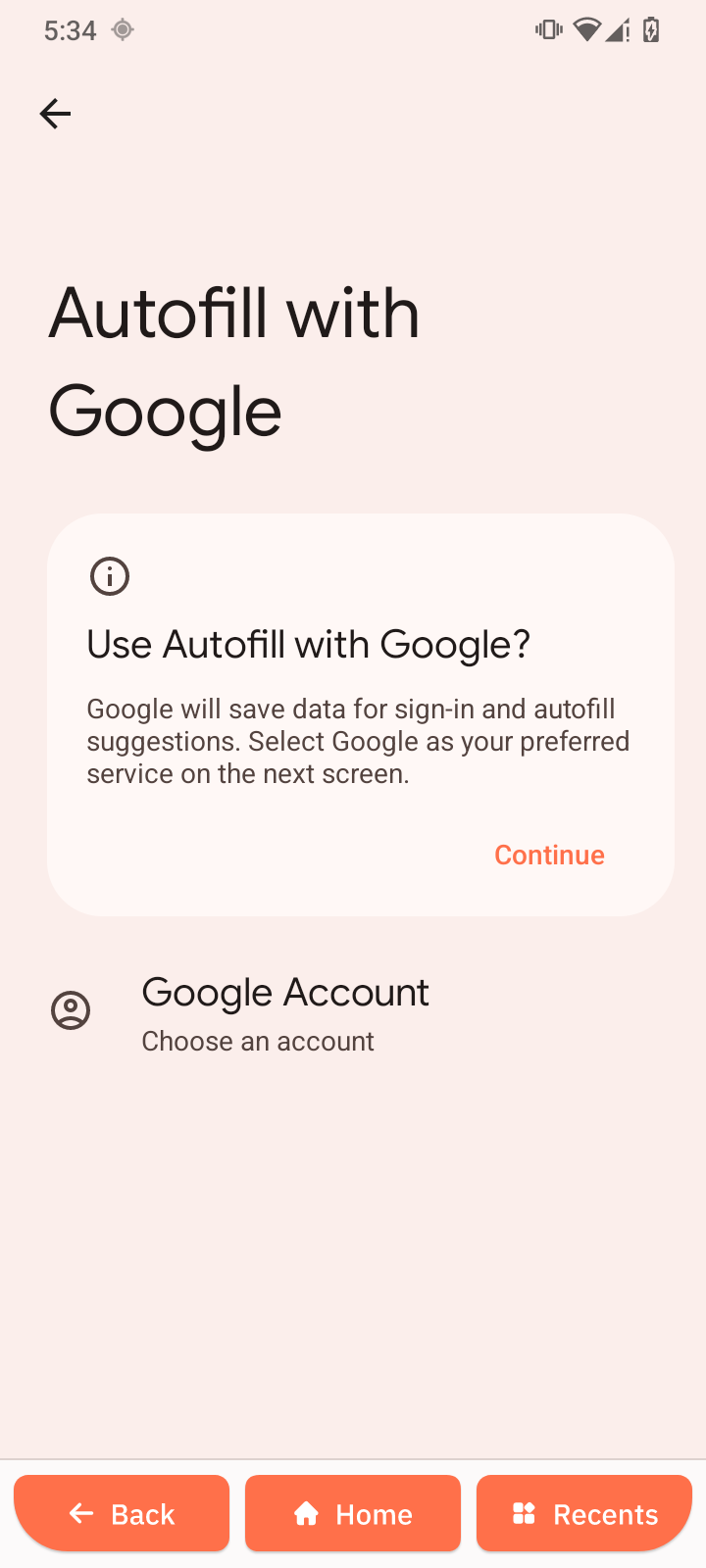
Autofill service from Google
Automatically fills saved passwords, payment details, and addresses.
-
Open Autofill service from Google.
-
Enable autofill.
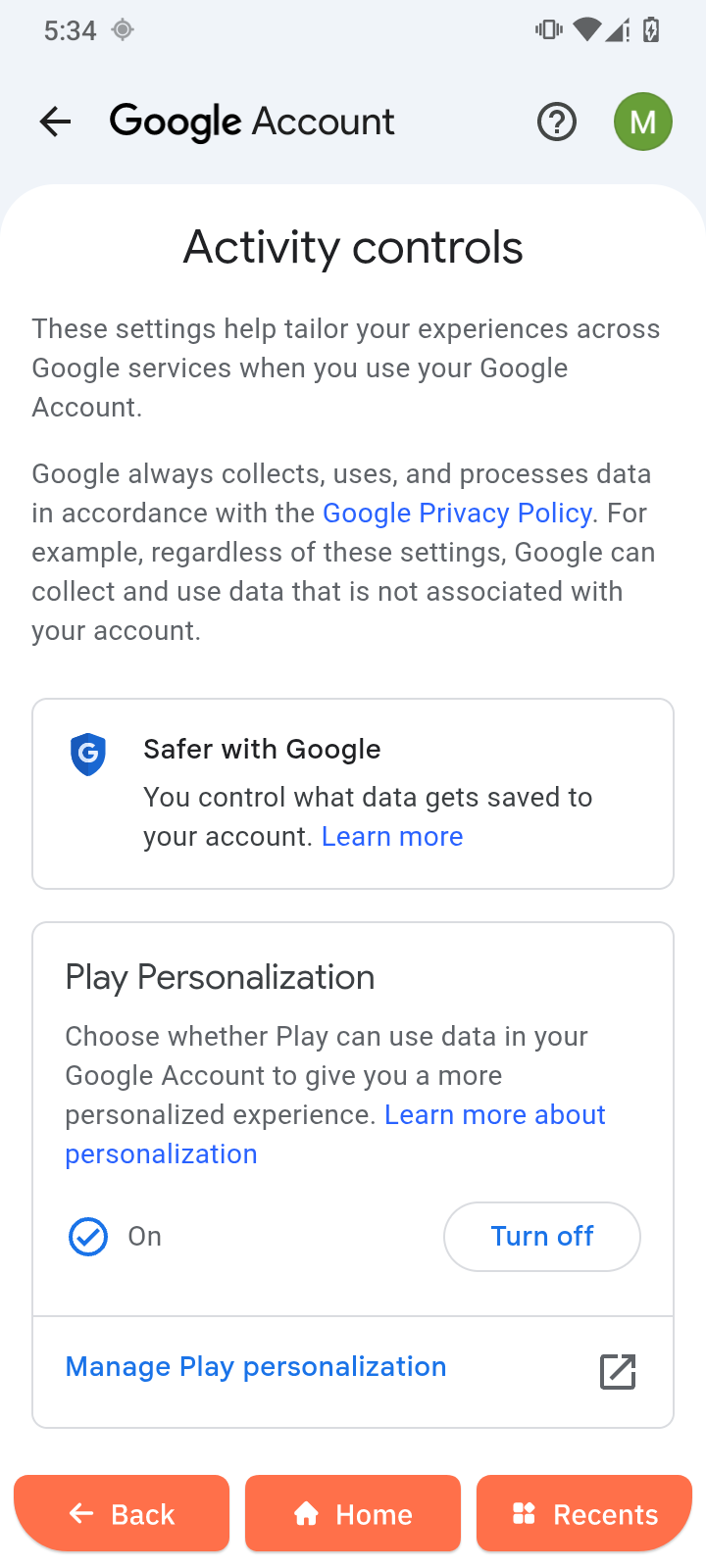
Activity controls
Manages what activity data is stored in your account.
-
Open Activity controls.
-
Choose which activities to enable or disable.
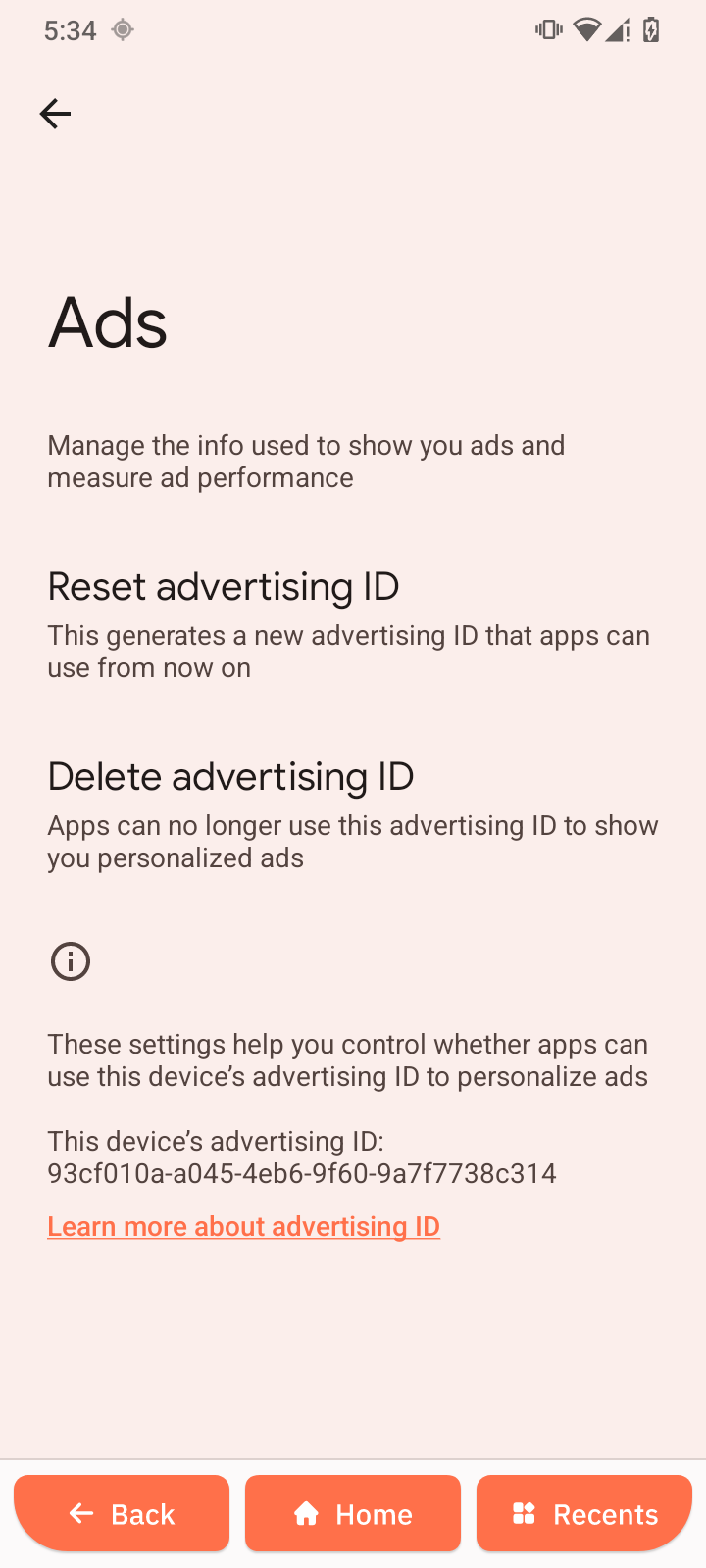
Ads
Manages ad personalization settings.
-
Open Ads.
-
Tap Delete advertising ID if needed.
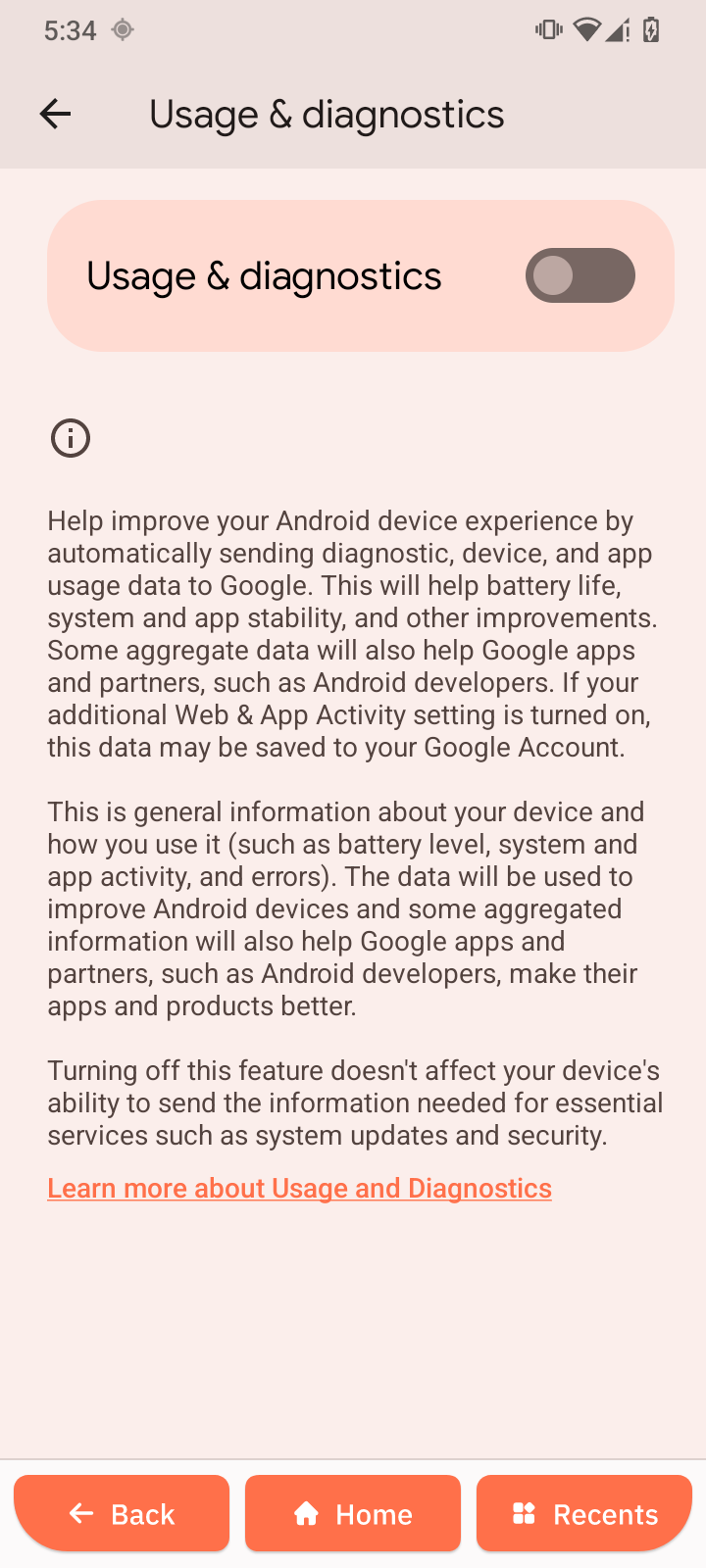
Usage & diagnostics
Controls whether usage data is shared to improve the system.
-
Open Usage & diagnostics.
-
Turn it on to share data.
-
Turn it off to keep data private.