Safety & emergency
Overview
Safety & emergency settings help you stay protected and quickly access help in urgent situations. You can manage emergency contacts, alerts, and essential safety features.
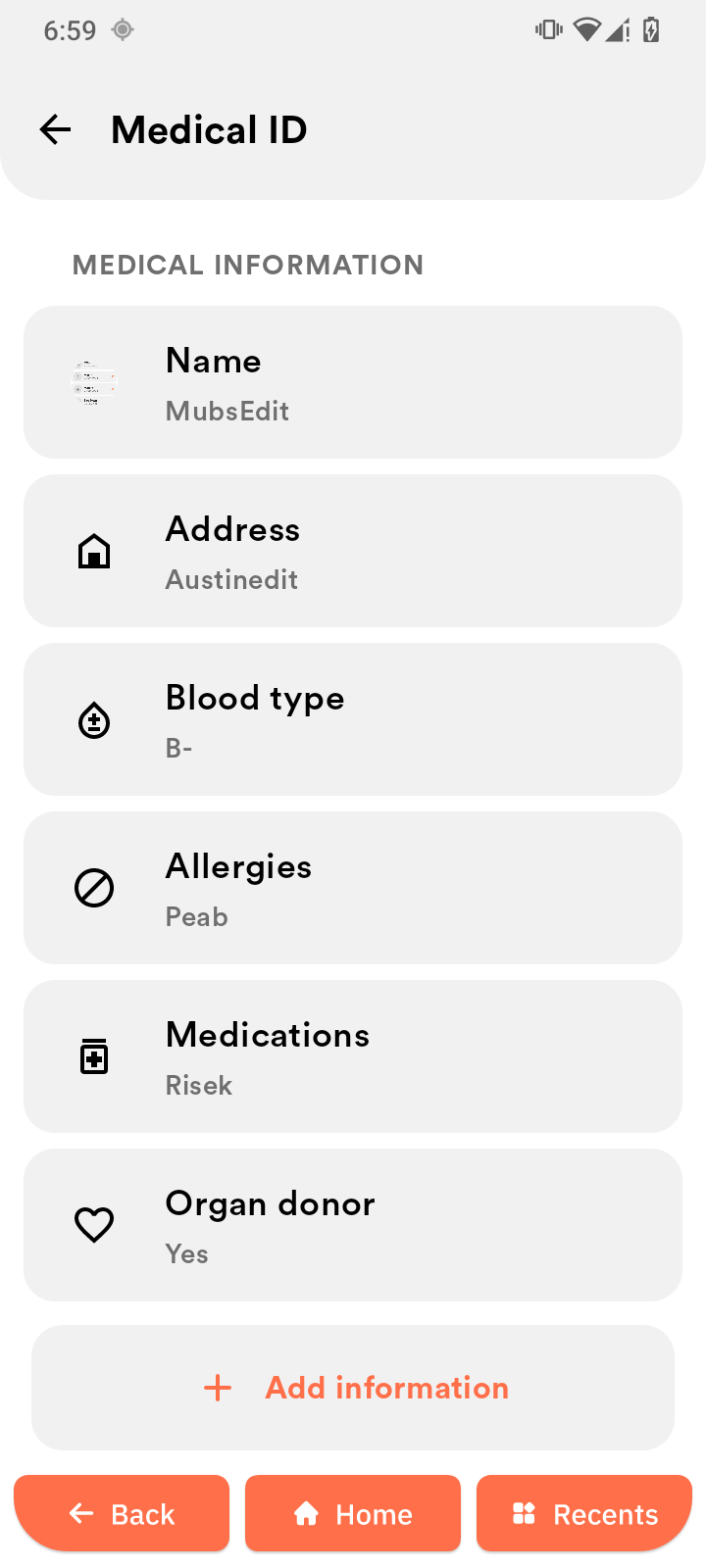
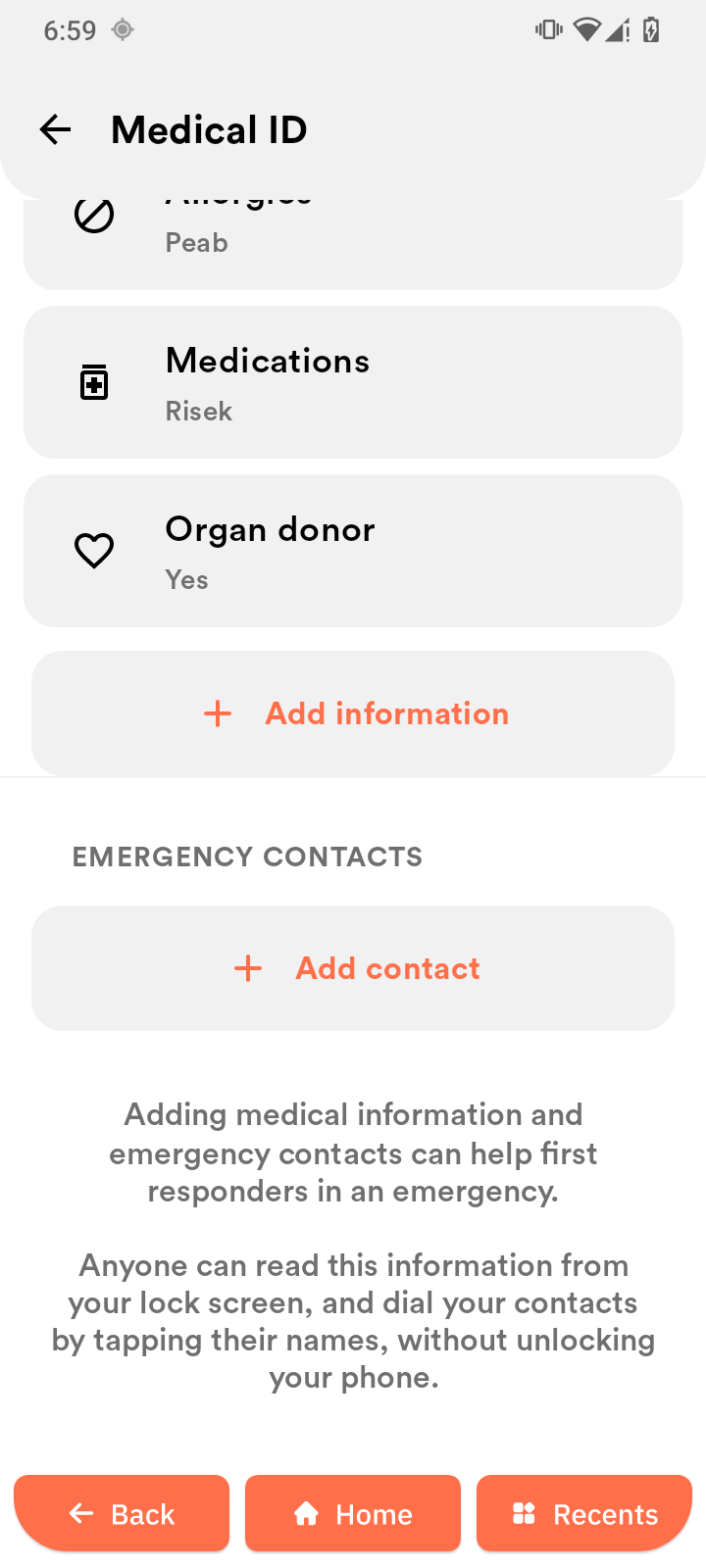
Emergency information
Lets you add important personal and medical details that can be accessed during emergencies.
-
Open Emergency information.
-
Enter details such as your name, medical conditions, and emergency contacts.
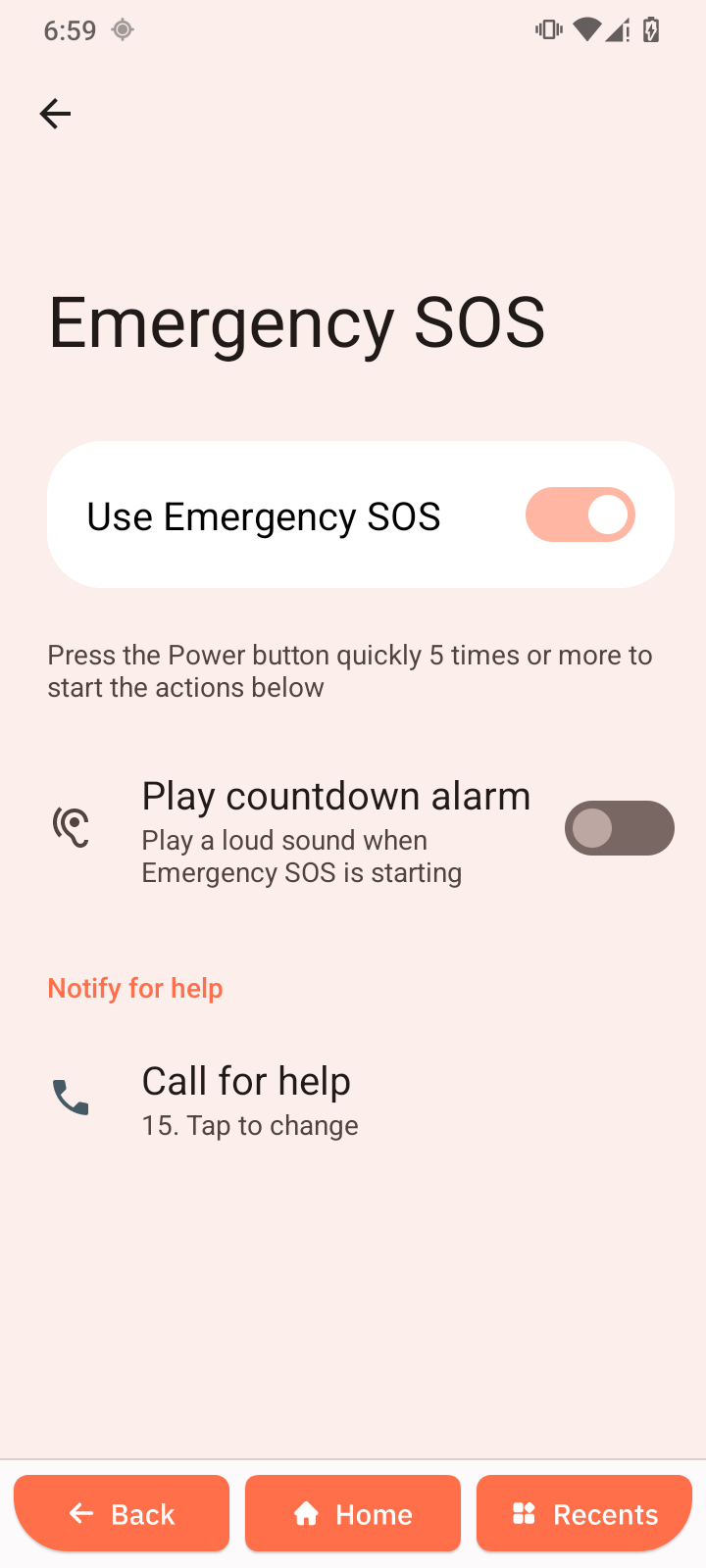
Emergency SOS
Allows you to quickly call for help in an emergency.
-
Open Emergency SOS.
-
Tap Use Emergency SOS to turn it on or off.
-
Tap Play countdown alarm to enable a loud alert when Emergency SOS is triggered.
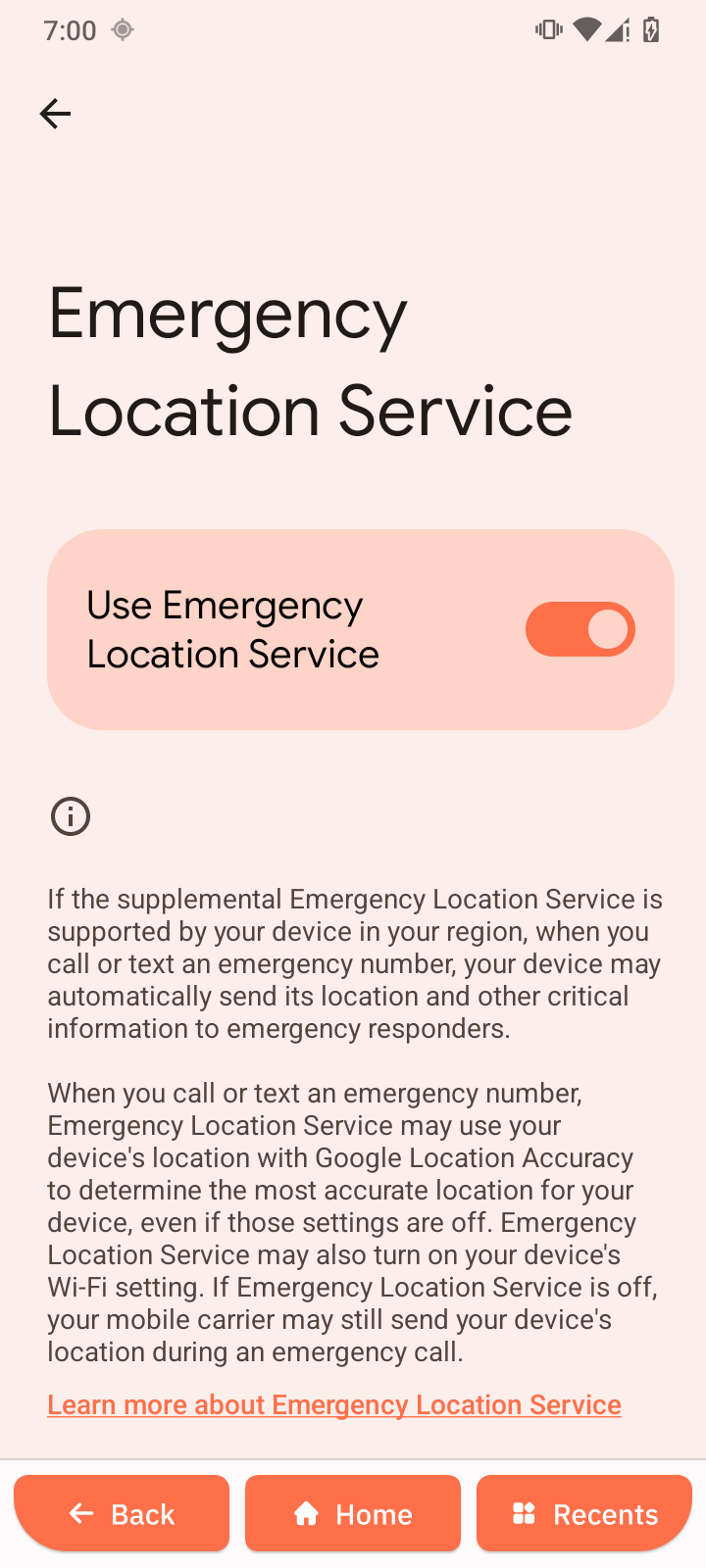
Emergency Location Service
Shares your location with emergency services when you contact them.
- Open Emergency Location Service.
- Tap Use Emergency Location Service to turn it on or off.
If enabled, your location is automatically shared during emergency calls.
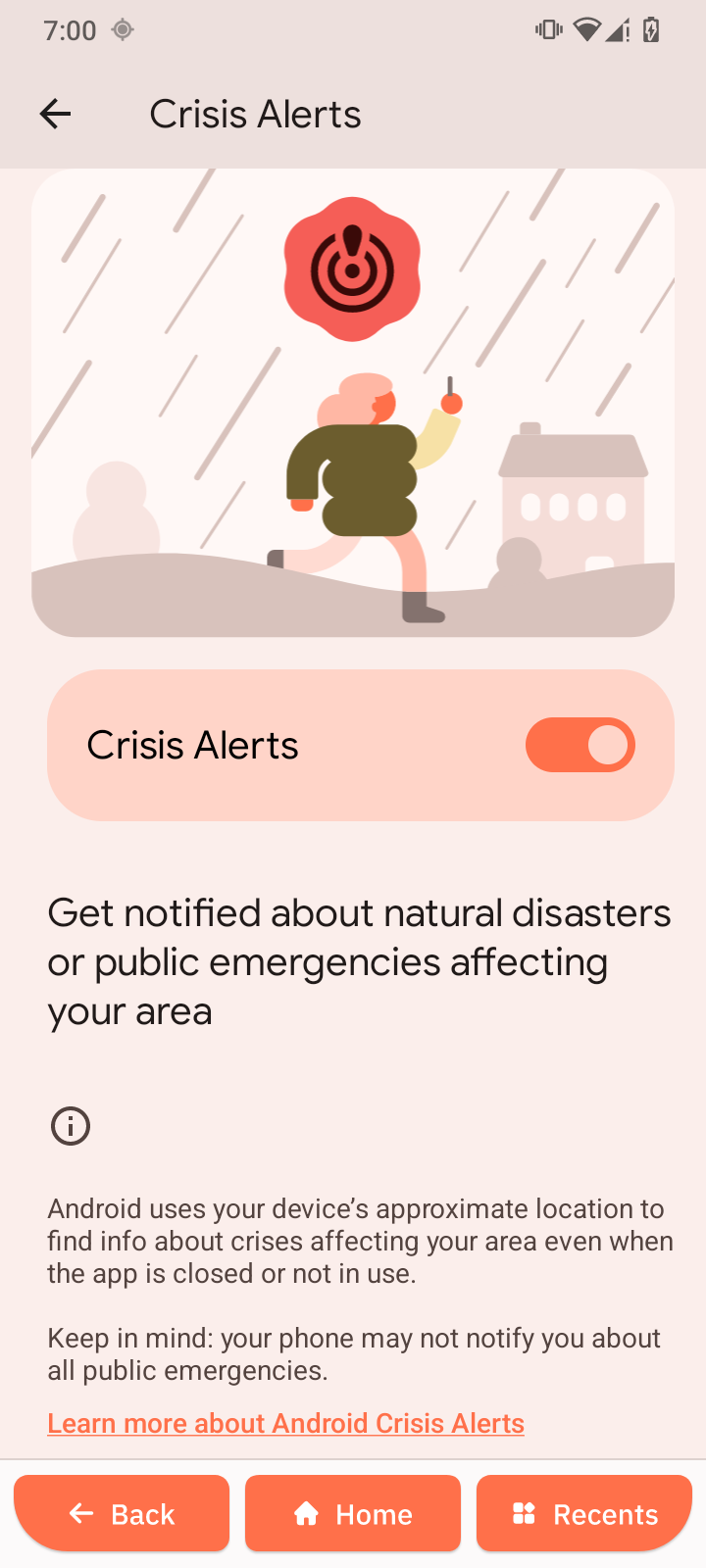
Crisis Alerts
Get notified about natural disasters or public emergencies affecting your area.
-
Open Crisis Alerts.
-
Tap Crisis Alerts to turn it on or off.
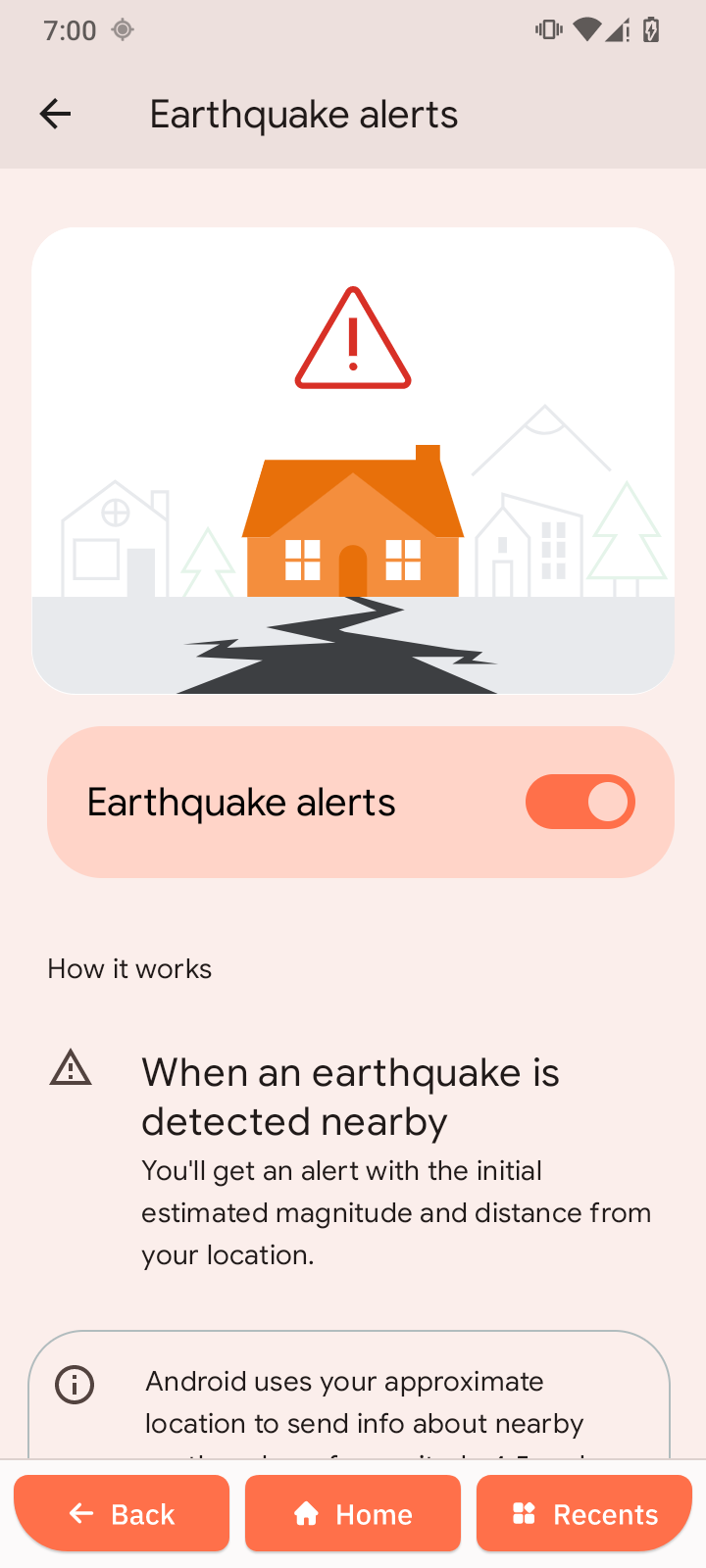
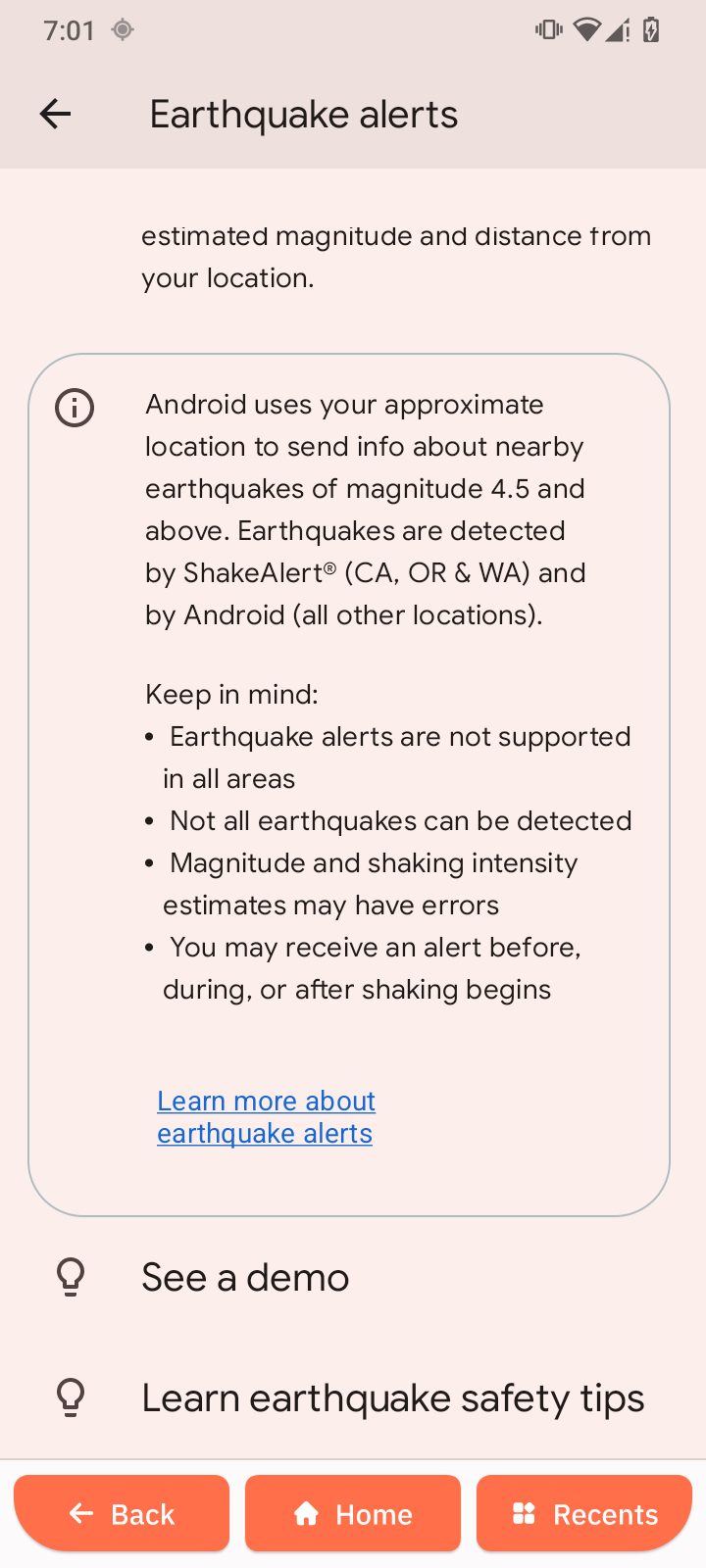
Earthquake alerts
Get notified about earthquakes.
-
Open Earthquake alerts.
-
Tap Earthquake alerts to turn it on or off.
Unknown tracker alerts
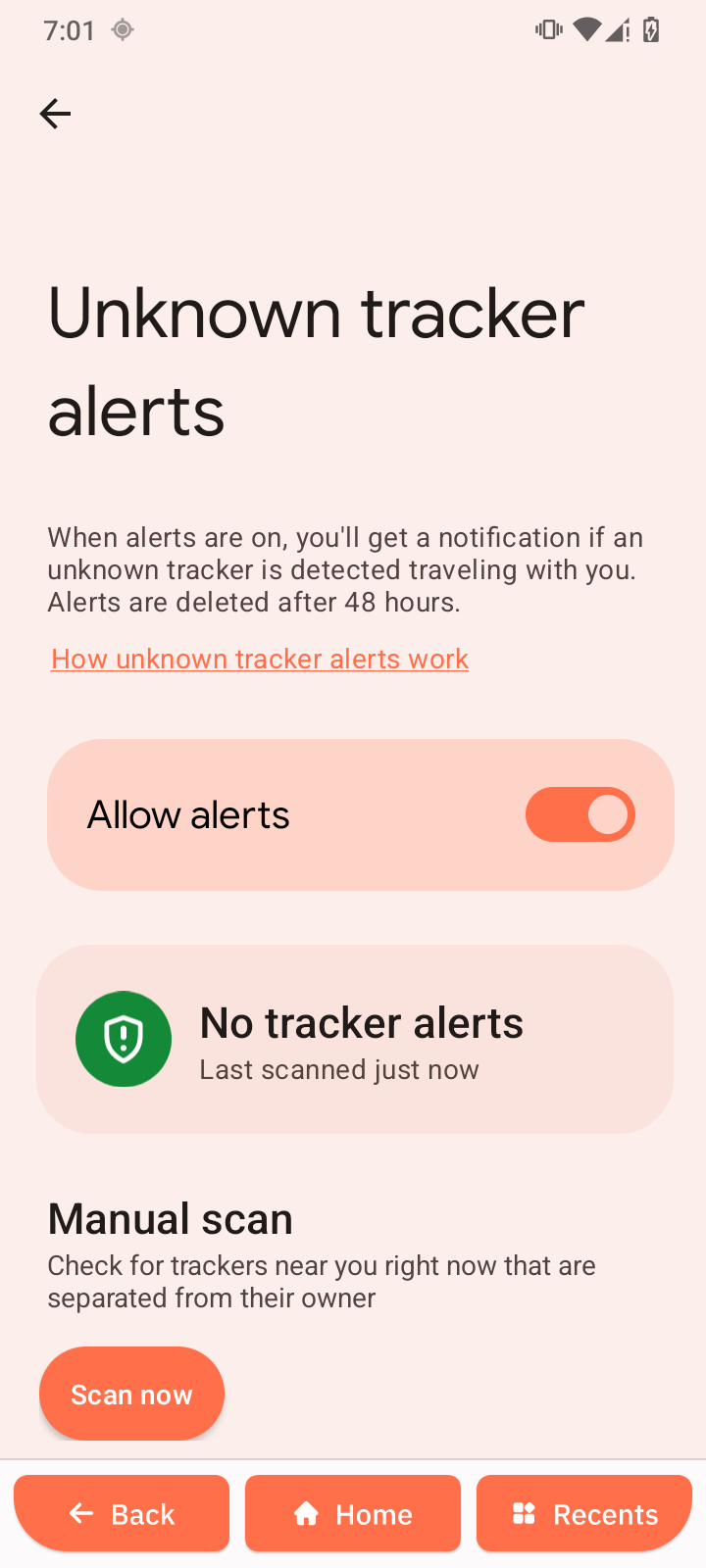
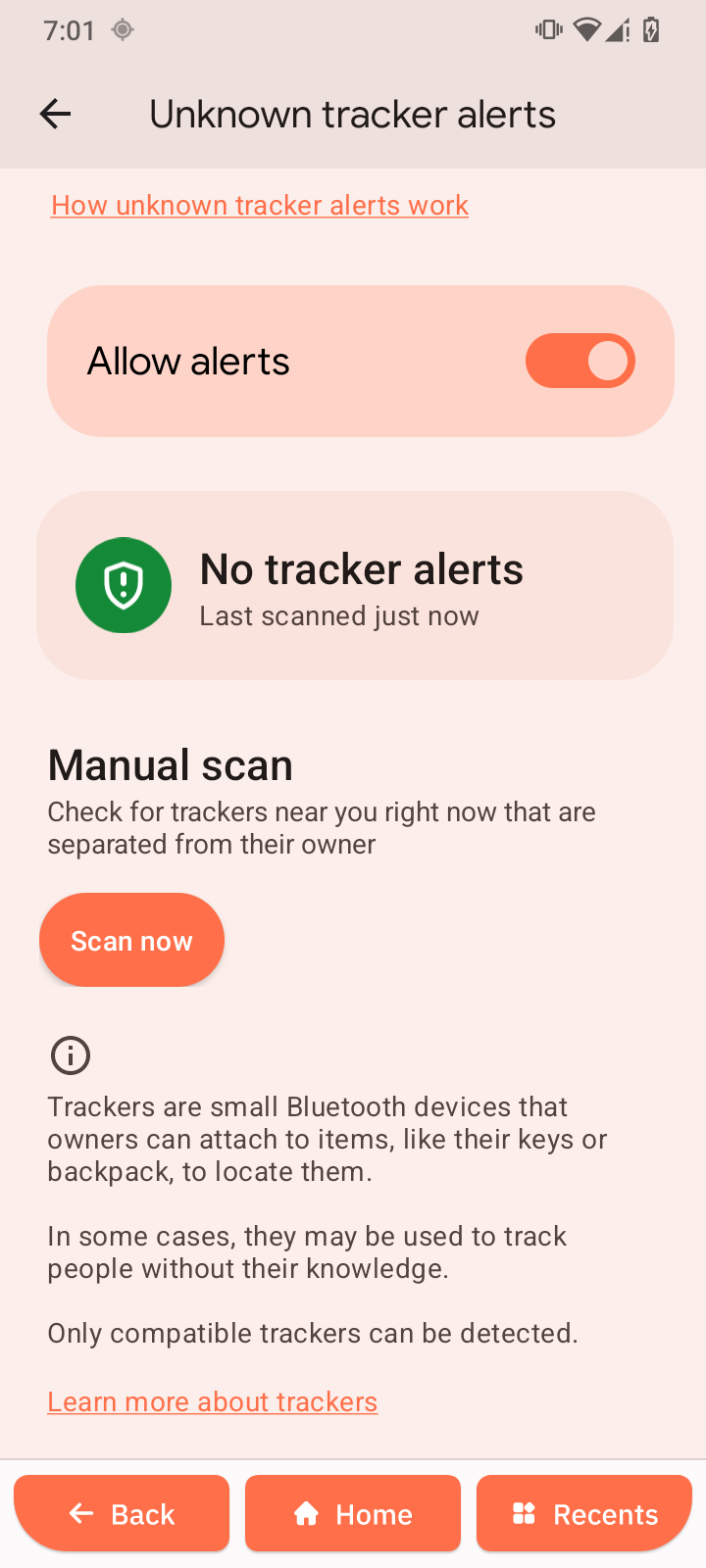
Get notified if an unknown tracker is detected traveling with you.
-
Open Unknown tracker alerts.
-
Tap Allow alerts to turn it on or off.
Silence notifications while driving
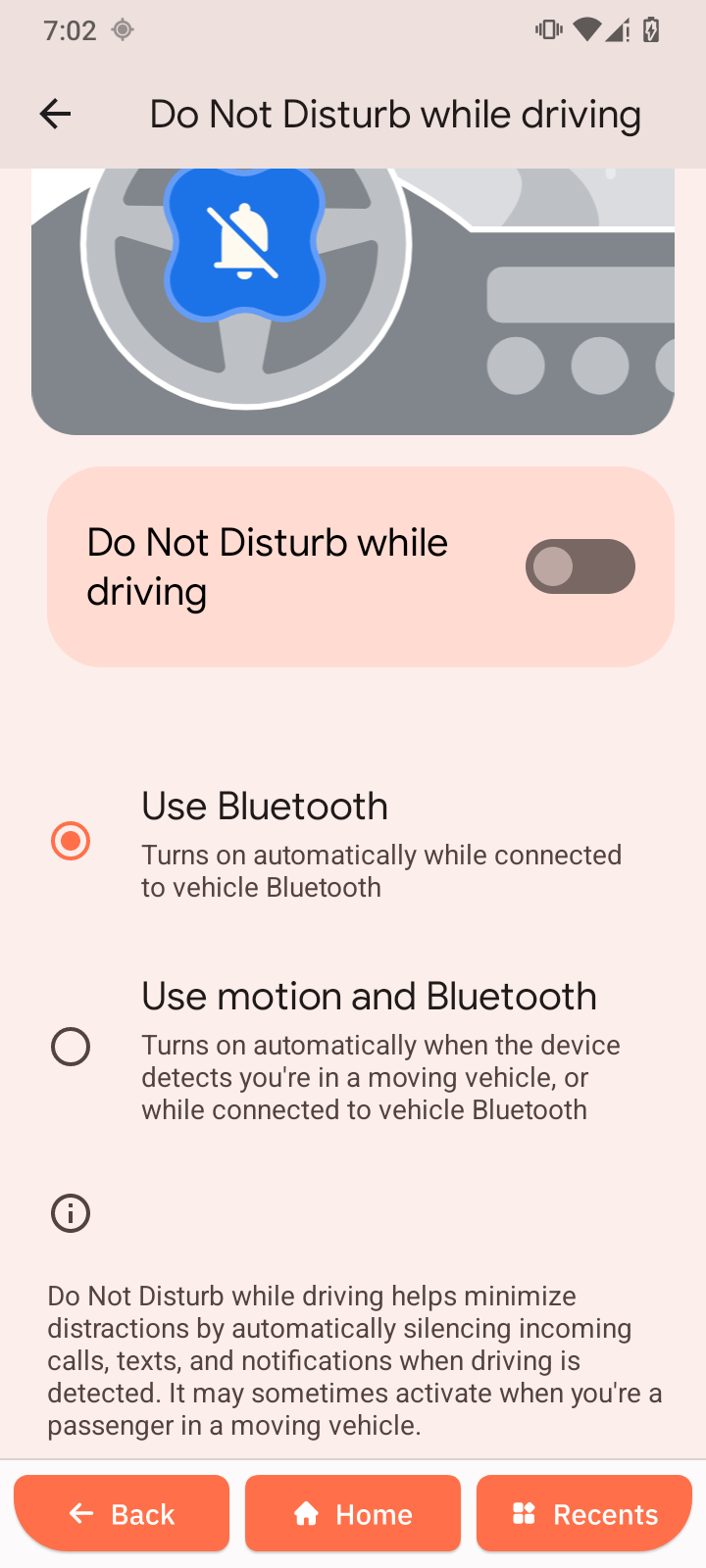
Do Not Disturb mode while driving.
-
Open Silence notifications while driving.
-
Tap Do Not Disturb while driving to turn it on or off.
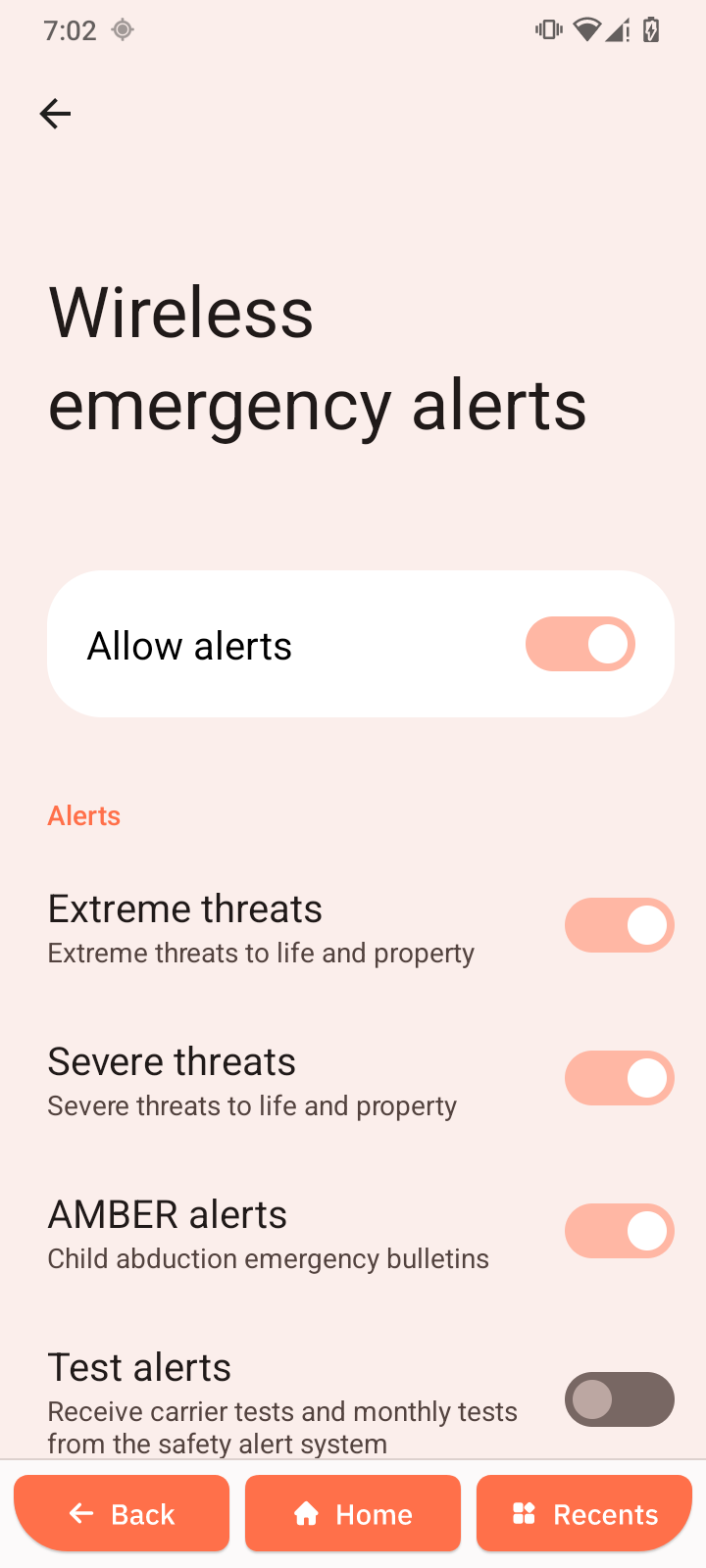
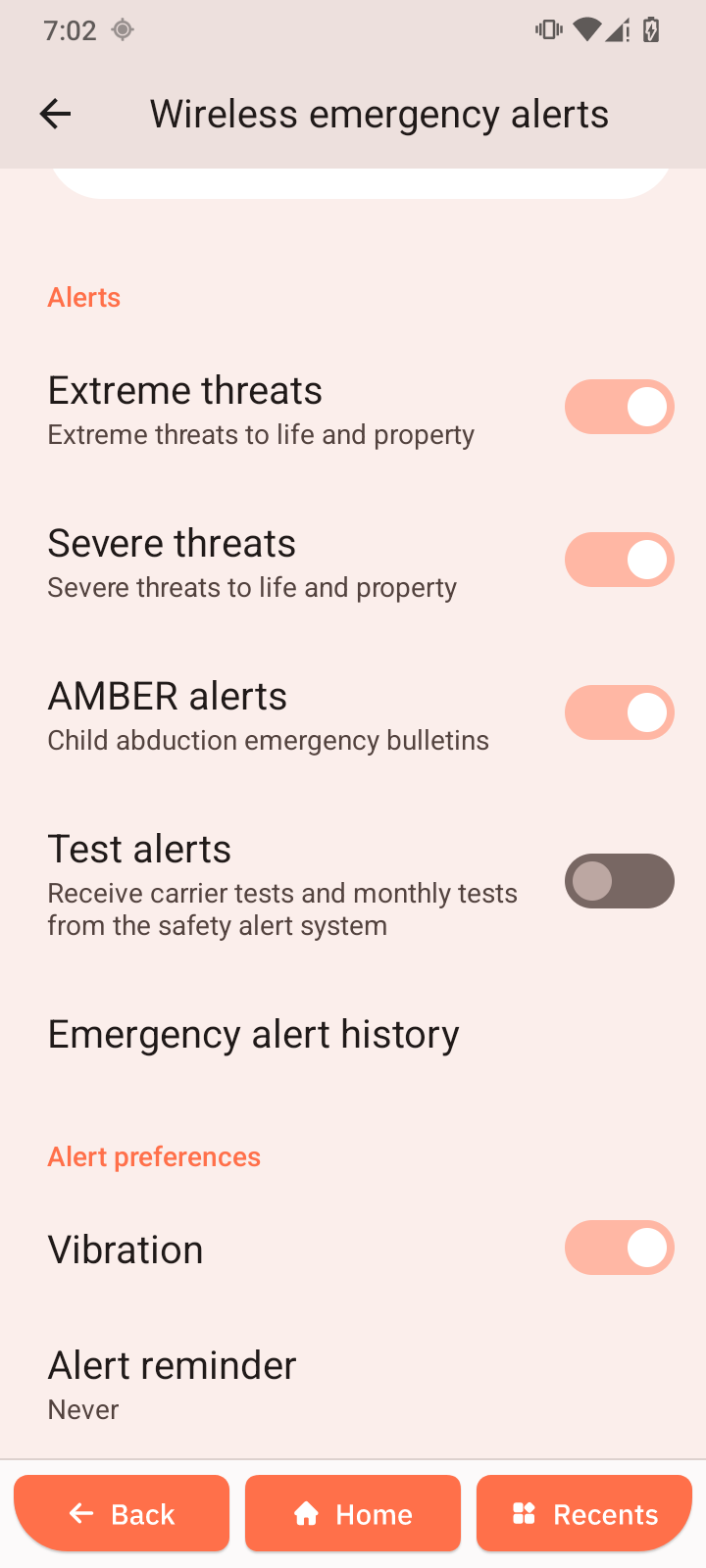
Wireless emergency alerts
Receives important alerts from authorities, such as weather warnings and safety notifications.
-
Open Wireless emergency alerts.
-
Tap Allow alerts.
-
Enable the types of alerts you want to receive.