General Settings
Overview
In the General Settings screen, you manage the language and other important Senifone settings. You can open General Settings easily from the Home screen.
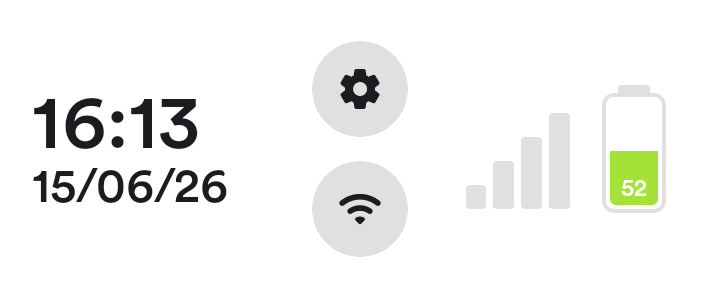
- Open Settings from the Home screen by pressing the gear icon.
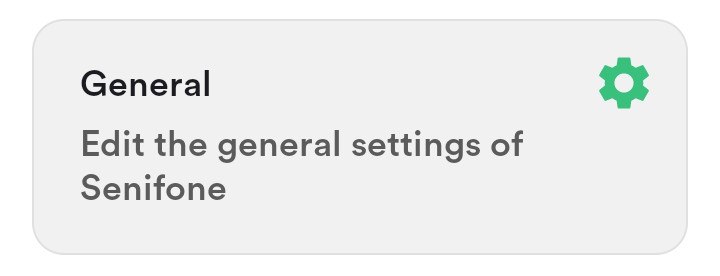
- Press General.
Change language
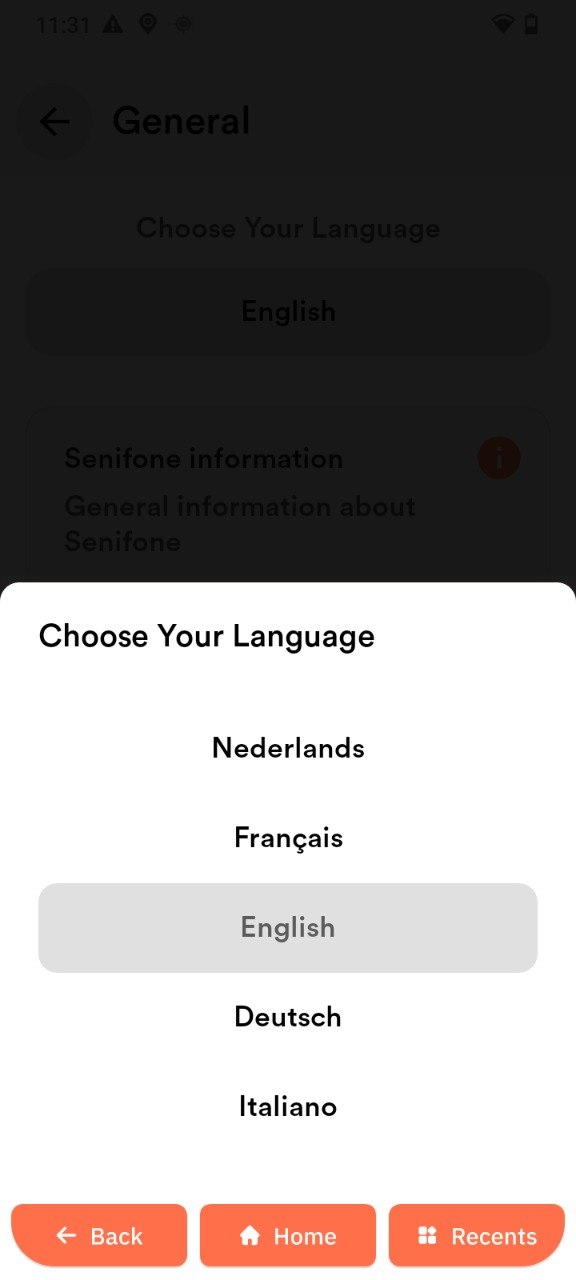
In General Settings, you can change the system language.
- Press the language selector.
- Select your preferred language. The language updates immediately after selection.

Senifone information
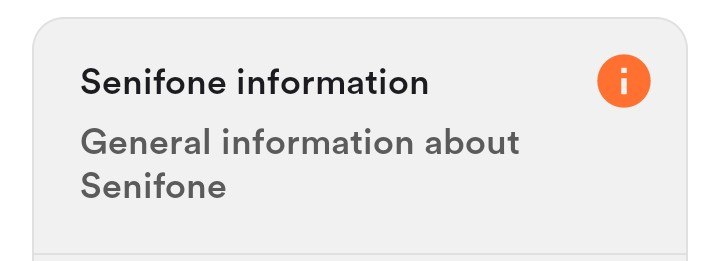
In General Settings, you can view specific Senifone information. Review several important details about the device here.
- Version
- Support PIN
- IMEI
- Storage
- Press Senifone information in the General Settings menu to view the details above.
Check updates
In General Settings, you can check the system for updates.
- Press Check updates.
- Follow the on-screen instructions. If no update is available, you will receive a confirmation.
Companion
In General Settings, you can set up the Companion app.
- Press Companion in the General Settings menu.
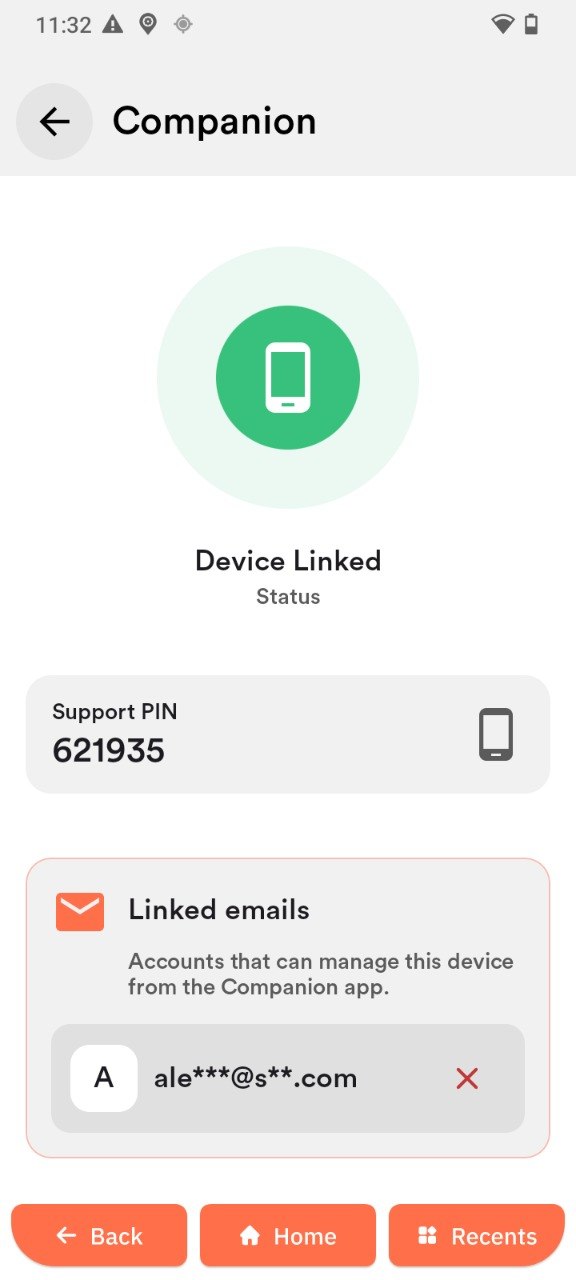
View device status
- Open Companion.
- Check the Device linked status.
Use the support PIN
- Open Companion.
- Find the Support PIN.
- Enter the PIN in the Companion app on another device.
Manage linked email addresses
- Open Companion.
- Scroll to Linked emails.
- Check the displayed accounts.
Remove access:
- Press the Remove icon next to an email address.
Factory Reset Launcher
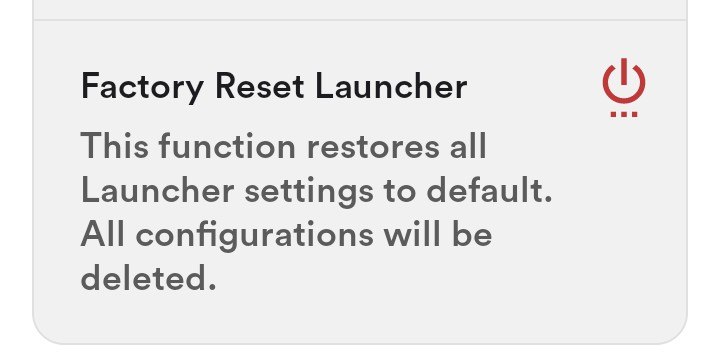
In General Settings, you can reset the Launcher (Senifone system environment settings) or fully restore the phone to factory settings.
- Press Factory Reset Launcher in the General Settings menu.
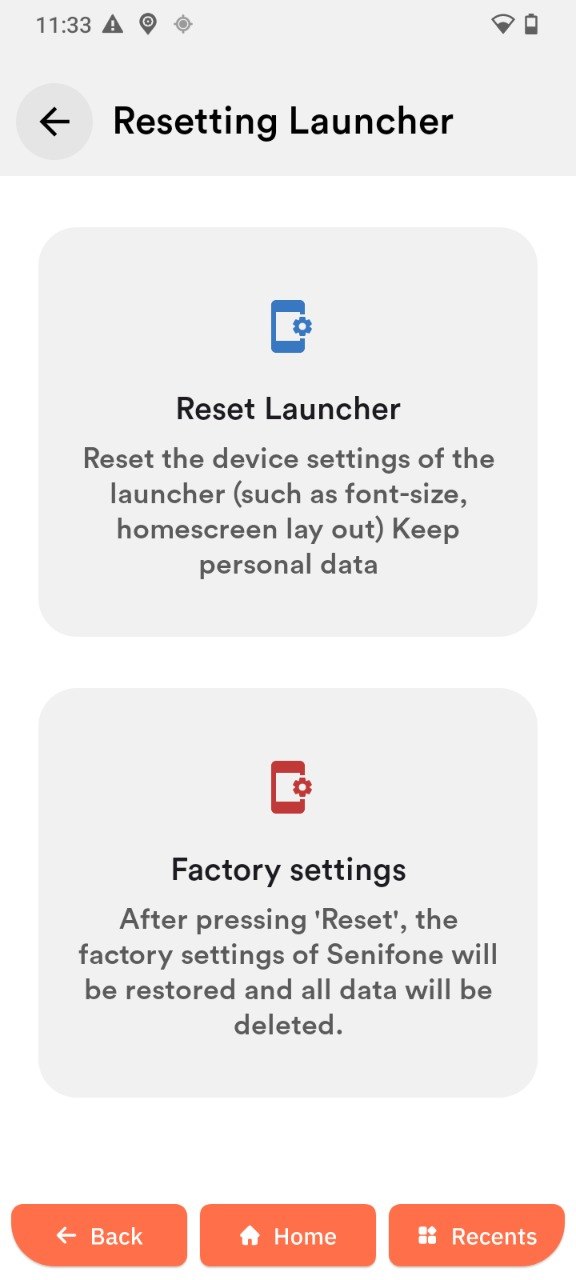
- Choose between Reset Launcher and Factory settings.
- After choosing, press Reset now.

The time needed to reset depends on your choice and the amount of data on your device. Do not turn off the device while it is resetting.
- Reset Launcher: Resets the Launcher device settings and keeps personal data.
- Factory settings reset: Restores all Senifone factory settings and deletes all data.