System Settings
Overview
In this section, you can adjust the main settings of your phone.
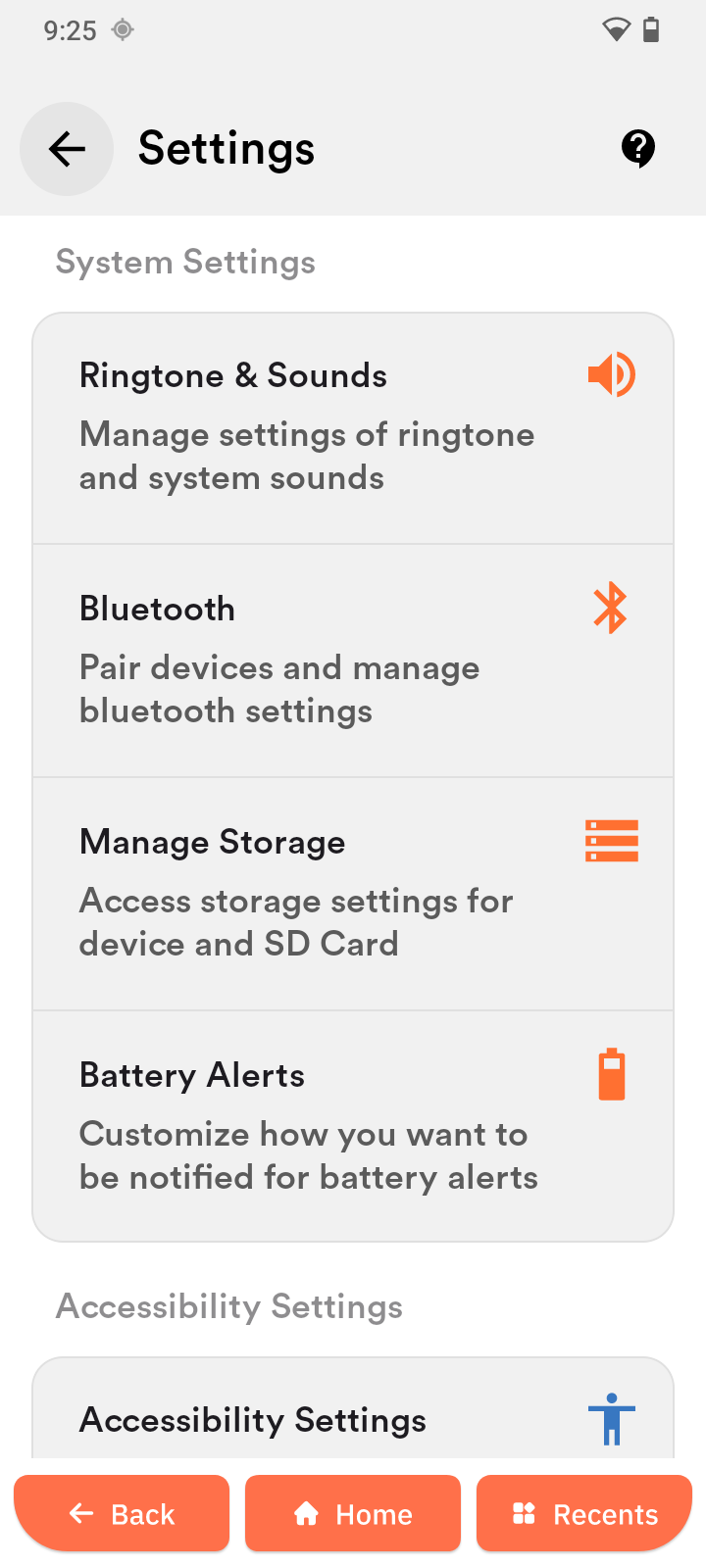
Ringtone & Sounds
Control volume levels and sound behavior.
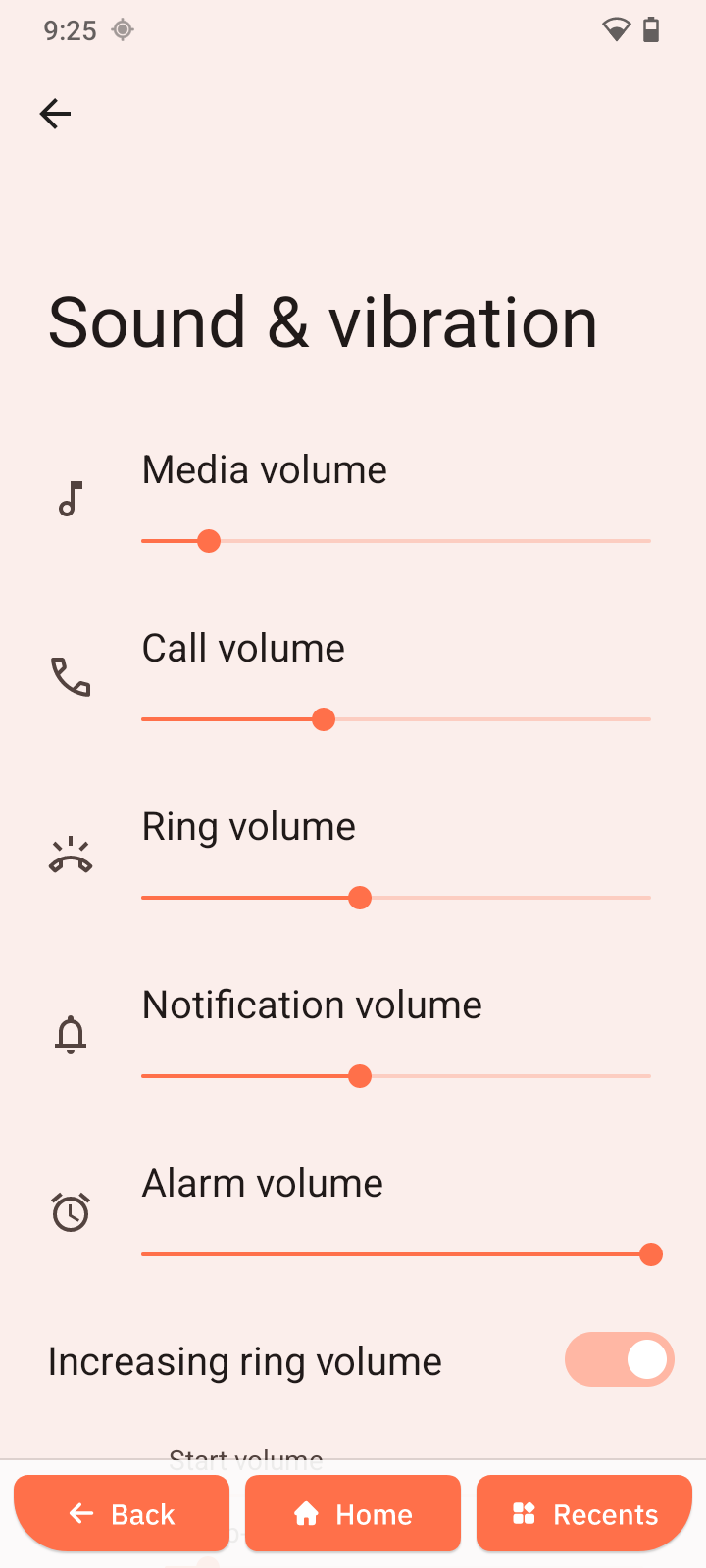
Volume Controls
- Media volume
- Call volume
- Ring volume
- Notification volume
- Alarm volume
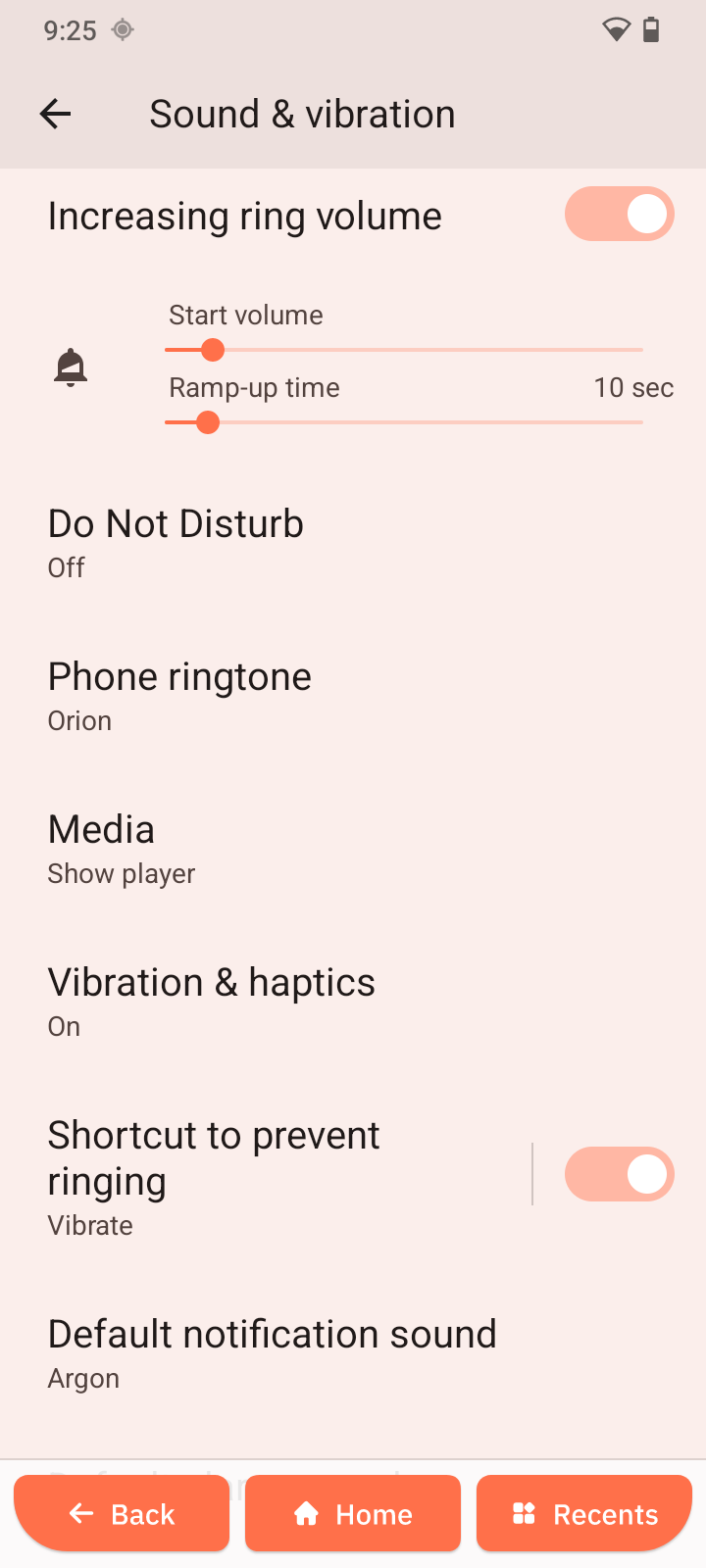
Key Features
- Increasing ring volume - gradually raises ringtone volume
- Do Not Disturb - silences interruptions
- Vibration & haptics - adjust vibration strength
Sound Settings
- Phone ringtone
- Media
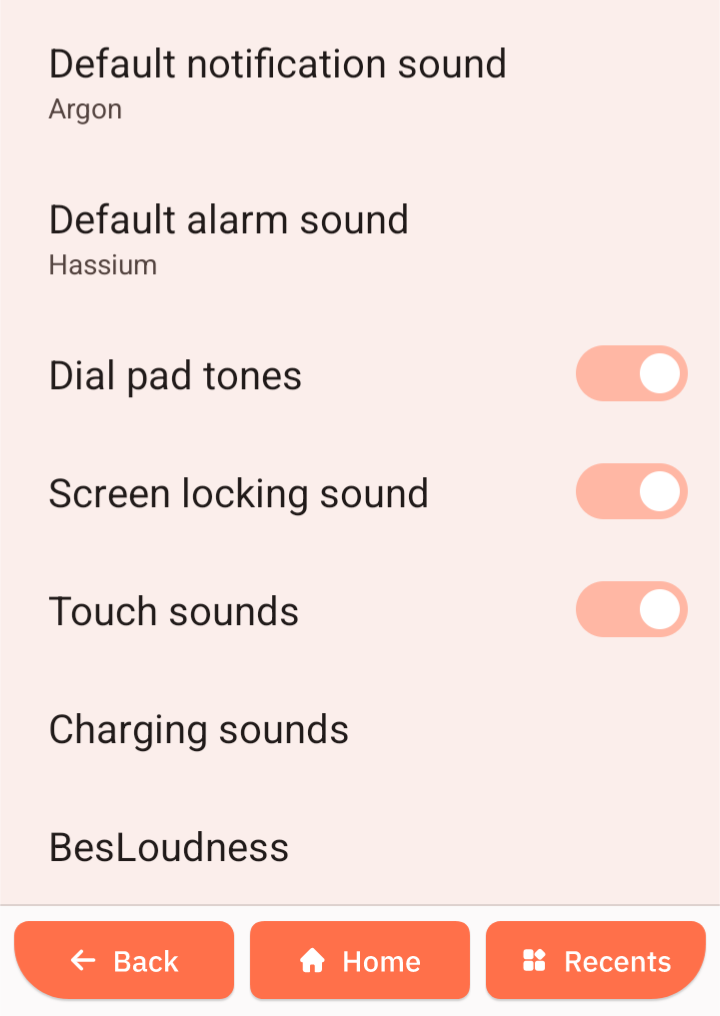
- Default notification sound
- Default alarm sound
System Sounds
Enable or disable:
- Dial pad tones
- Screen locking sound
- Touch sounds
- Charging sounds
BesLoudness
Enhances audio clarity and loudness.
Bluetooth
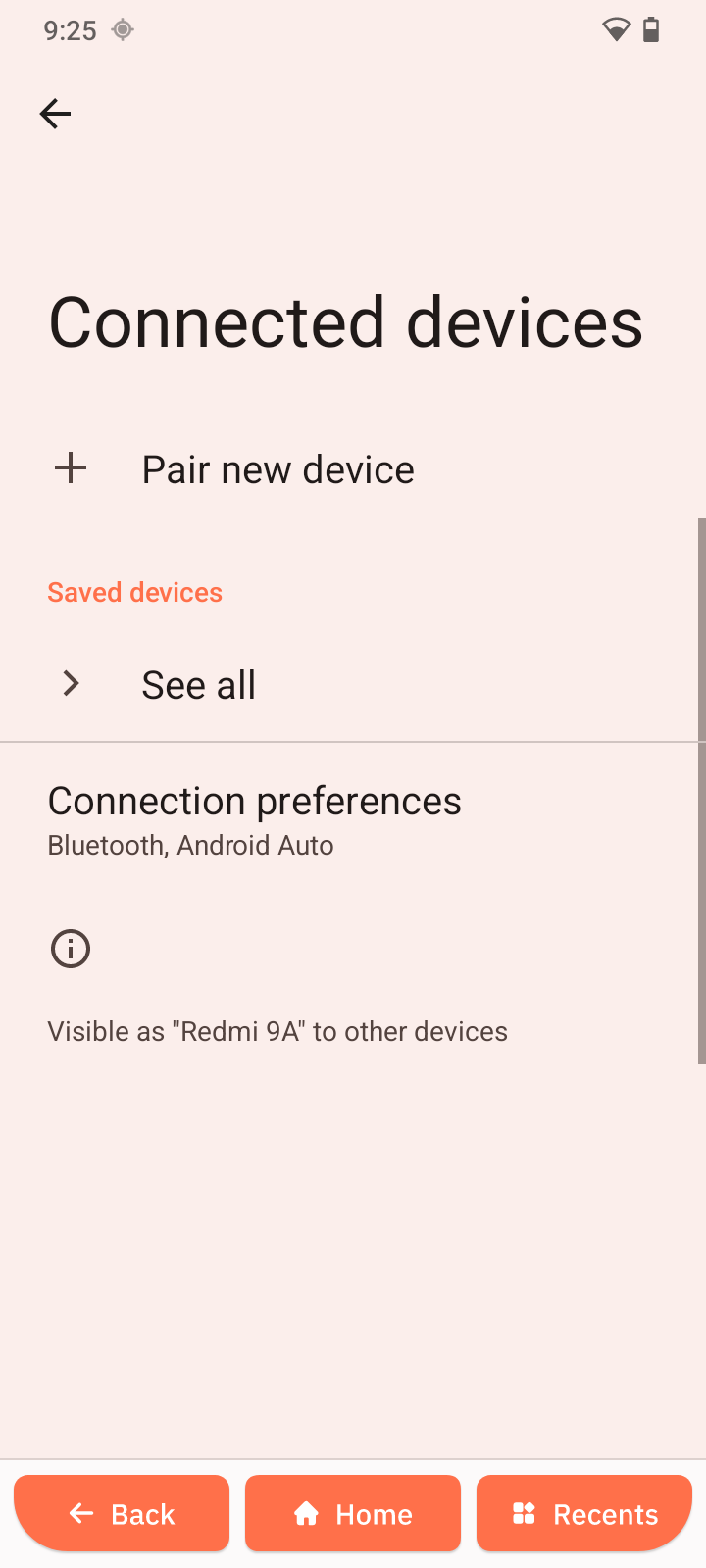
This section lets you manage Bluetooth, USB connections, and other external devices.
Manage USB Connection
USB setting is only visible when you actually connect the device to PC via USB.
- Open Settings.
- Tap Connected devices.
- Tap USB.
- Choose a mode such as:
- Charging only
- File transfer
Pair a New Device
- Open Connected devices.
- Tap Pair new device.
- Select the device from the list.
Saved Devices
- Tap See all under Saved devices.
- Select a device to:
- Connect
- Rename
- Remove
Connection Preferences
Additional options may include:
- Bluetooth settings
- Android Auto
- Nearby device visibility
Manage Storage
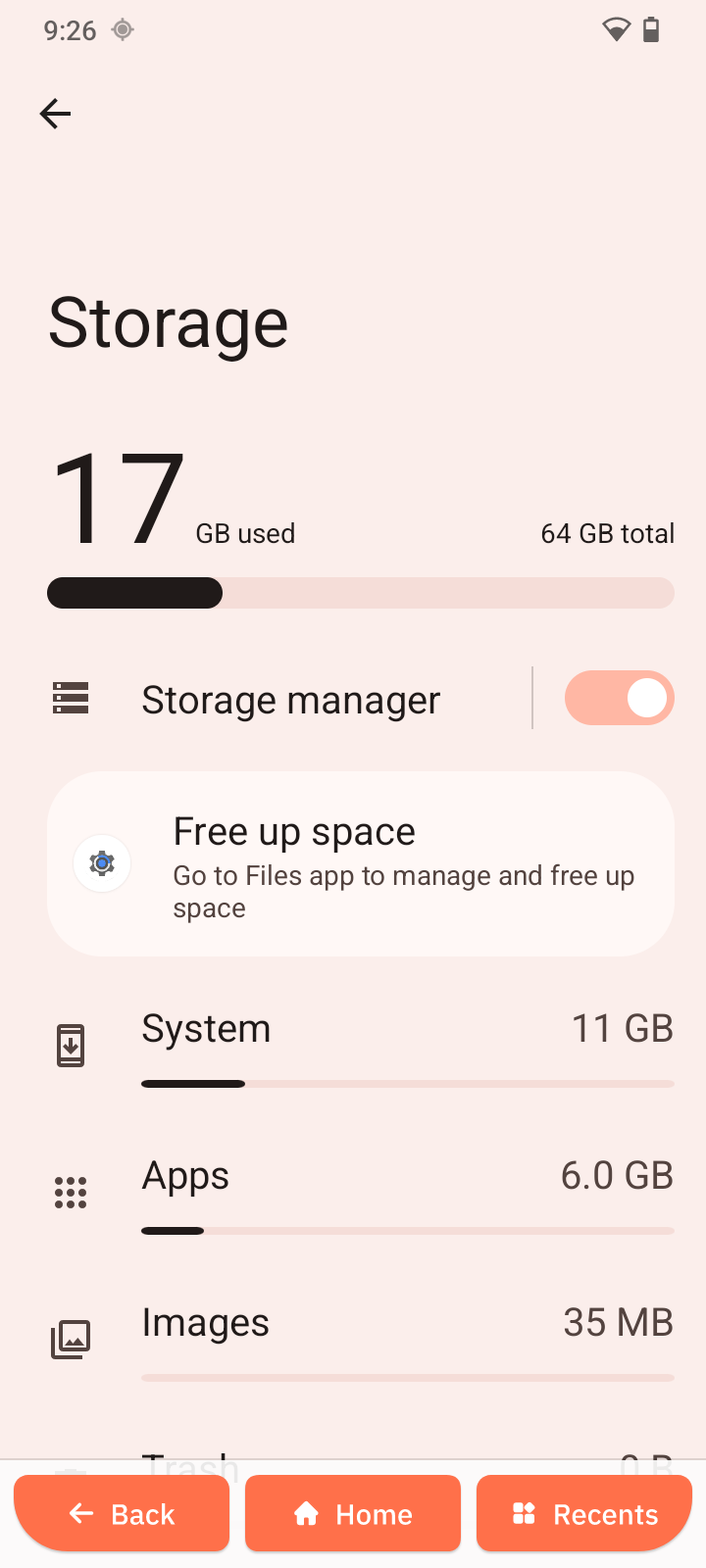
View and manage device storage.
Storage Usage
- Open Settings -> Storage.
- View categories such as:
- Apps
- Images
- Videos
- Audio
- Documents
Review and Delete Files
- Select a category.
- Review files.
- Delete unwanted items.
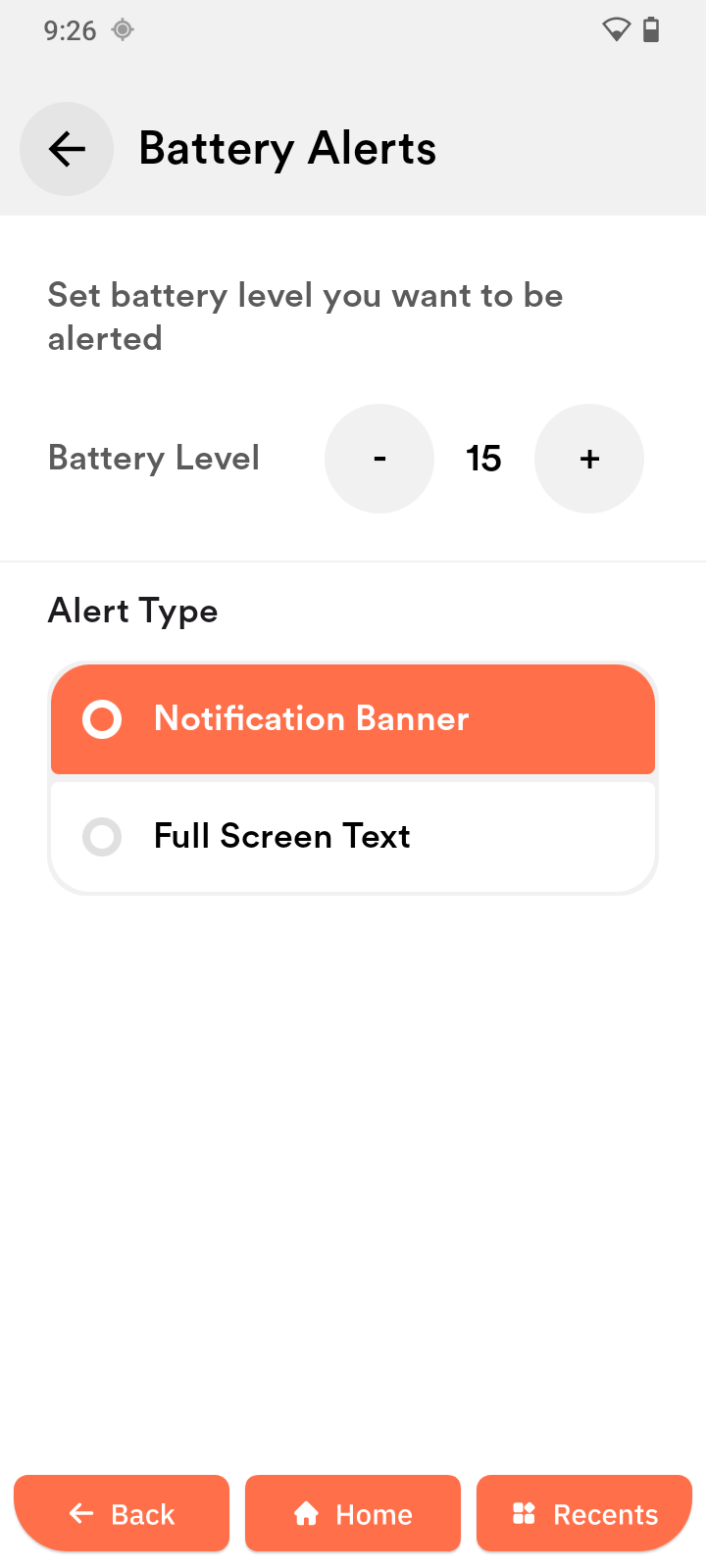
Battery Alerts
Set up reminders about your battery level and alert type (notification banner or full screen text).