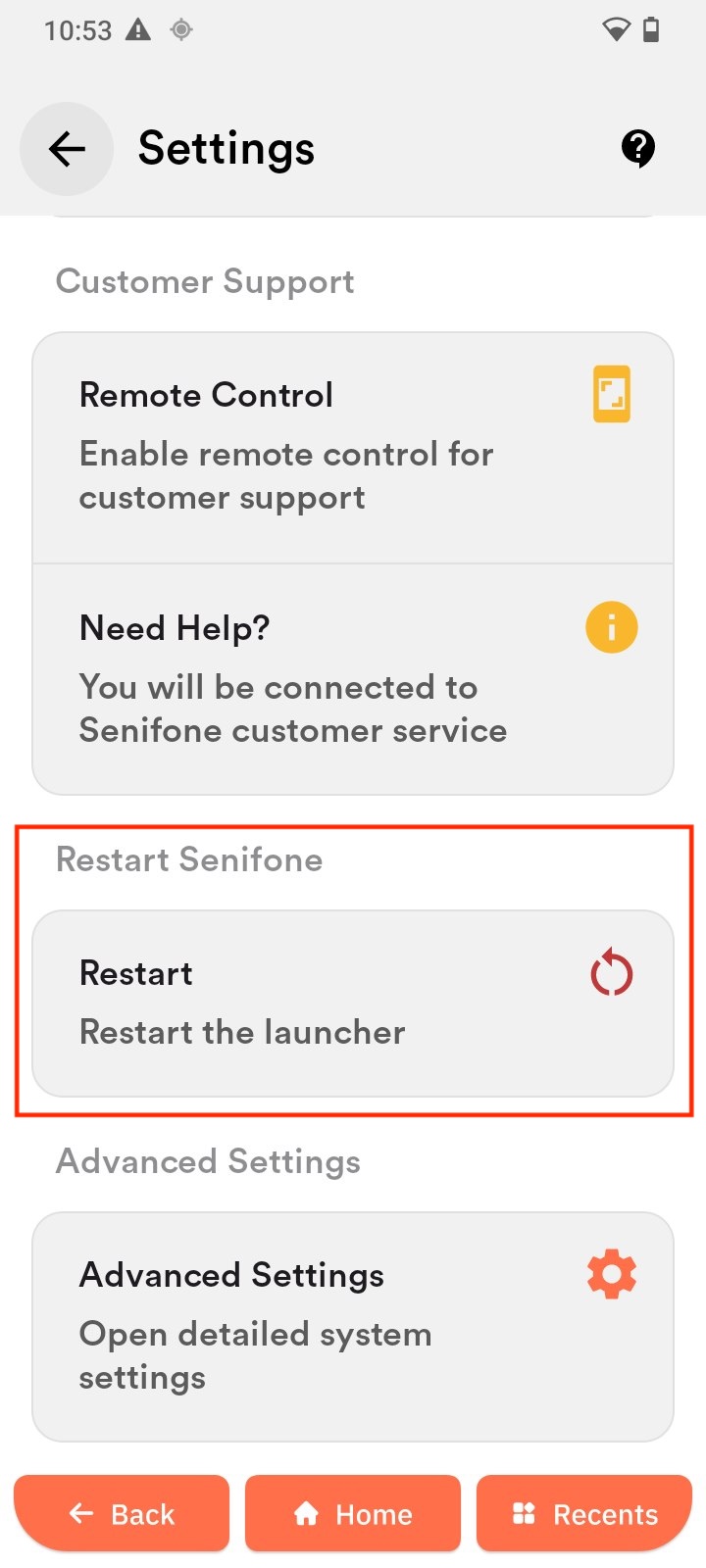
Restart Senifone
Overview
Restarts the home screen interface of the device.
Restart launcher
- Tap Restart launcher.
- Wait a few seconds for the home screen to reload.
When to use
- If the home screen is not responding.
- If icons or widgets are not displaying correctly.
- To quickly refresh the interface without restarting the device.