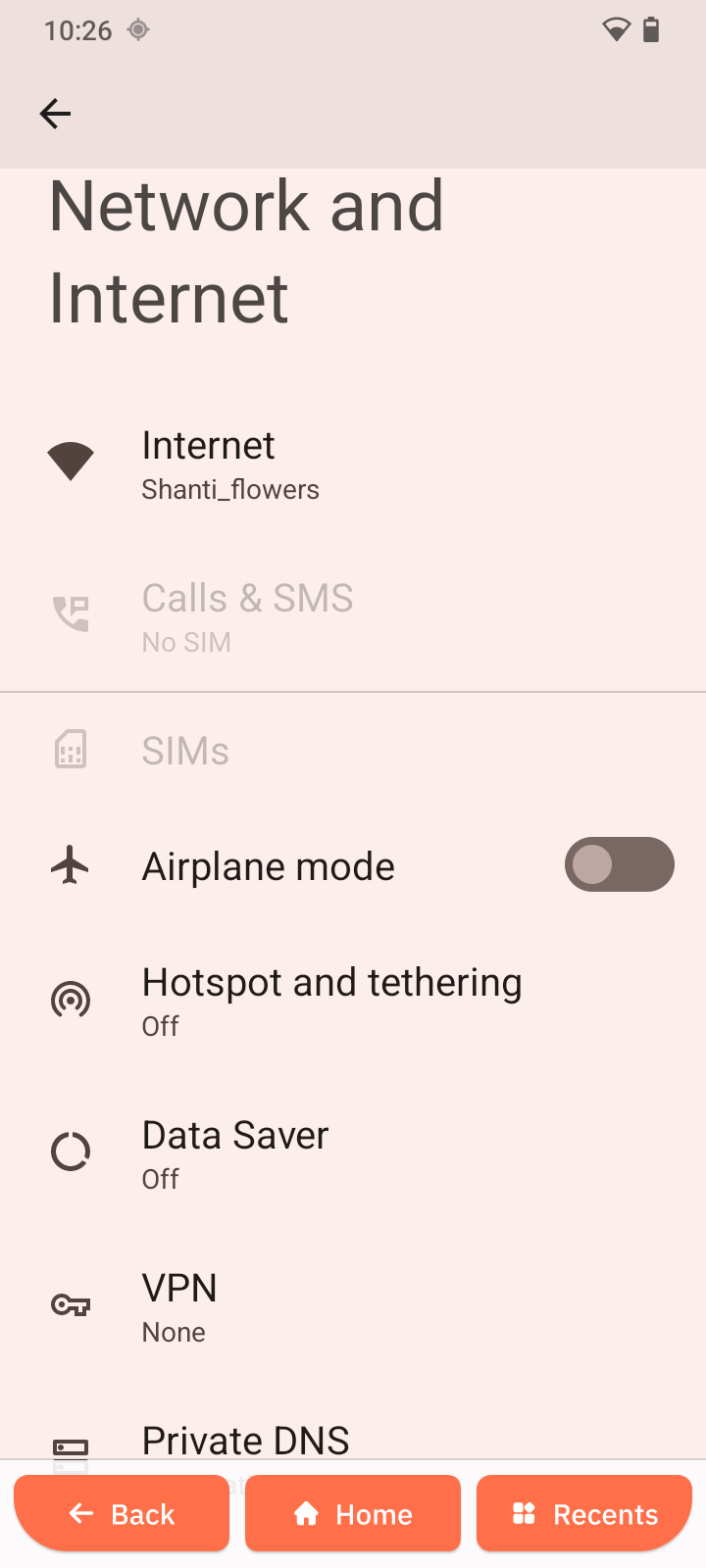
Network & Internet
Overview
The Network & Internet settings allow you to manage connectivity options.
Connect to Wi-Fi
- Open Settings.
- Tap Network & Internet.
- Tap Internet.
- Select a network.
- Enter password and tap Connect.
Calls and SMS
- Open Network & Internet.
- Tap Calls & SMS.
- Select preferred SIM.
Manage SIMs
- Tap SIMs.
- Configure:
- Mobile data
- Calls
- SMS
Other connection options
- Airplane mode
- Hotspot & tethering
- Data Saver
- VPN
- Private DNS