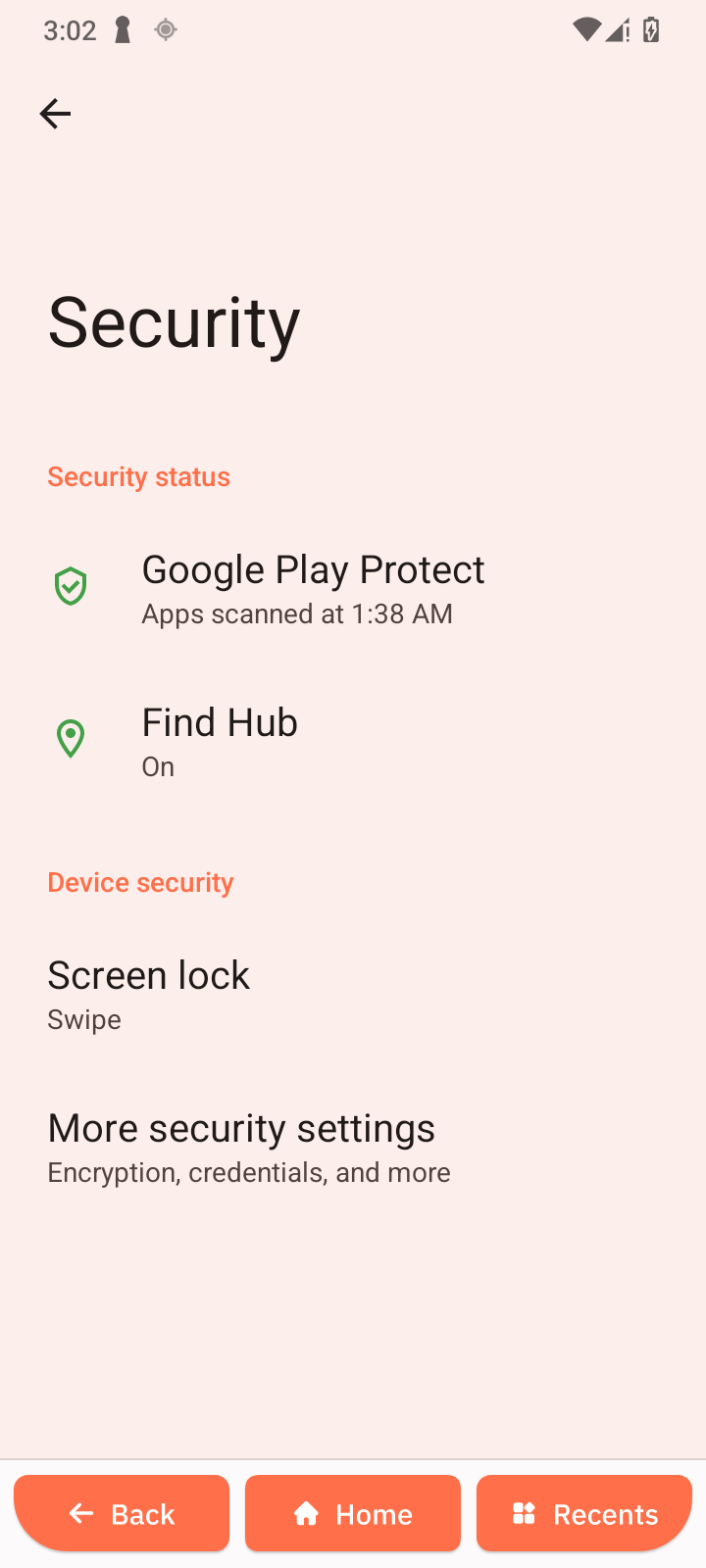
Security
Overview
Manage device protection and lock screen security settings.
Security Status
Google Play Protect
Scans apps for harmful behavior.
- Open Google Play Protect.
- Check scan status.
Find Hub
Locate your device remotely.
- Open Find Hub.
- Enable Allow device to be located.
Device Security
Screen Lock
Secure your device with a lock method.
-
Open Screen lock.
-
Choose:
- Pattern
- PIN
- Password
-
Follow setup instructions.
More Security Settings
Access additional options like encryption and credentials.