Overview
Google settings allow you to manage your Google account, connected devices, privacy, and system services.
Connected devices & sharing
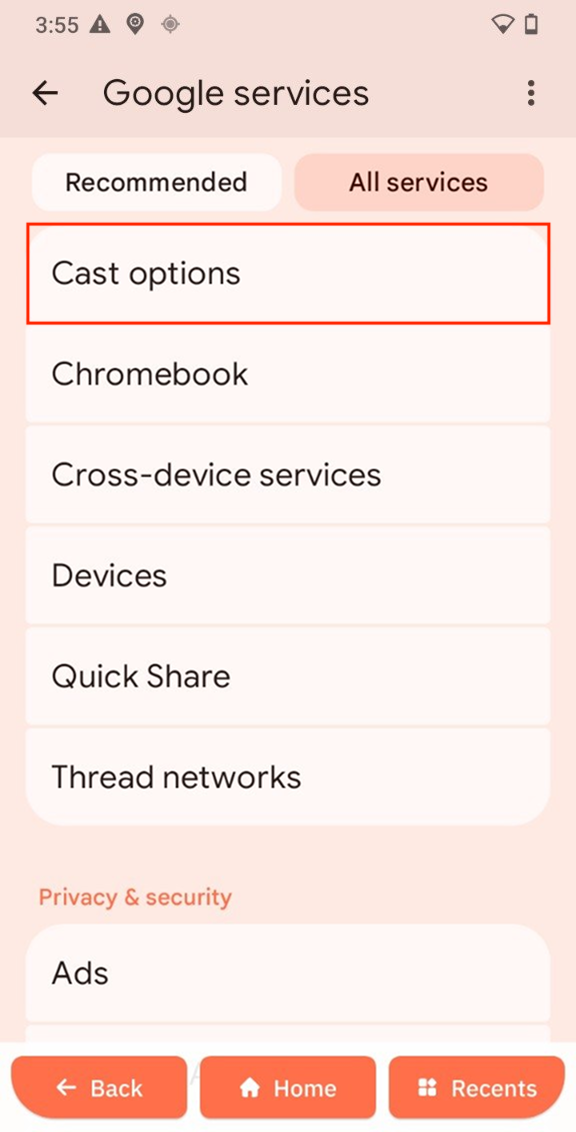
Cast options
-
Open Cast options.
-
Tap Media control notifications to turn it on or off.
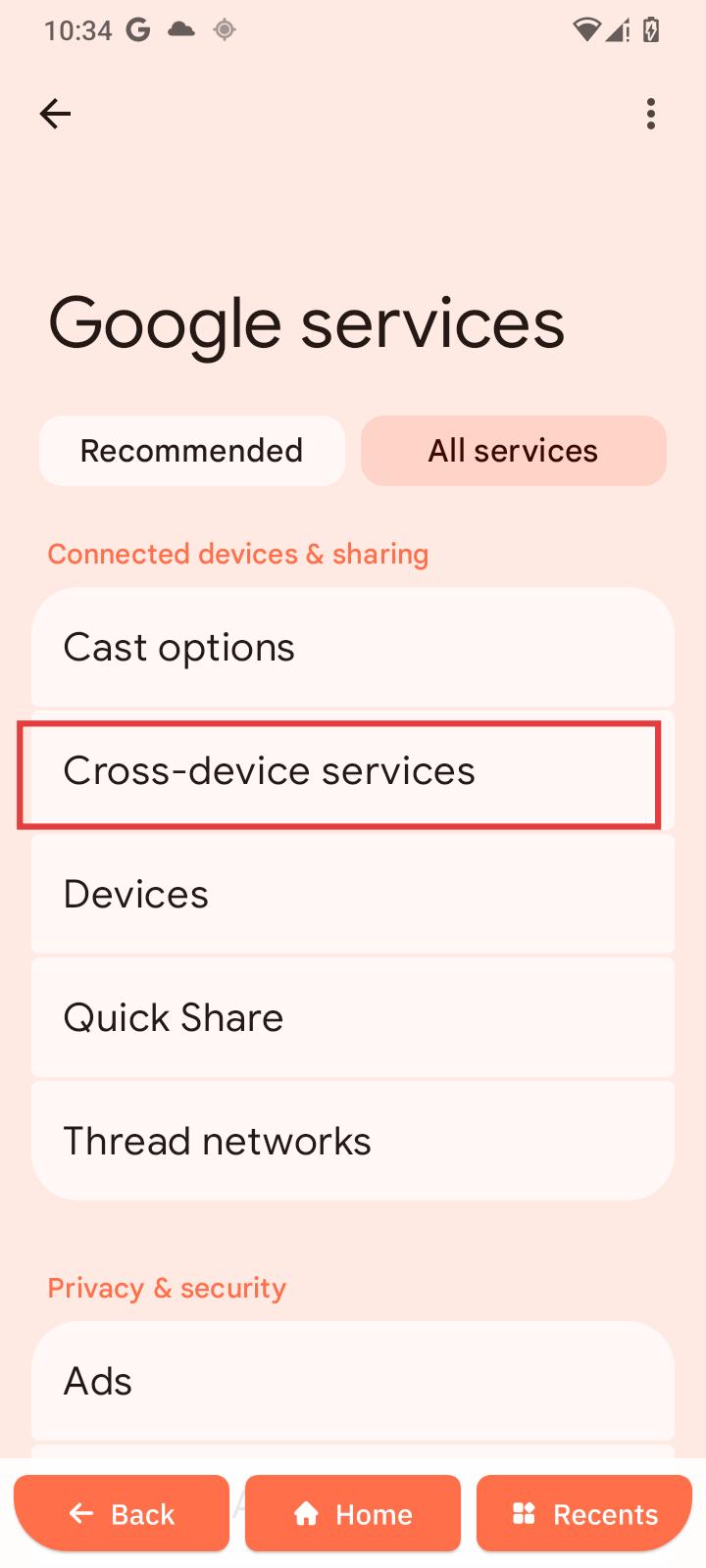
Cross-device services
-
Open Cross-device services.
-
Add a Google account.
-
Tap Use cross-device services to turn it on or off.
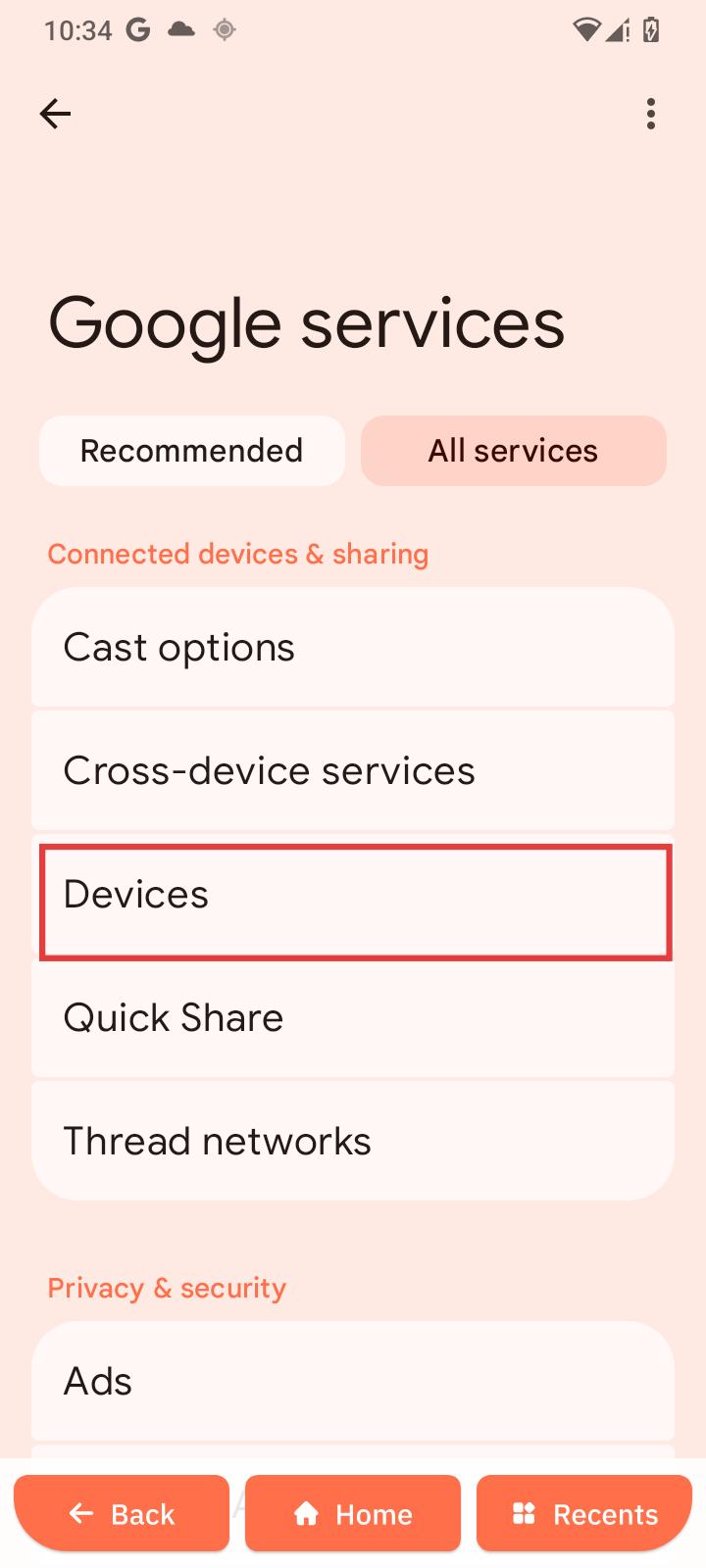
Devices
-
Open Devices.
-
View or manage connected devices.
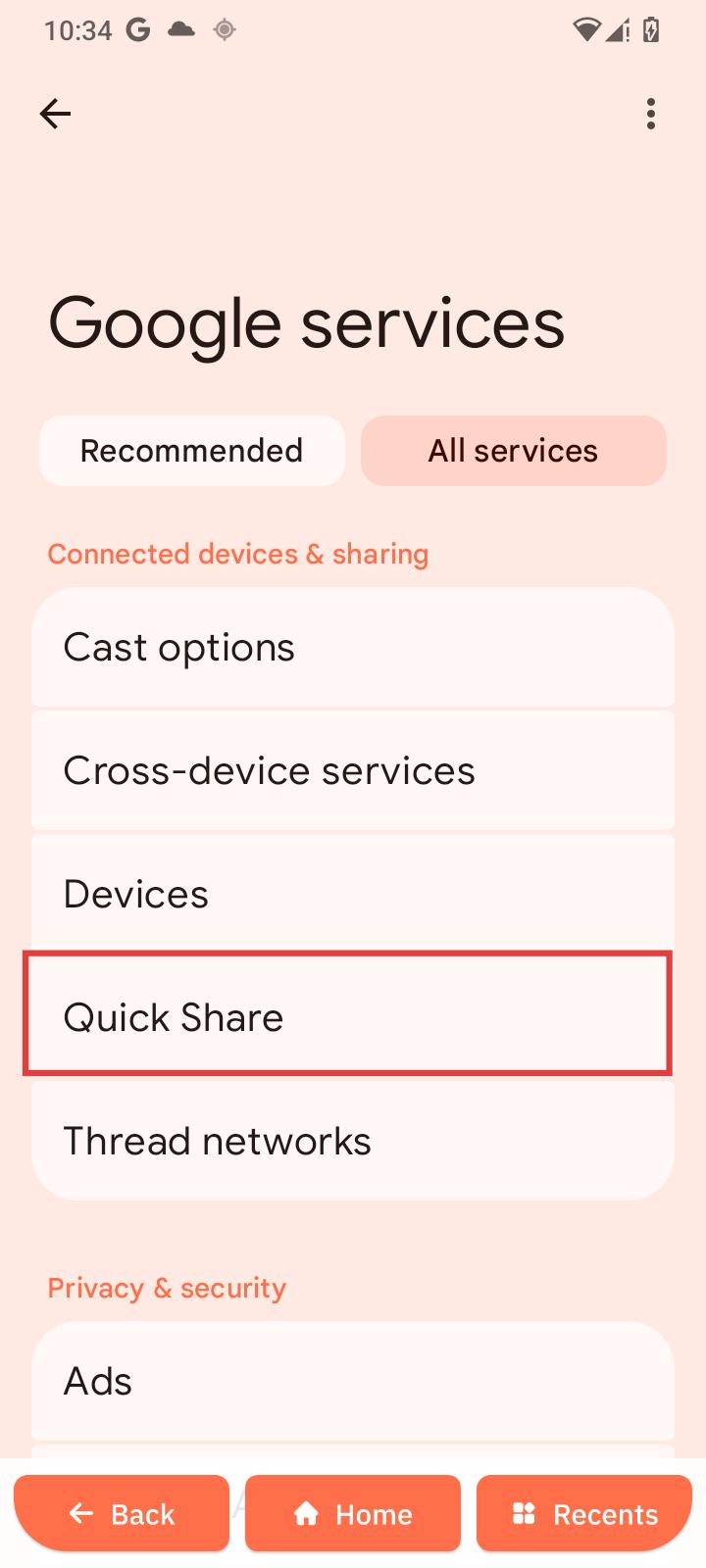
Quick Share
-
Open Quick Share.
-
Tap Receive or Send.
-
Select a nearby device.
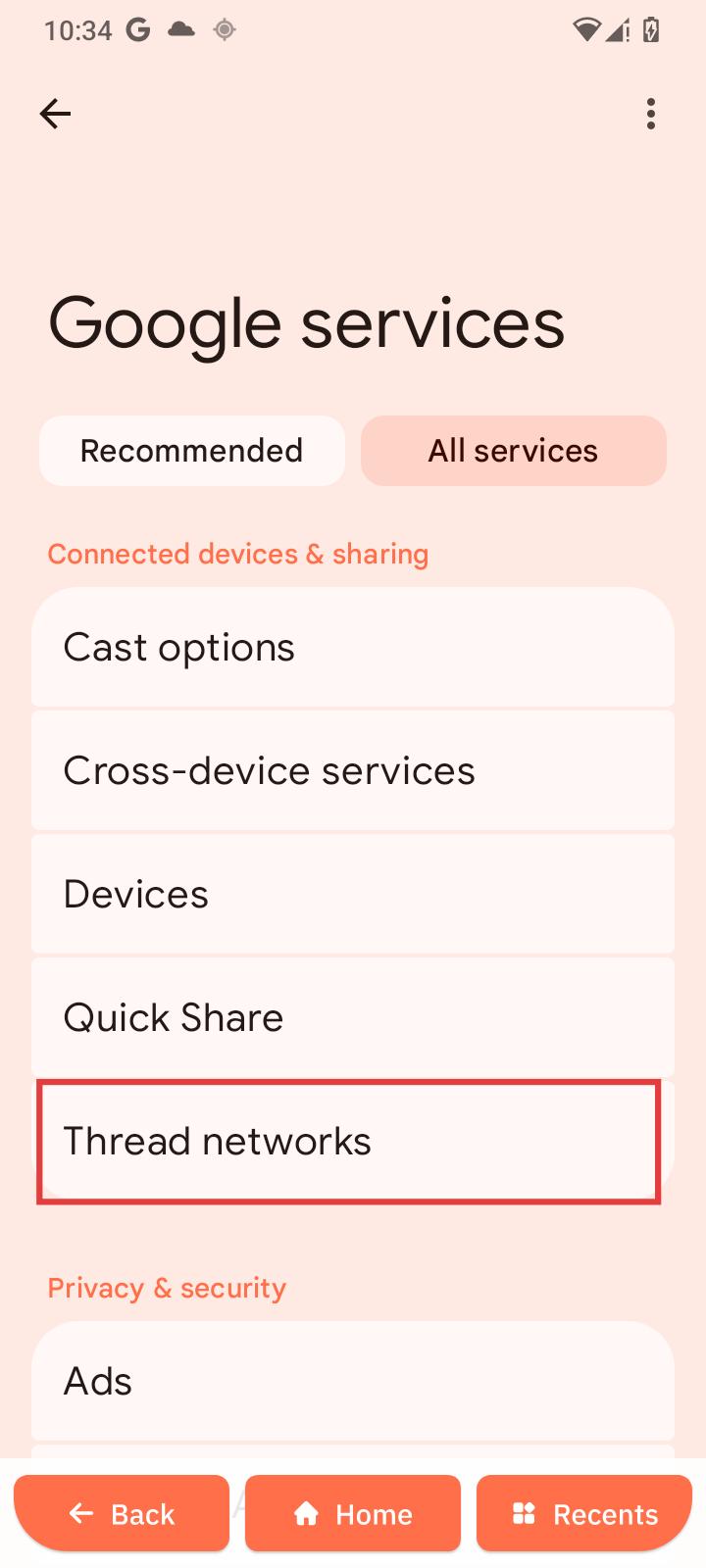
Thread networks
-
Open Thread networks.
-
Configure network options.
Privacy & security
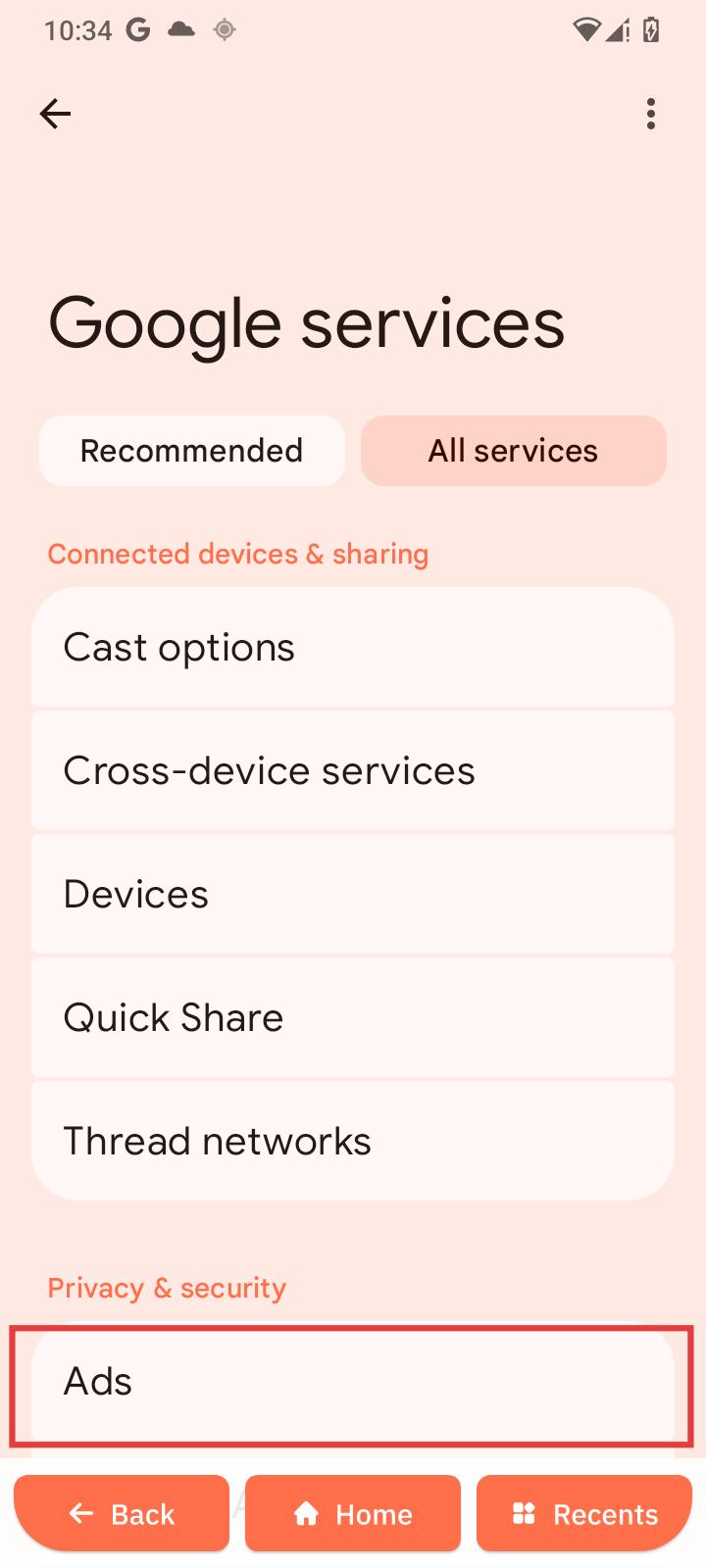
Ads
-
Open Ads.
-
Reset or delete the advertising ID.
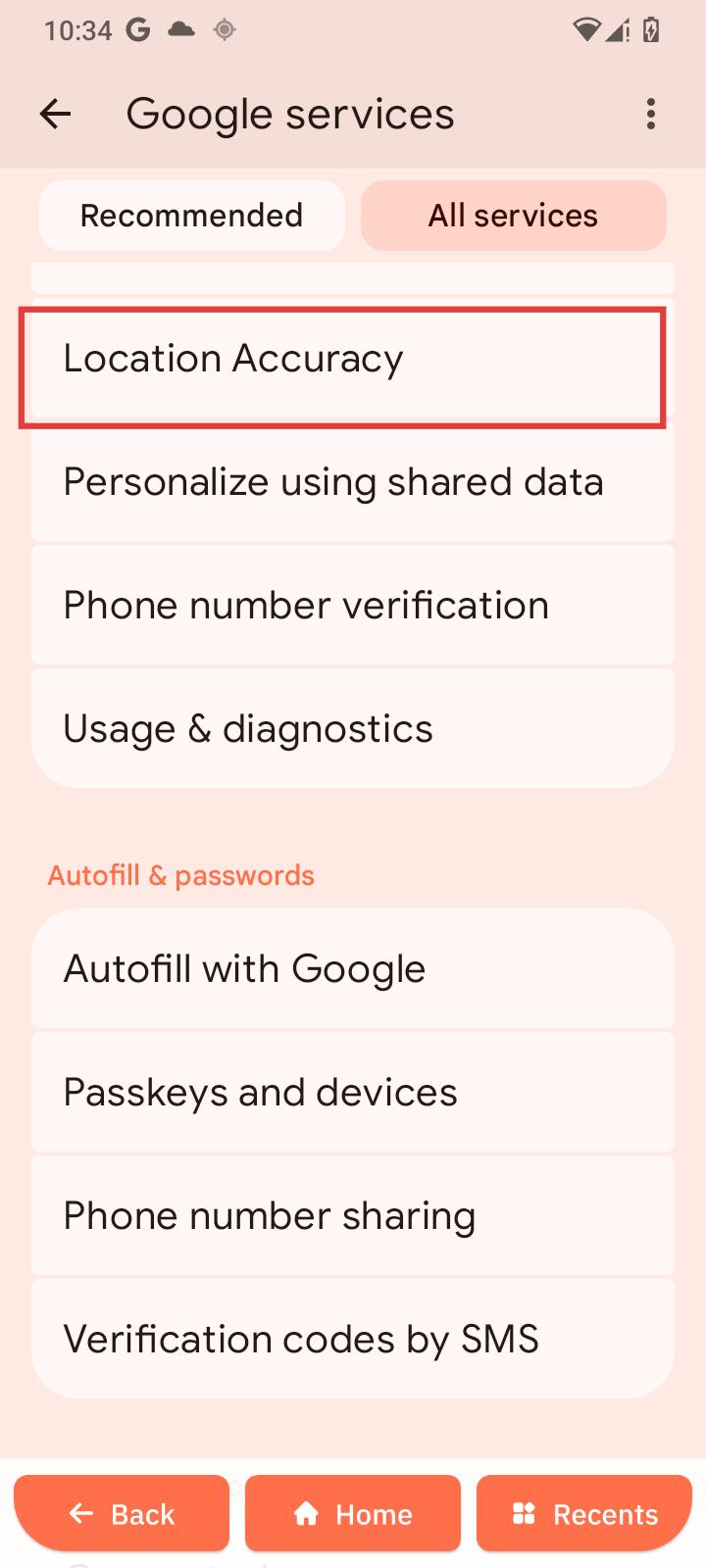
Location Accuracy
-
Open Location Accuracy.
-
Tap Improve Location Accuracy.
-
Turn it off if needed.
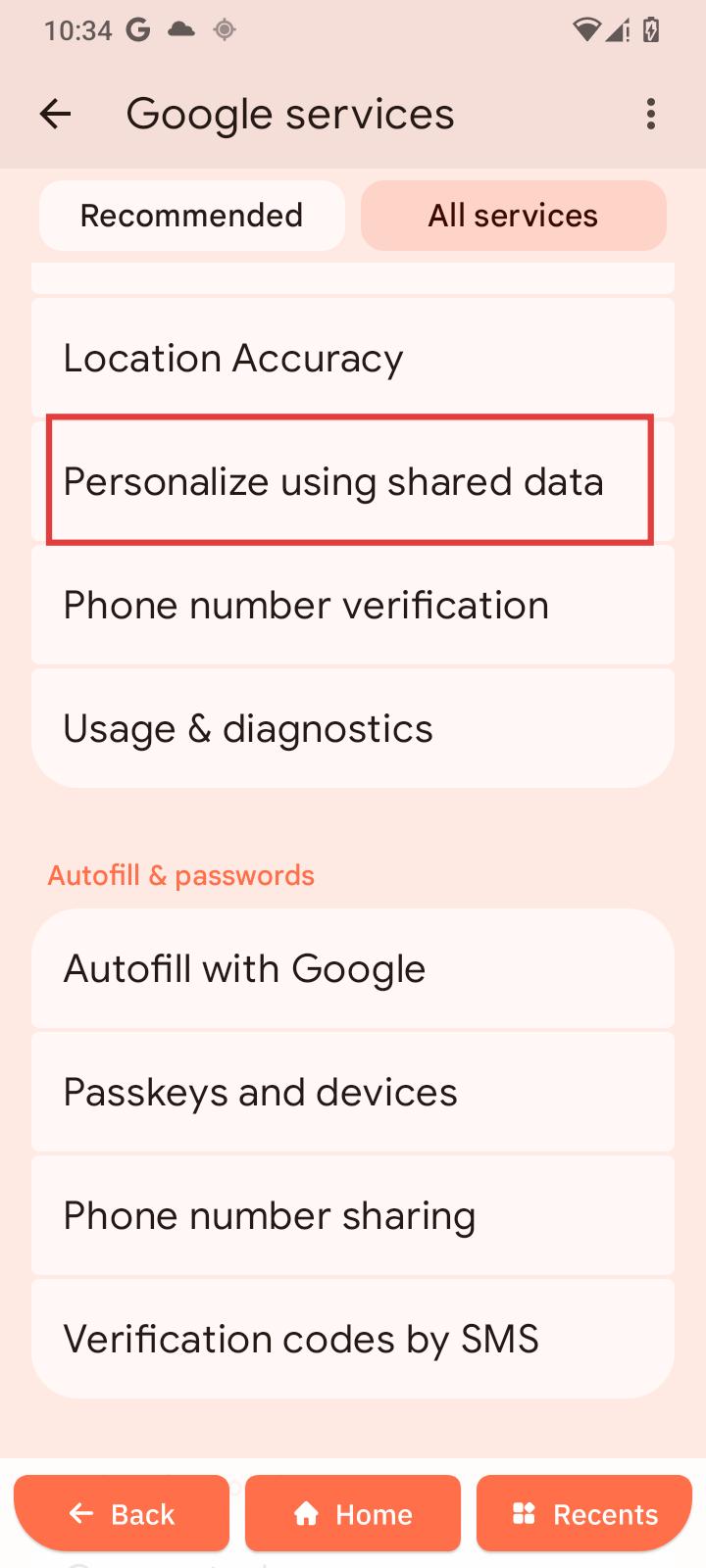
Personalize using shared data
-
Open Personalize using shared data.
-
Tap Device Contacts.
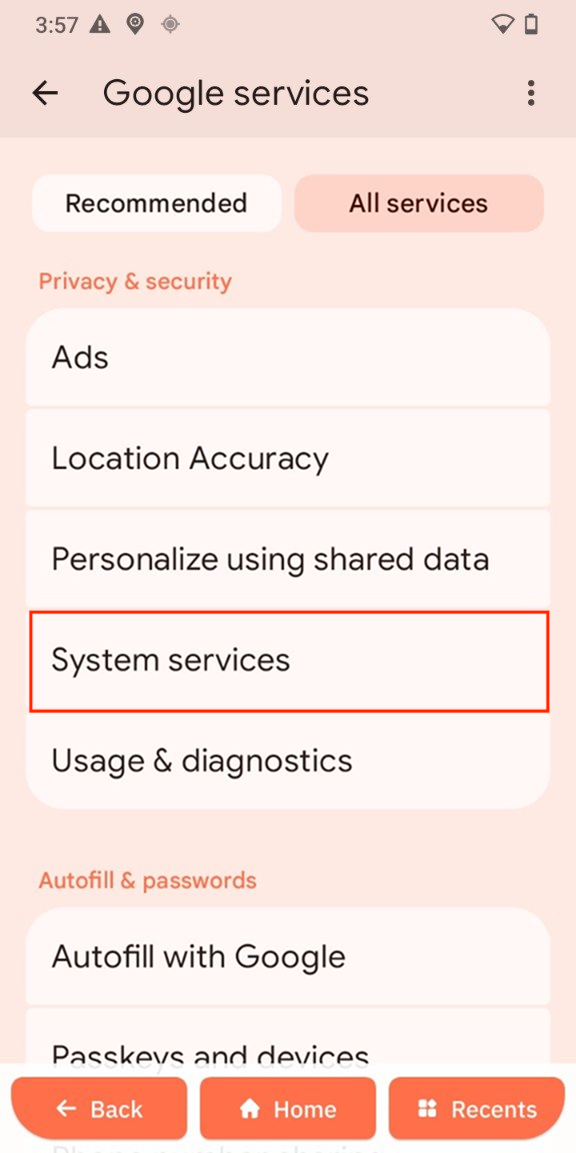
System services
Configure Google system service.
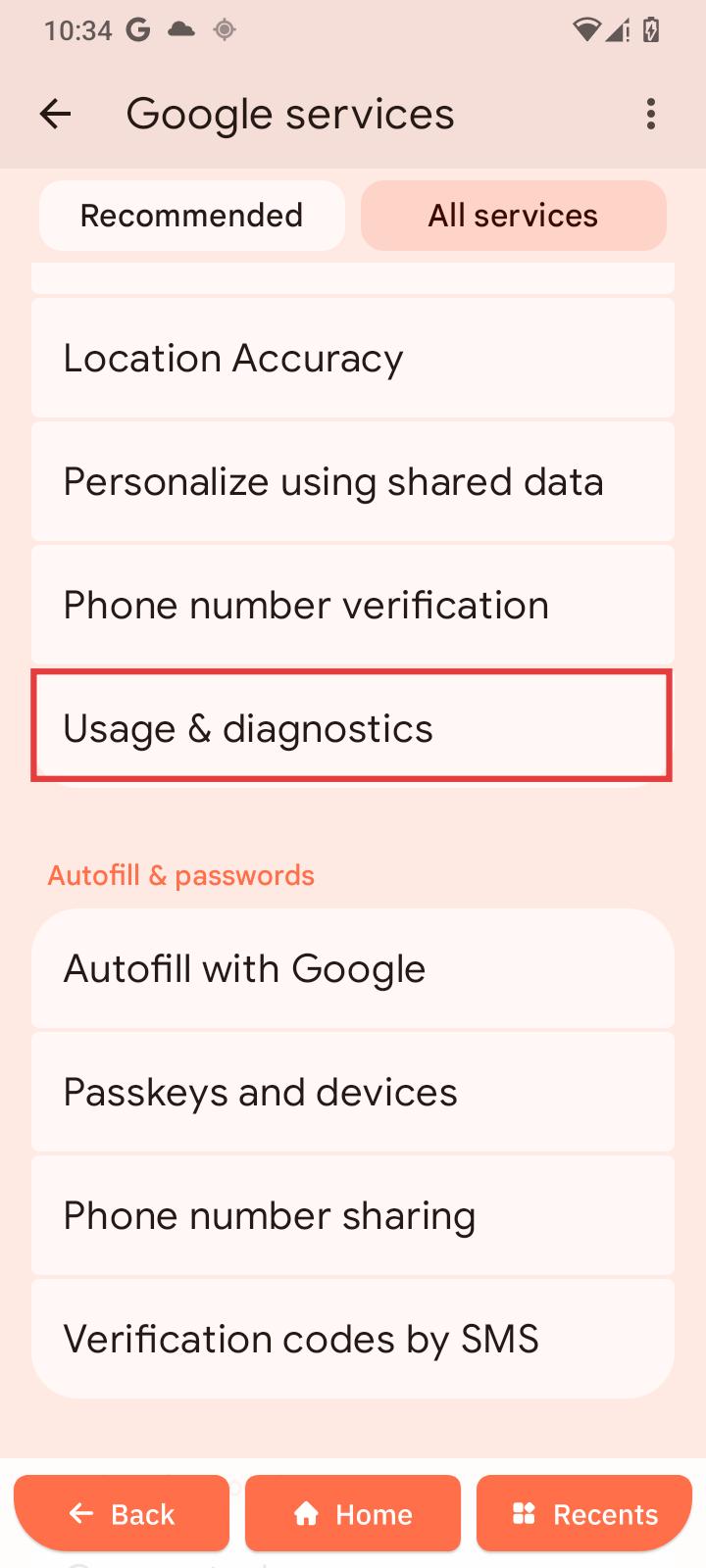
Usage & diagnostics
-
Open Usage & diagnostics.
-
Turn it on or off.
Autofill & passwords
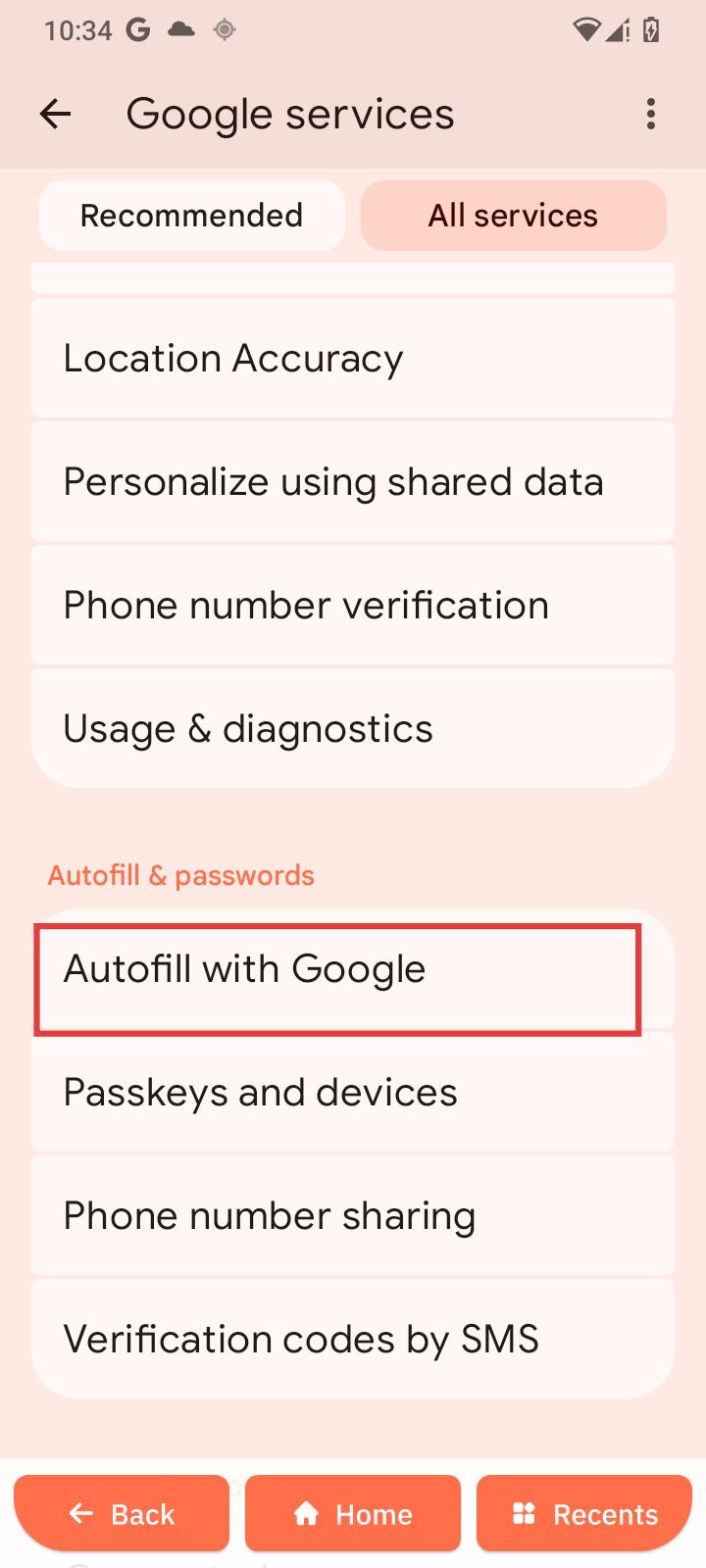
Autofill with Google
-
Open Autofill with Google.
-
Tap Continue.
-
Choose services.
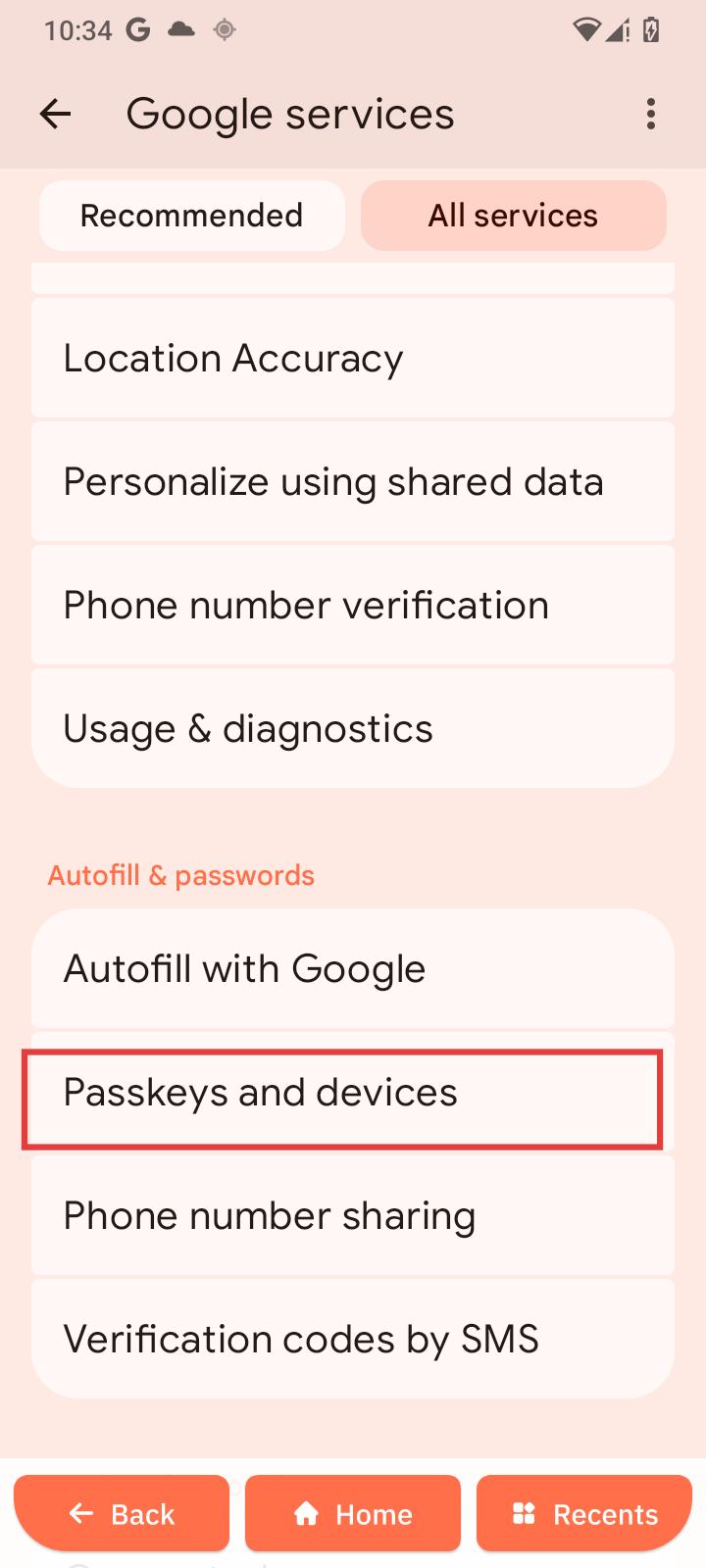
Passkeys and devices
Manage secure sign-in methods.
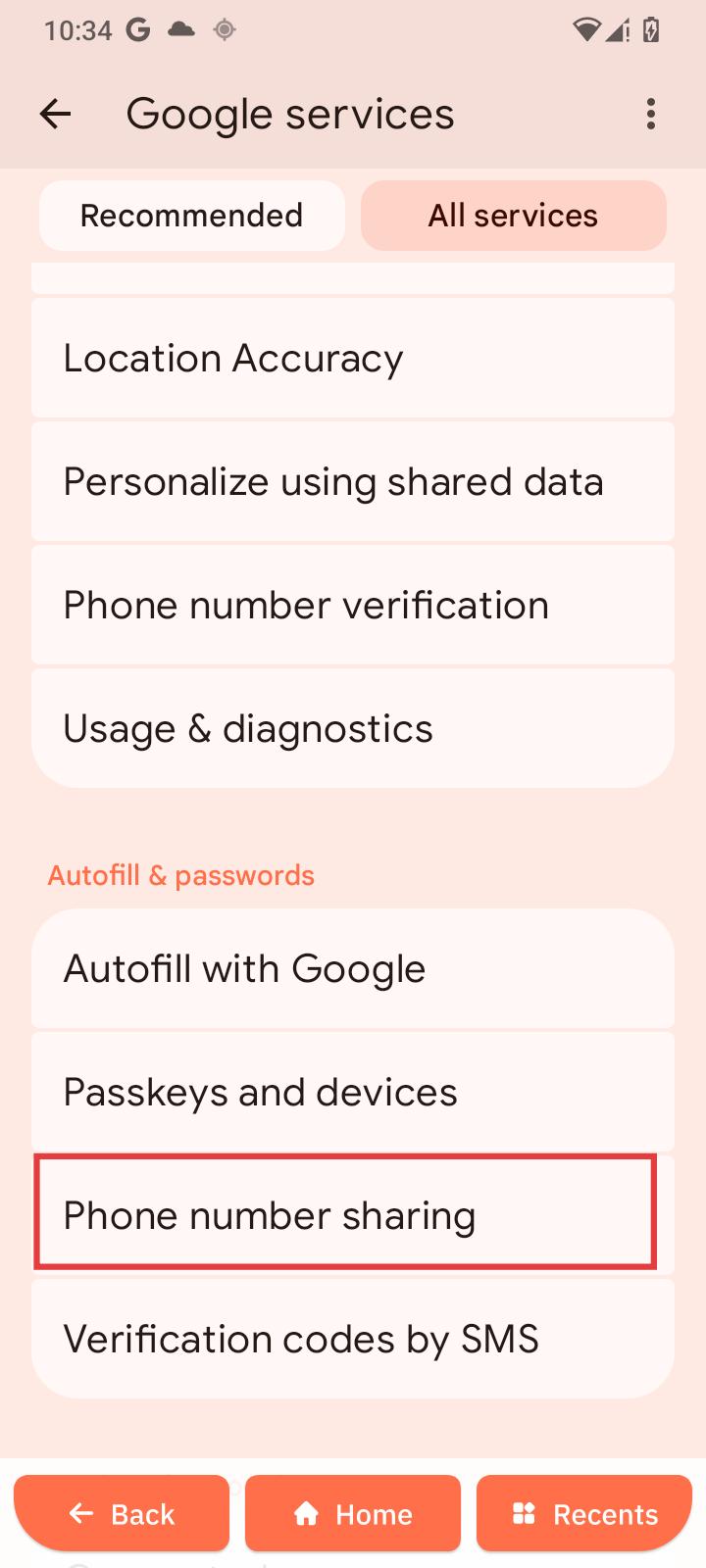
Phone number sharing
-
Open Phone number sharing.
-
Enable or disable.
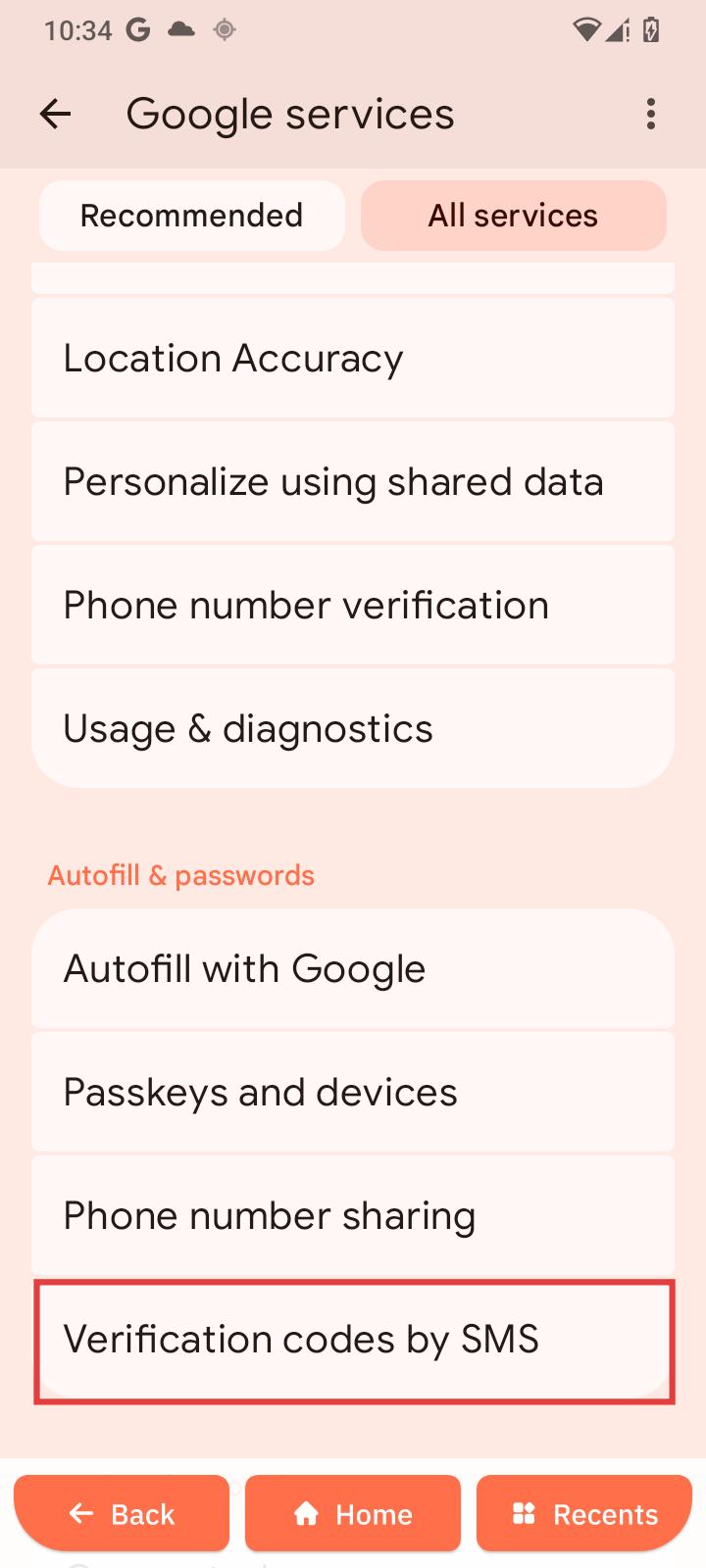
Verification codes by SMS
-
Open Verification codes by SMS.
-
Enable or disable autofill.
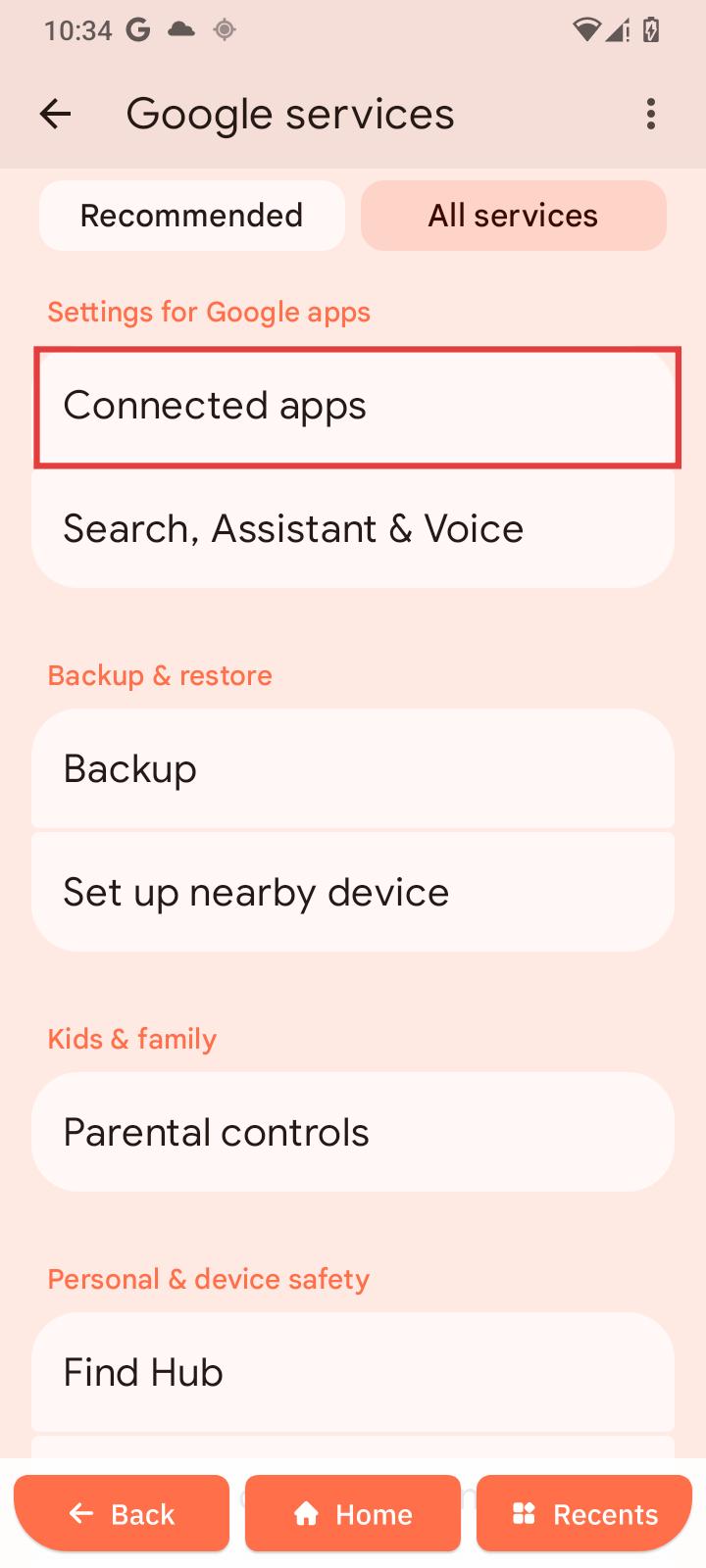
Settings for Google apps
Connected apps
-
Open Connected apps.
-
Add account if needed.
Google Fit
Manage activity tracking apps.
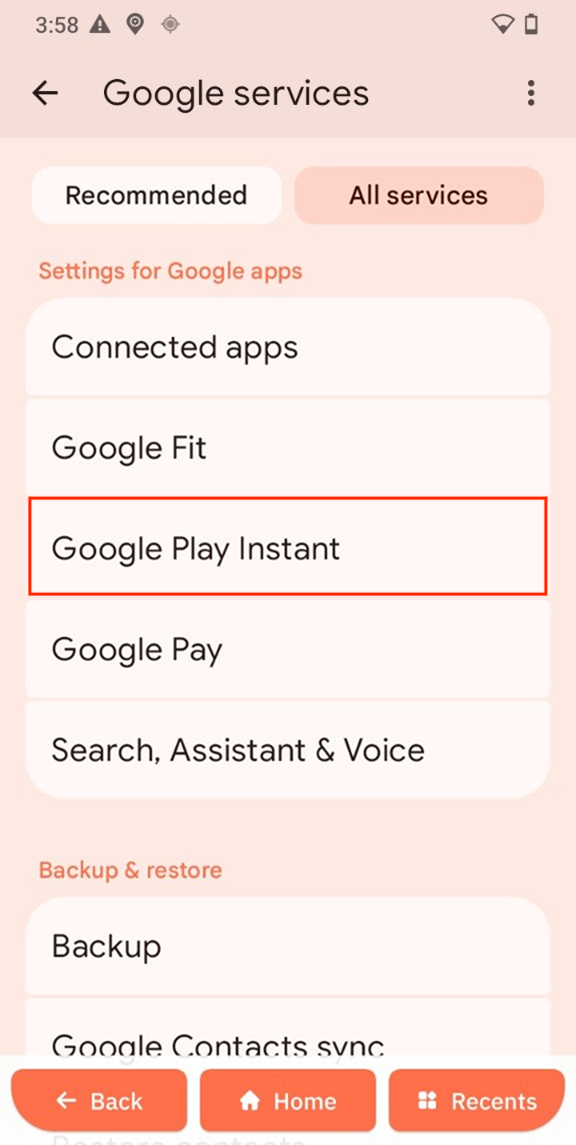
Google Play Instant
Run apps without installation.
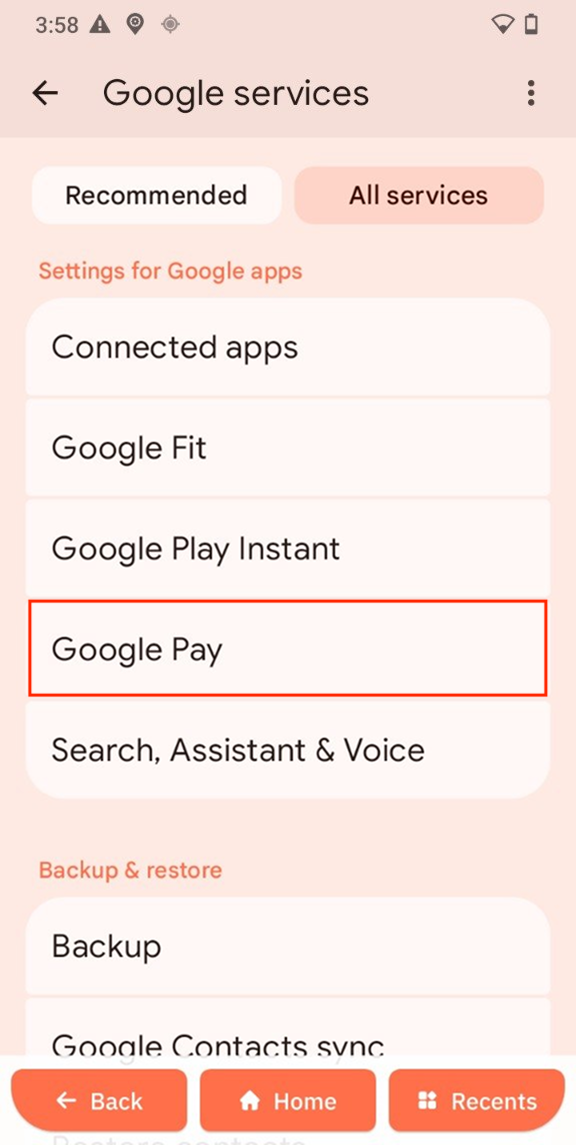
Google Pay
Manage payments.
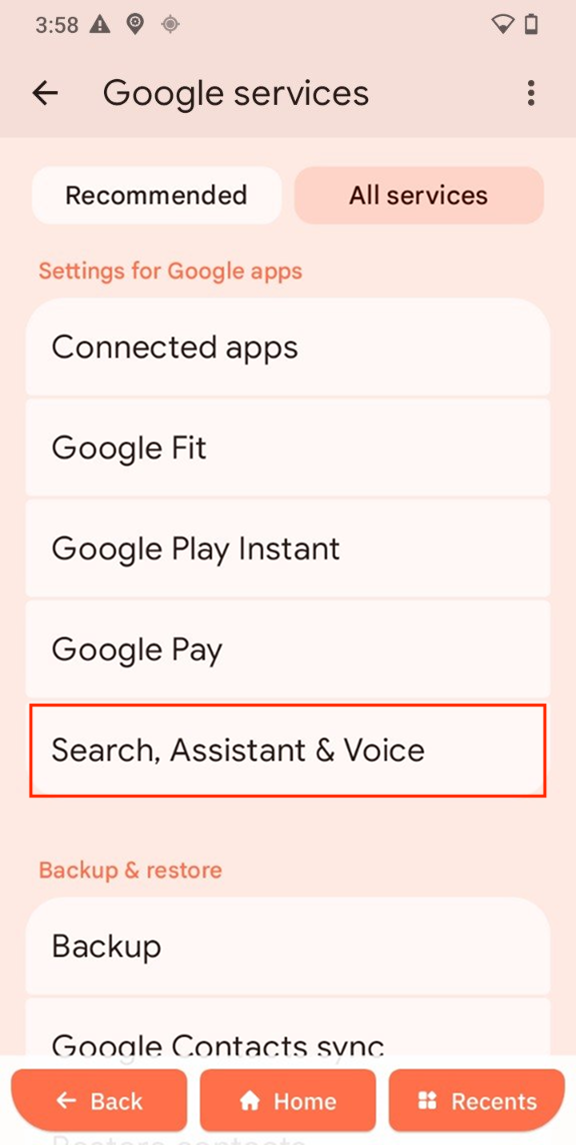
Search, Assistant & Voice
- Open Search, Assistant & Voice.
- Configure preferences.
Backup & restore
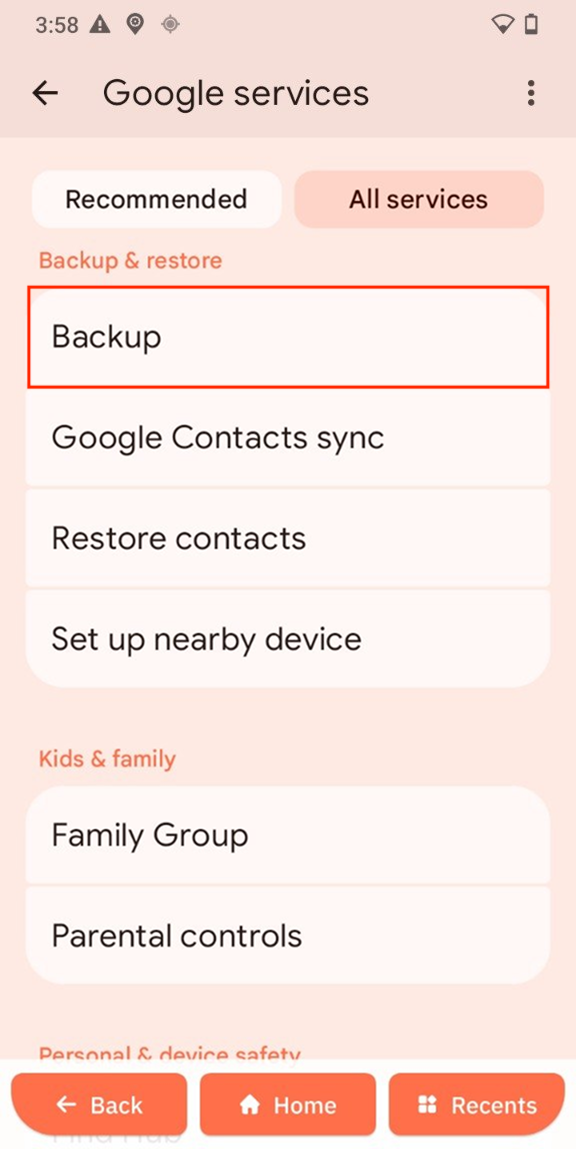
Backup
- Open Backup.
- Turn it on.
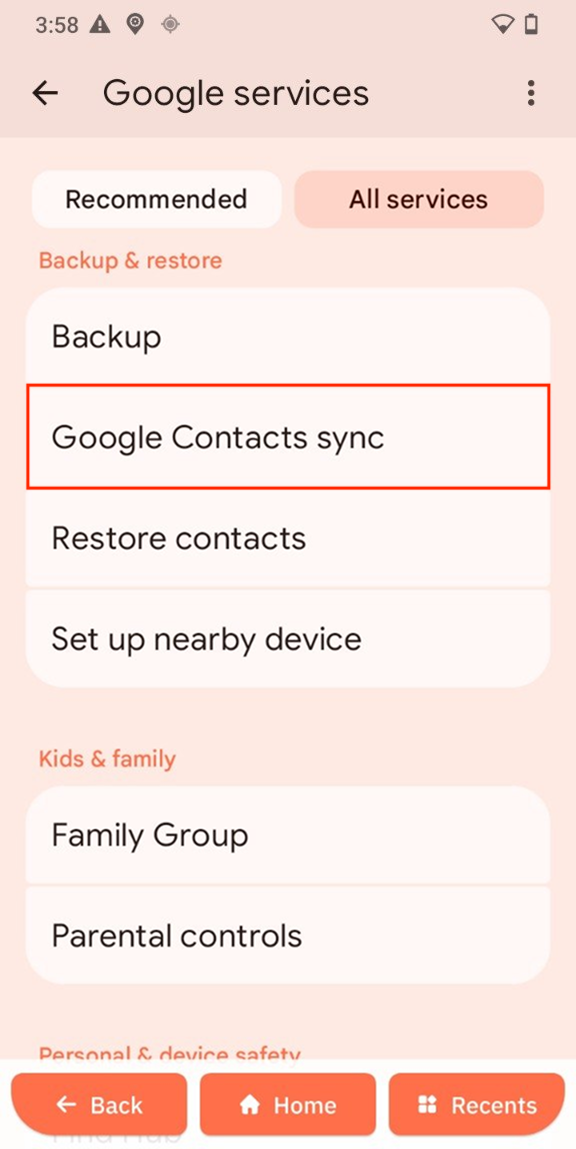
Google Contact sync
Keeps contacts synced.
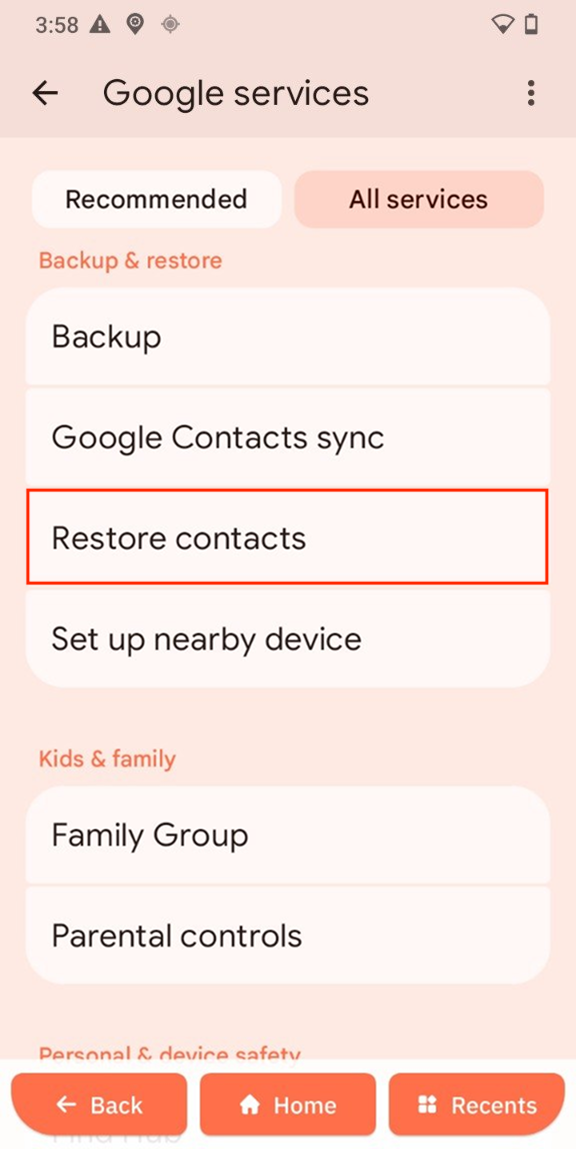
Restore contacts
- Open Restore contacts.
- Tap Restore.
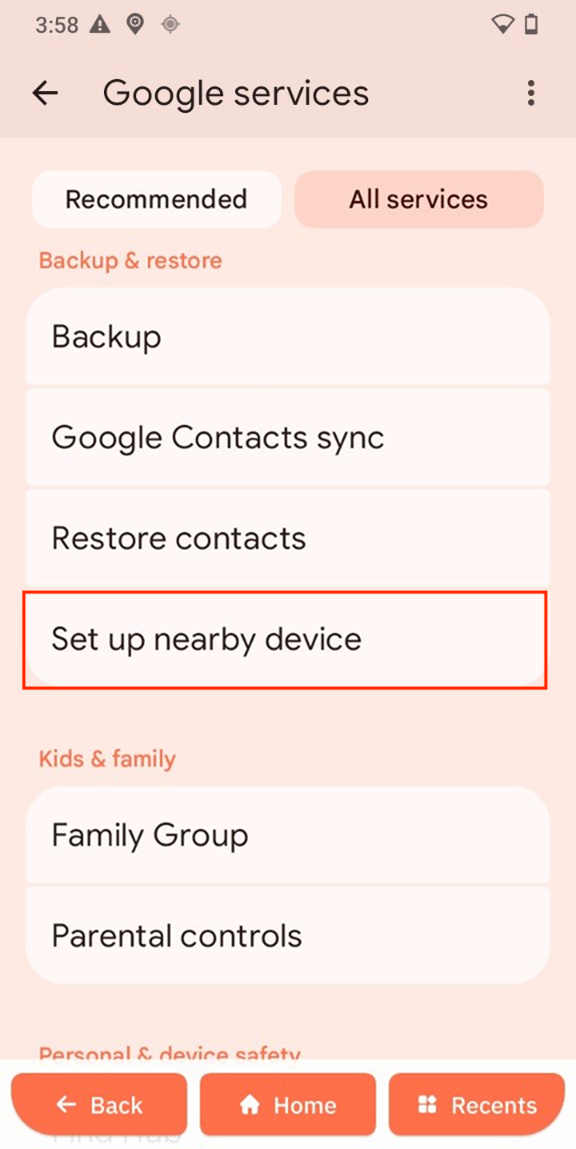
Set up nearby device
- Open Set up nearby device.
- Follow instructions.
Kids & family
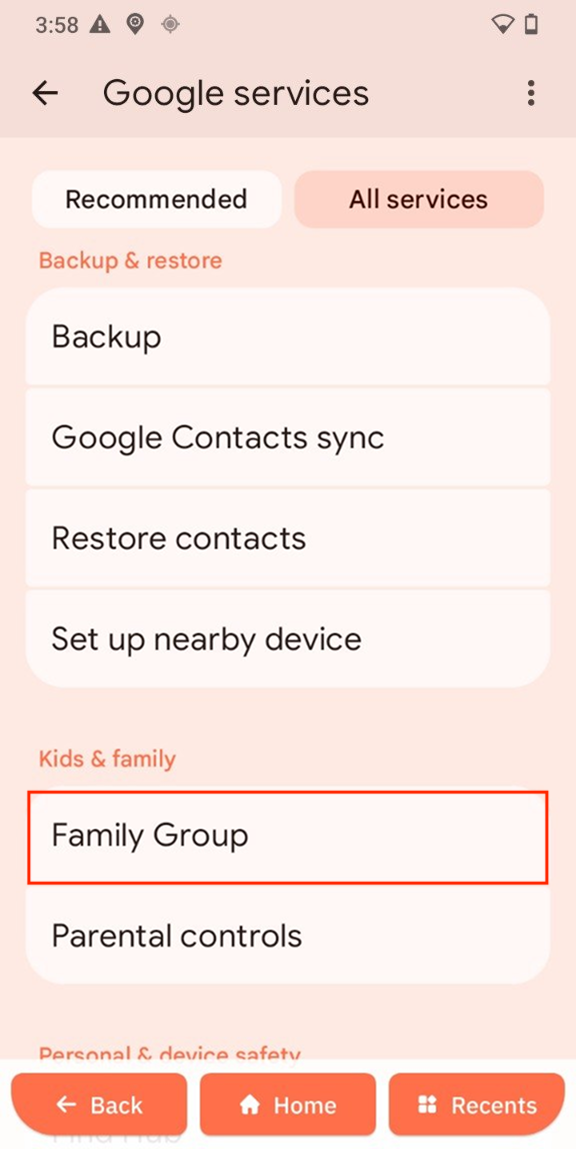
Family group
- Open Family group.
- Tap Create a Family Group.
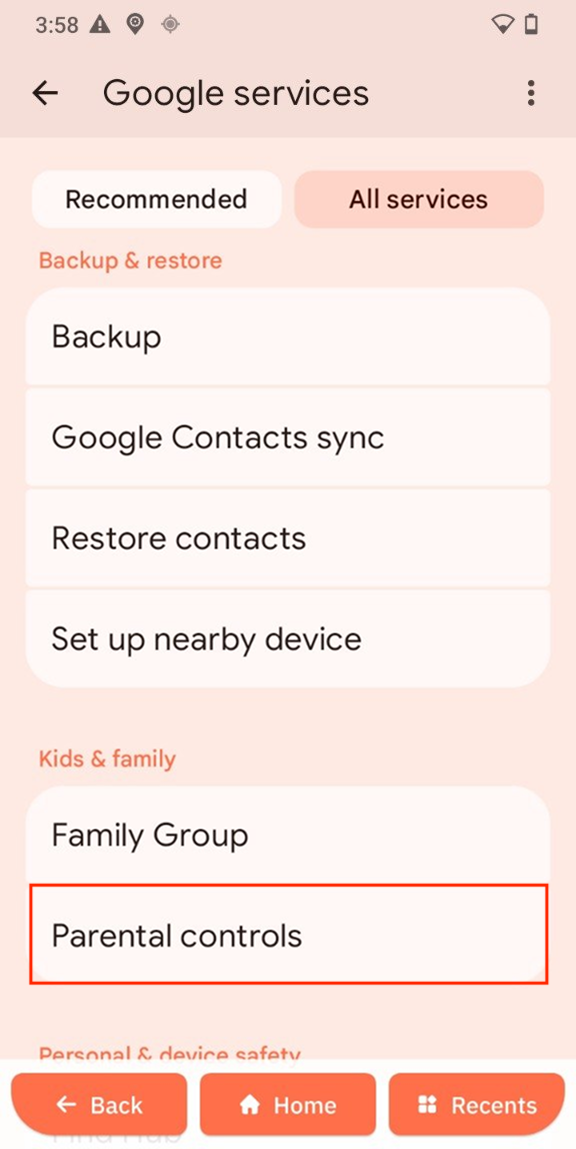
Parental controls
- Open Parental controls.
- Follow setup.
Personal & device safety
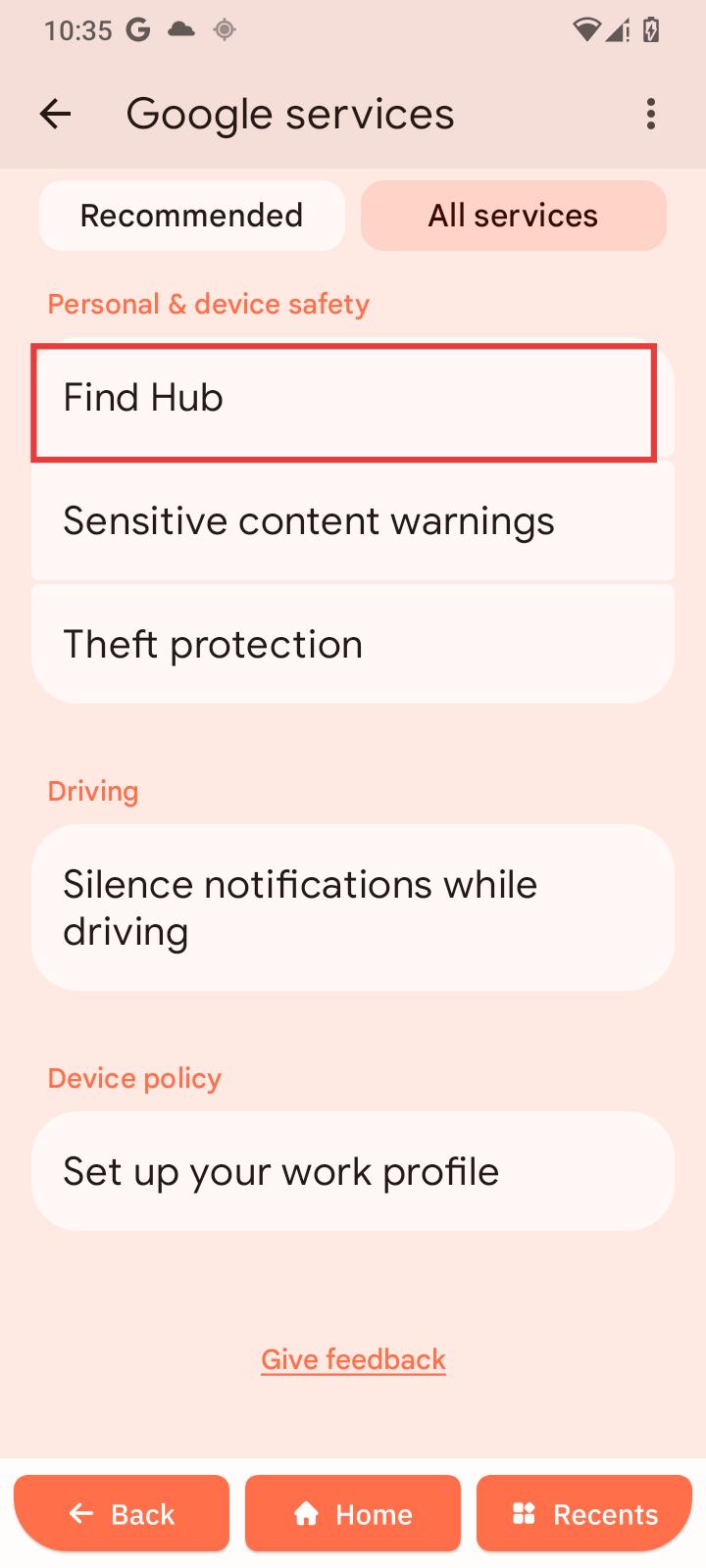
Find Hub
-
Open Find Hub.
-
Tap Allow device to be located.
-
Tap Use Remote Lock.
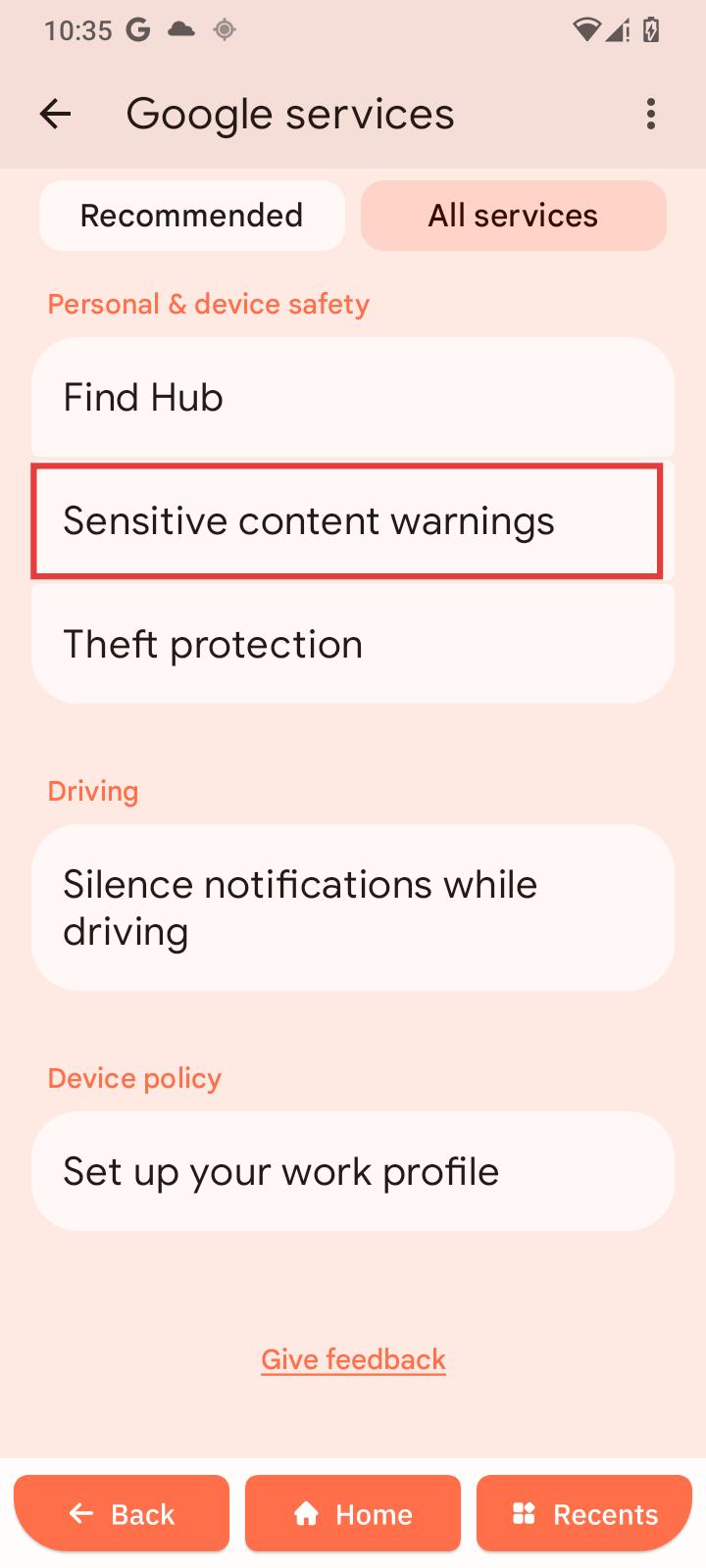
Sensitive content warnings
-
Open Sensitive content warnings.
-
Enable or disable Warning in Google Messages.
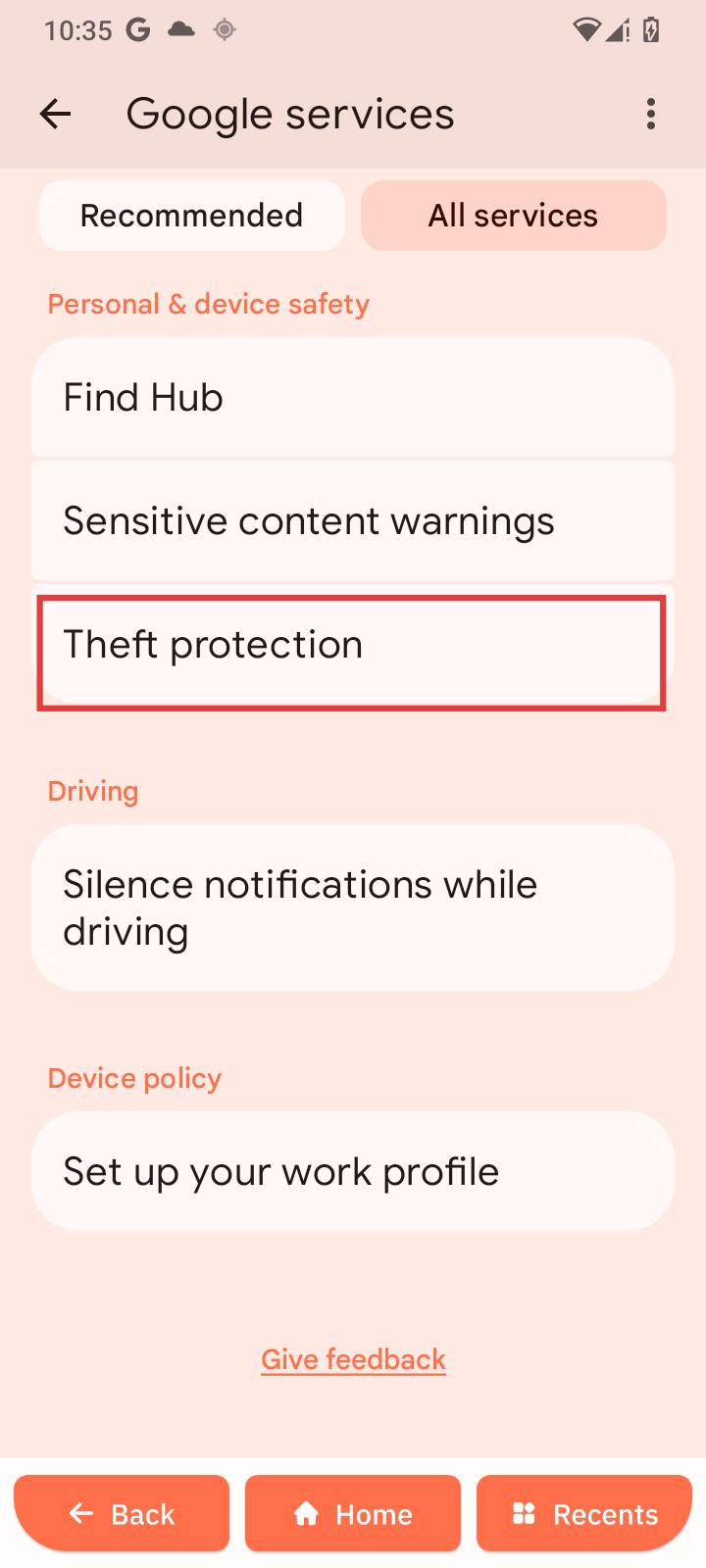
Theft protection
-
Open Theft protection.
-
Enable or disable options.
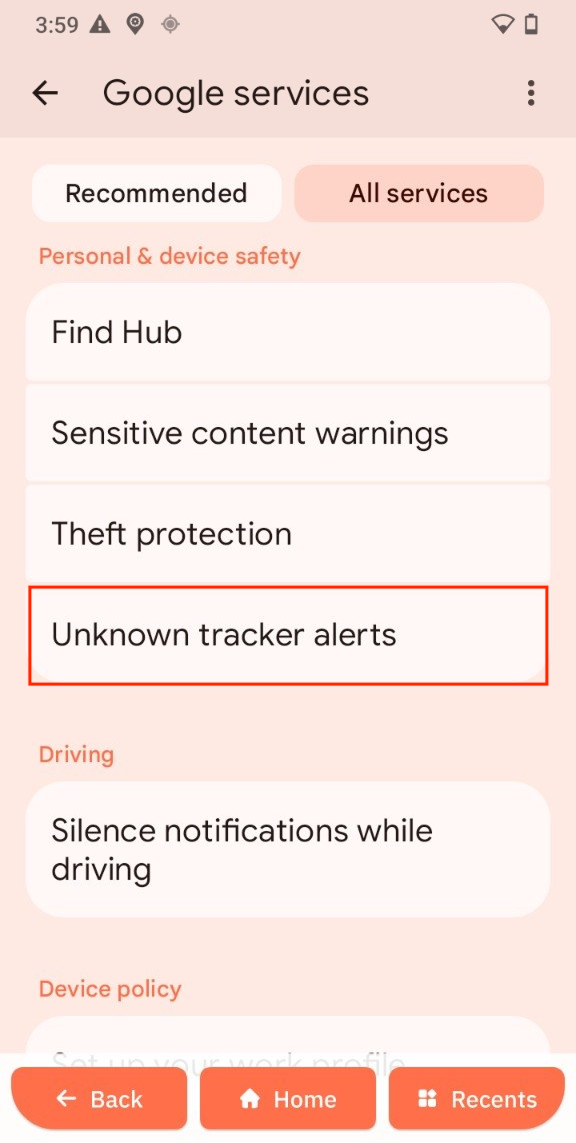
Unknown tracker alerts
- Open Unknown tracker alerts.
- Tap Allow alerts.
Driving
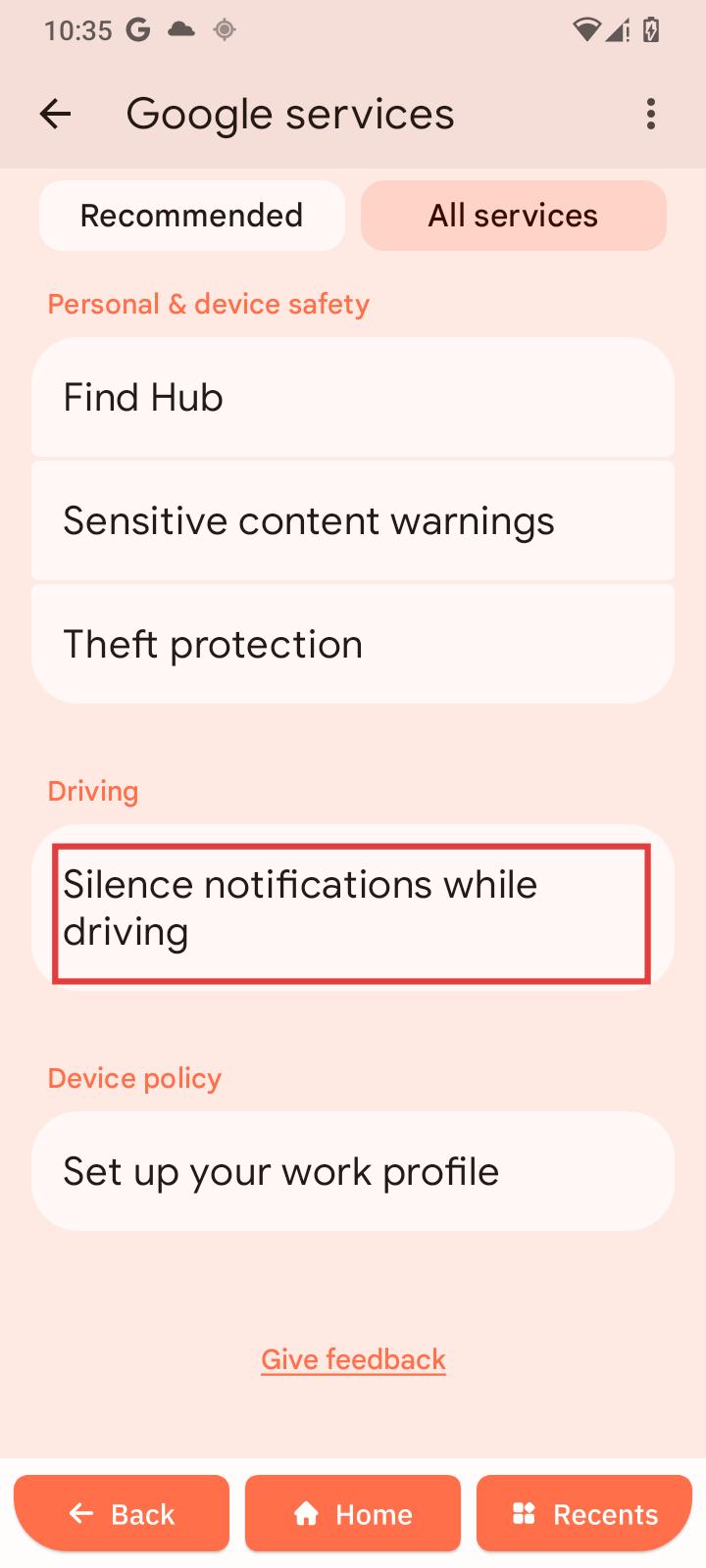
Silence notifications while driving
-
Open setting.
-
Turn it on or off.
Device policy
Work profile
-
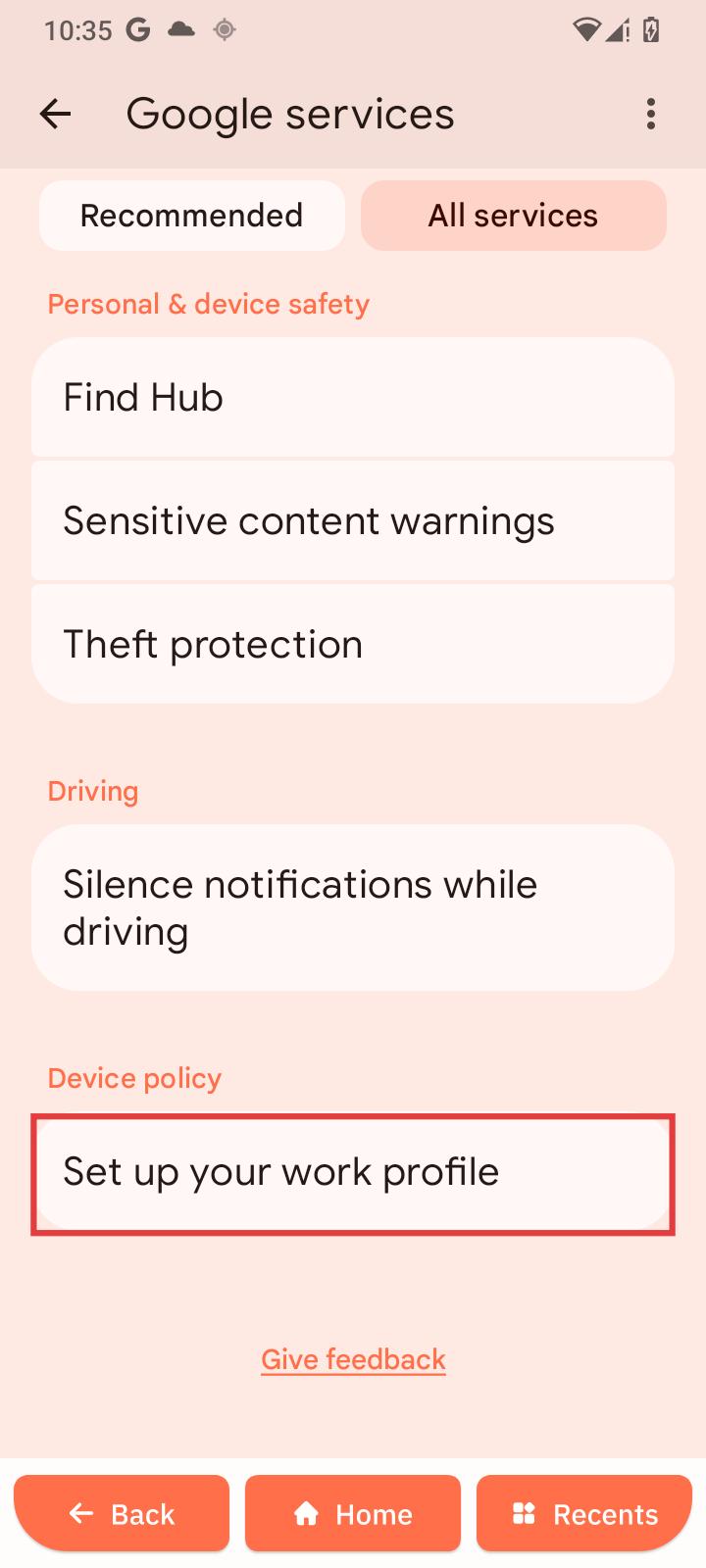
Open Set up your work profile.
-
Follow instructions.