Messages
Overview
The Messages app lets you read and send SMS messages.
Open Messages
- Tap the Messages tile to open the app.
- Tap + to choose Phone number or Contact.
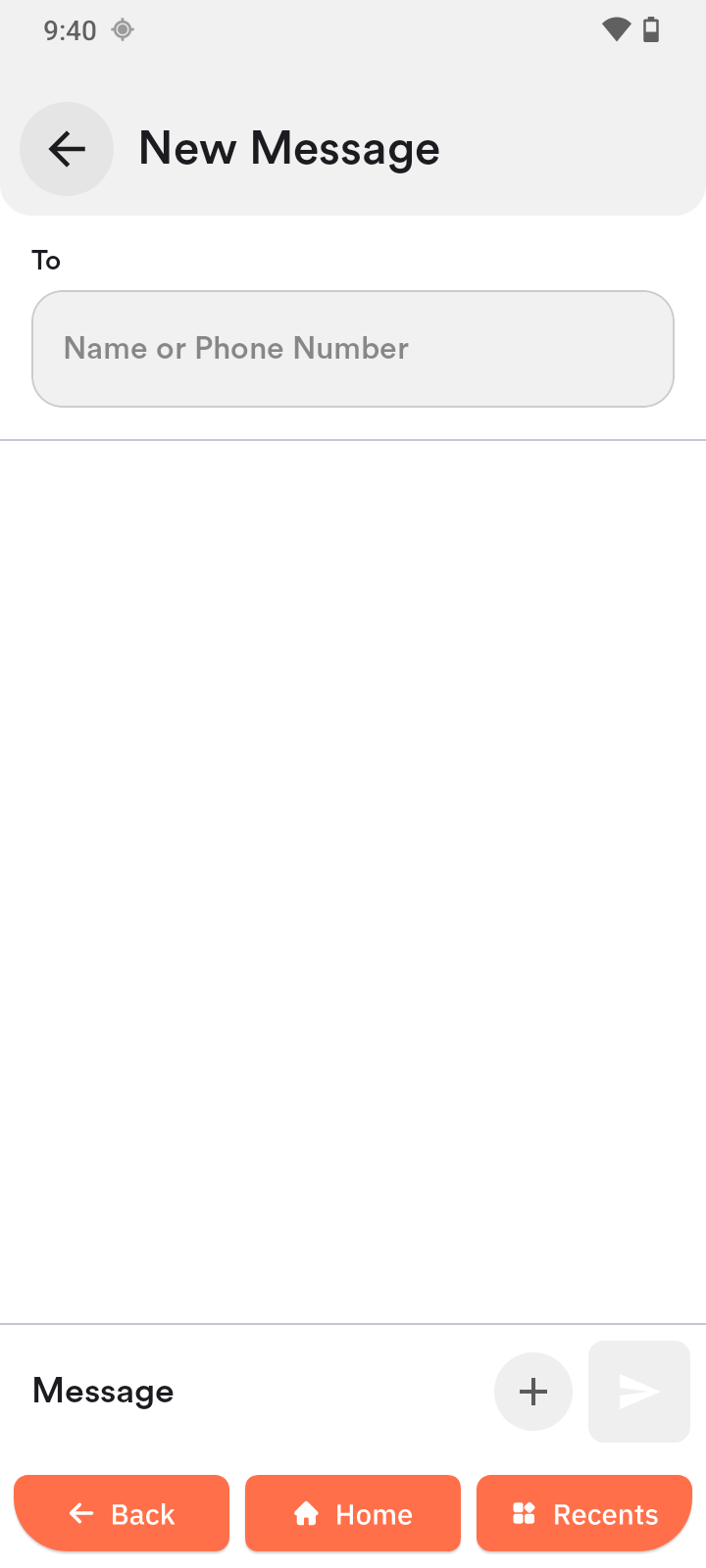
Send a message to a number
- Tap the Name or Phone Number field.
- Enter the number.
- Tap the message field.
- Type your message.
- Tap the blue send button.
Send a message to a contact
- Select a contact or add one first (see Contacts).
- Tap the orange Message button.
- Tap the message field.
- Type your message.
- Tap the blue send button.
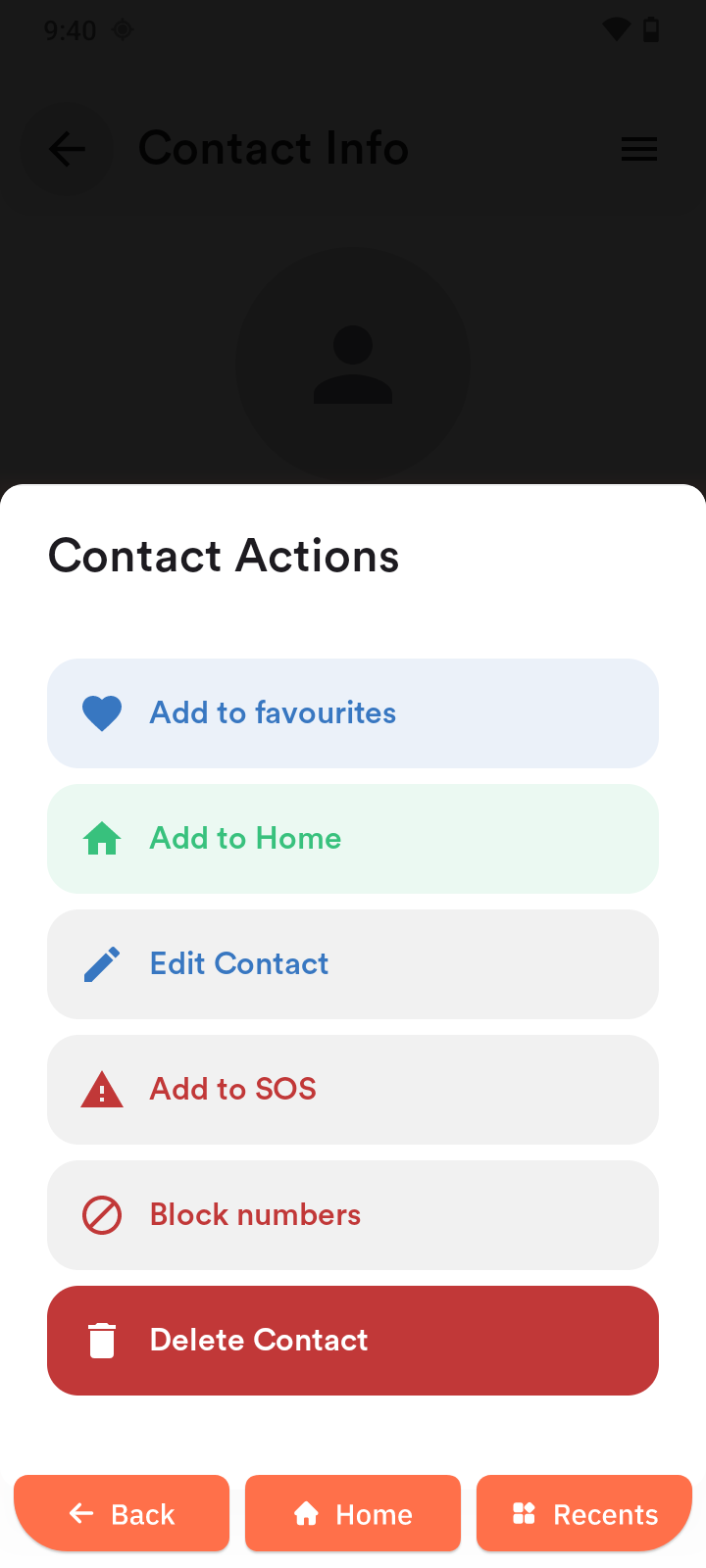
Block a sender
- Select a contact or add one first (see Contacts).
- Tap Options in the top-right corner.
- Tap Block numbers.
- To unblock, tap Options again and choose Unblock number.