Calculator
Overview
The Calculator app lets you perform quick calculations such as addition, subtraction, multiplication, and division.
Open Calculator
- Open All Apps.
- Tap Calculator.
The keypad appears on the screen.
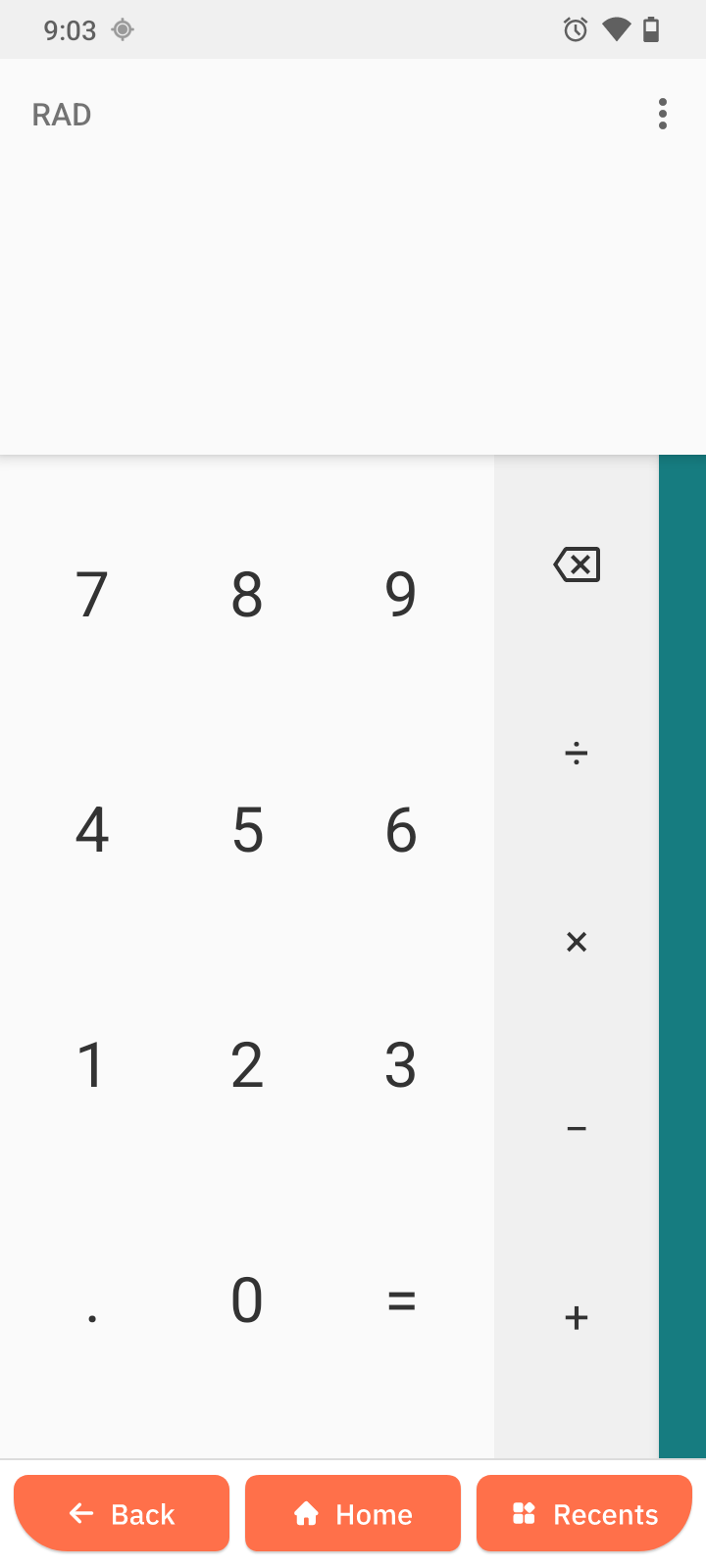
Perform a calculation
- Tap the numbers on the keypad.
- Tap an operation: +, -, x, or /.
- Tap = to see the result.
Clear a calculation
- Tap Backspace icon to clear.
This resets the current calculation.