All Apps and Adding Items
Overview
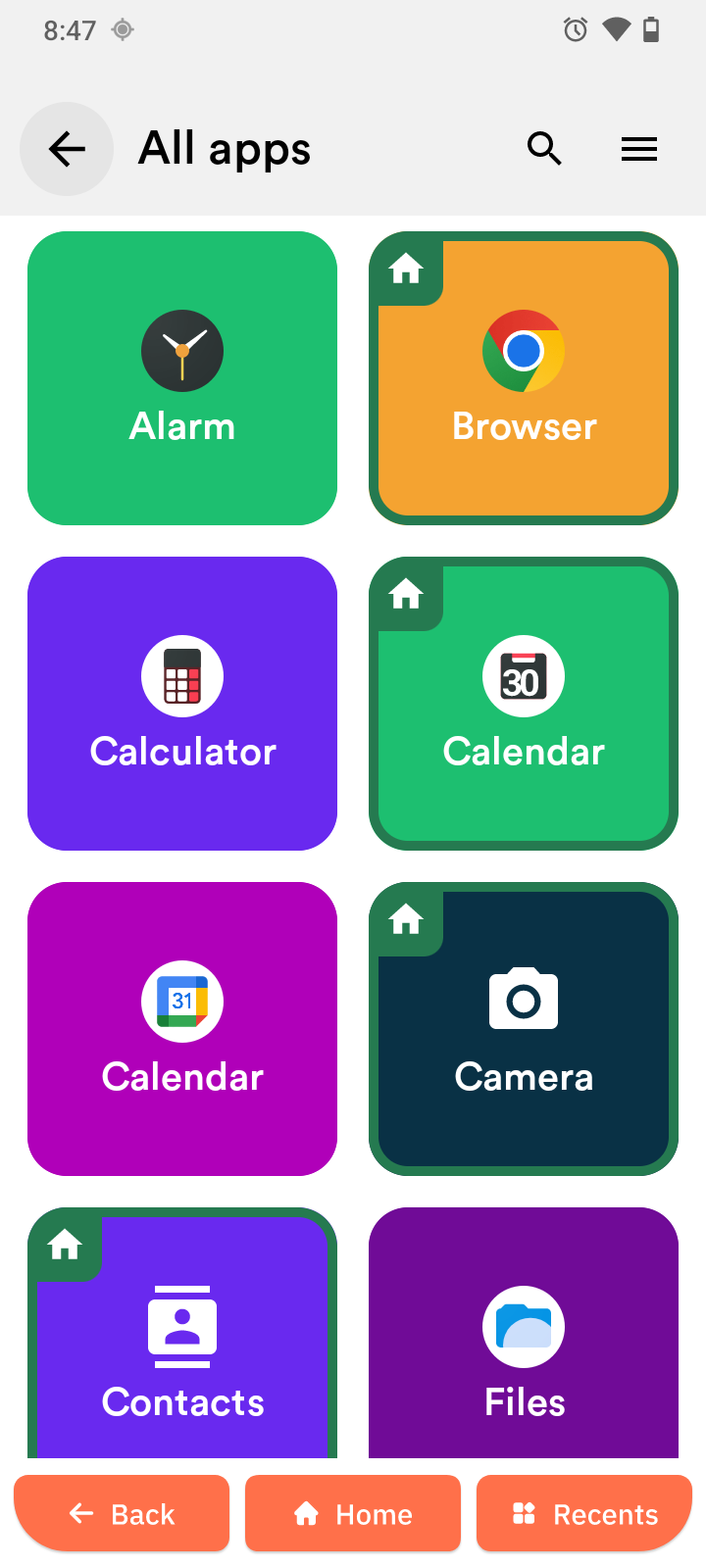
The All Apps screen shows every application installed on your Senifone. From here you can open apps, search for an app, sort the list, and add items to the home screen.
Open an app
- Tap All Apps.
- Scroll through the list.
- Tap the app you want to open.
The selected app opens immediately.
Search for an app
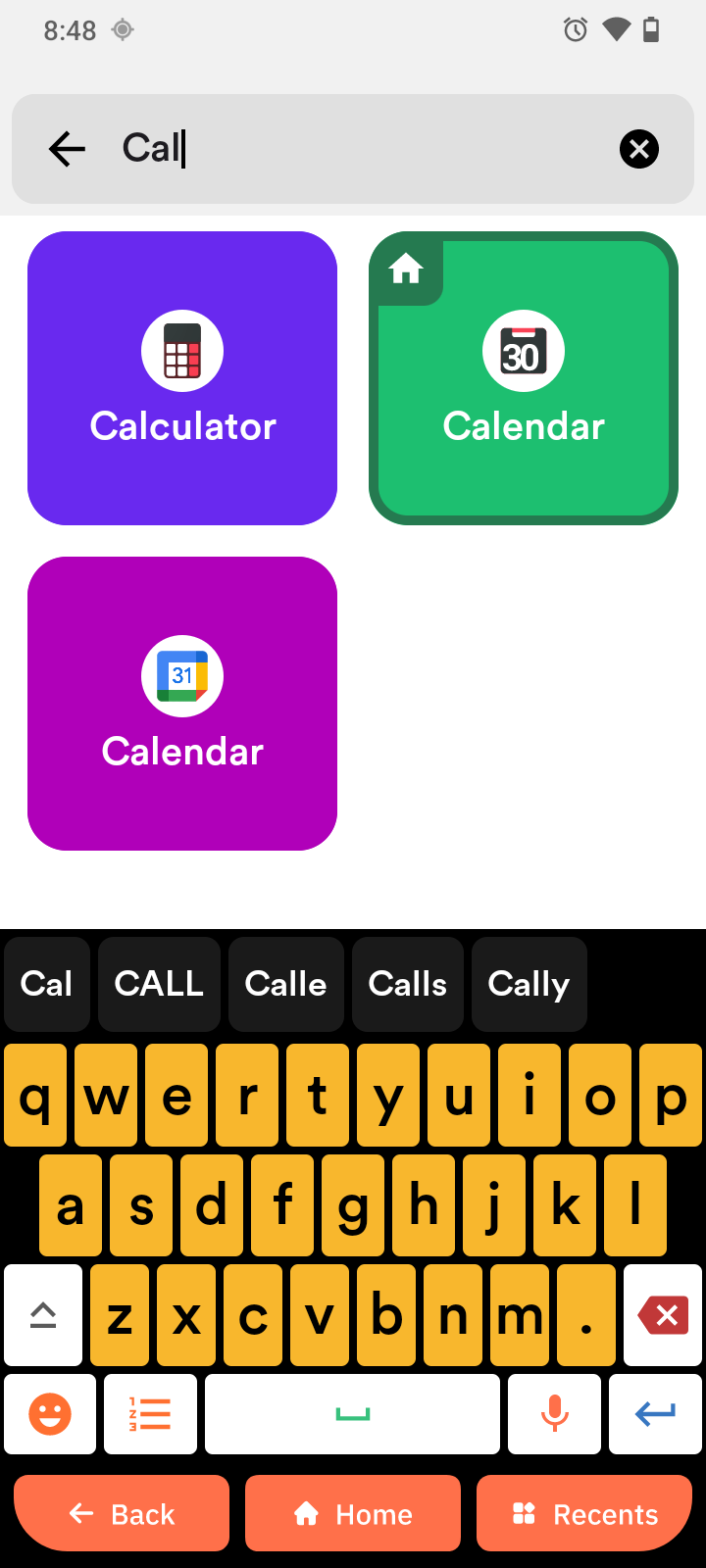
- Open All Apps.
- Tap the Search icon.
- Type the app name.
- Tap a result to open it.
Sort apps
- Open All Apps.
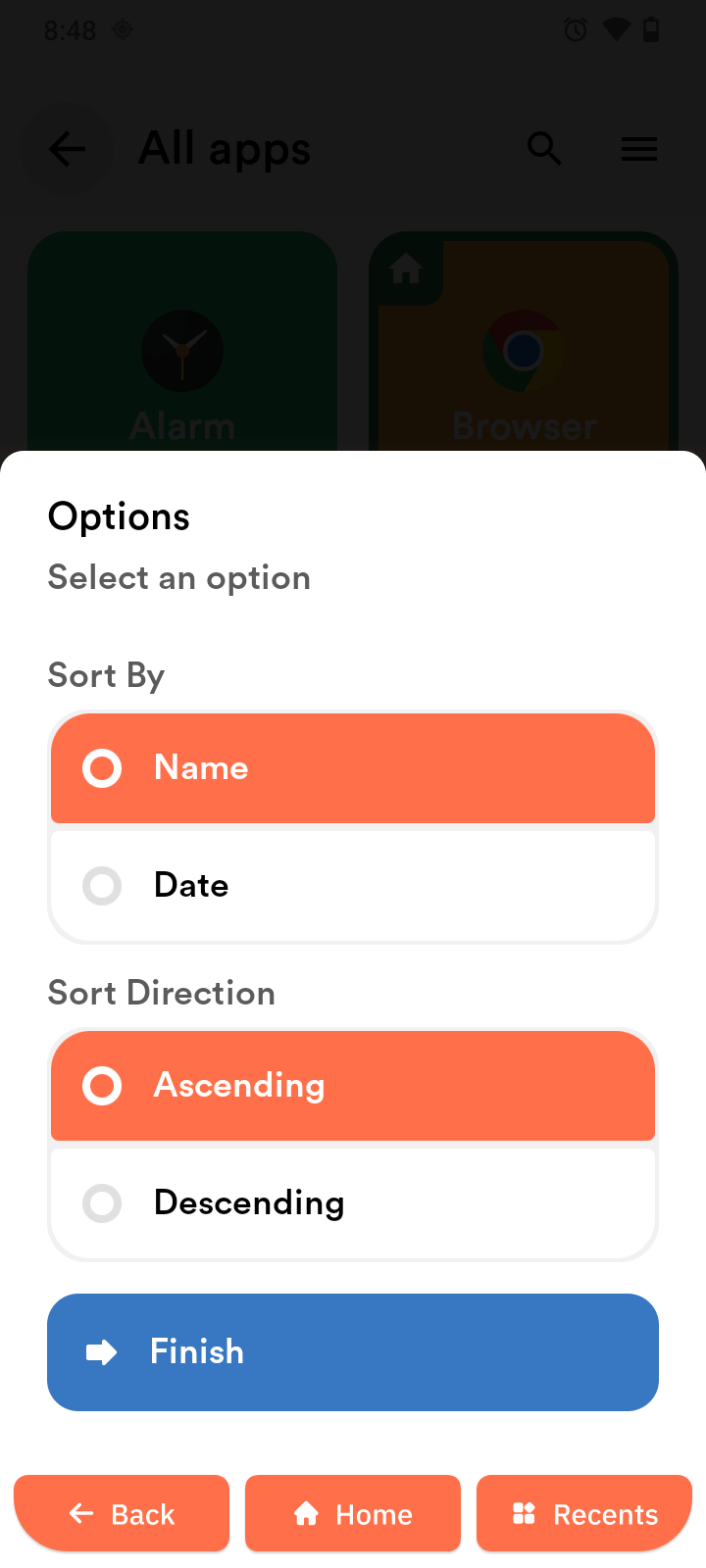
- Tap the Menu icon (top right corner).
- Tap Sort By.
- Choose Name or Date.
- Choose Ascending or Descending.
- Tap Finish to apply the change.
Add an app to the home screen
- Press and hold an app in the list.
- Tap Add to home screen.
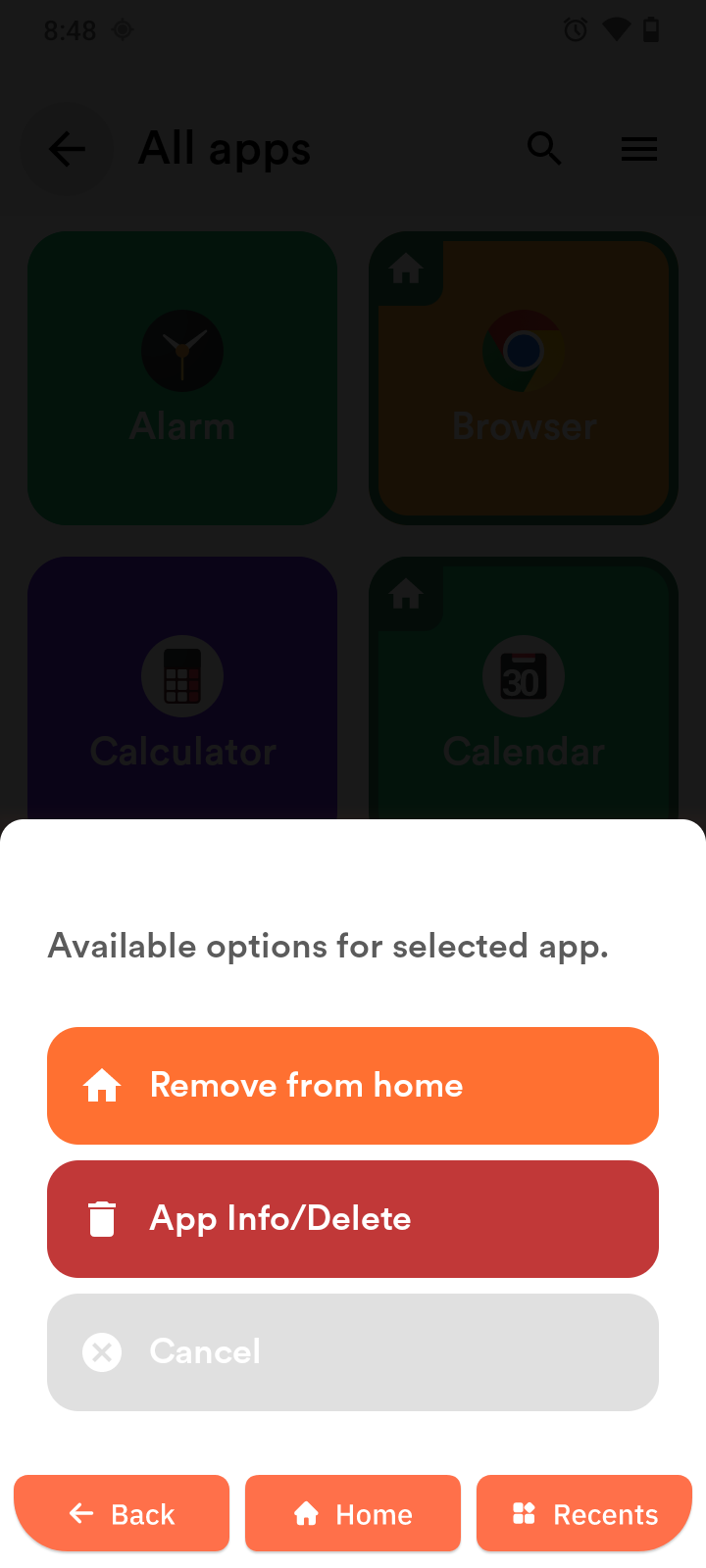
Remove an app from the home screen
- Press and hold the app tile on the home screen.
- Tap Remove from home screen.
Add items
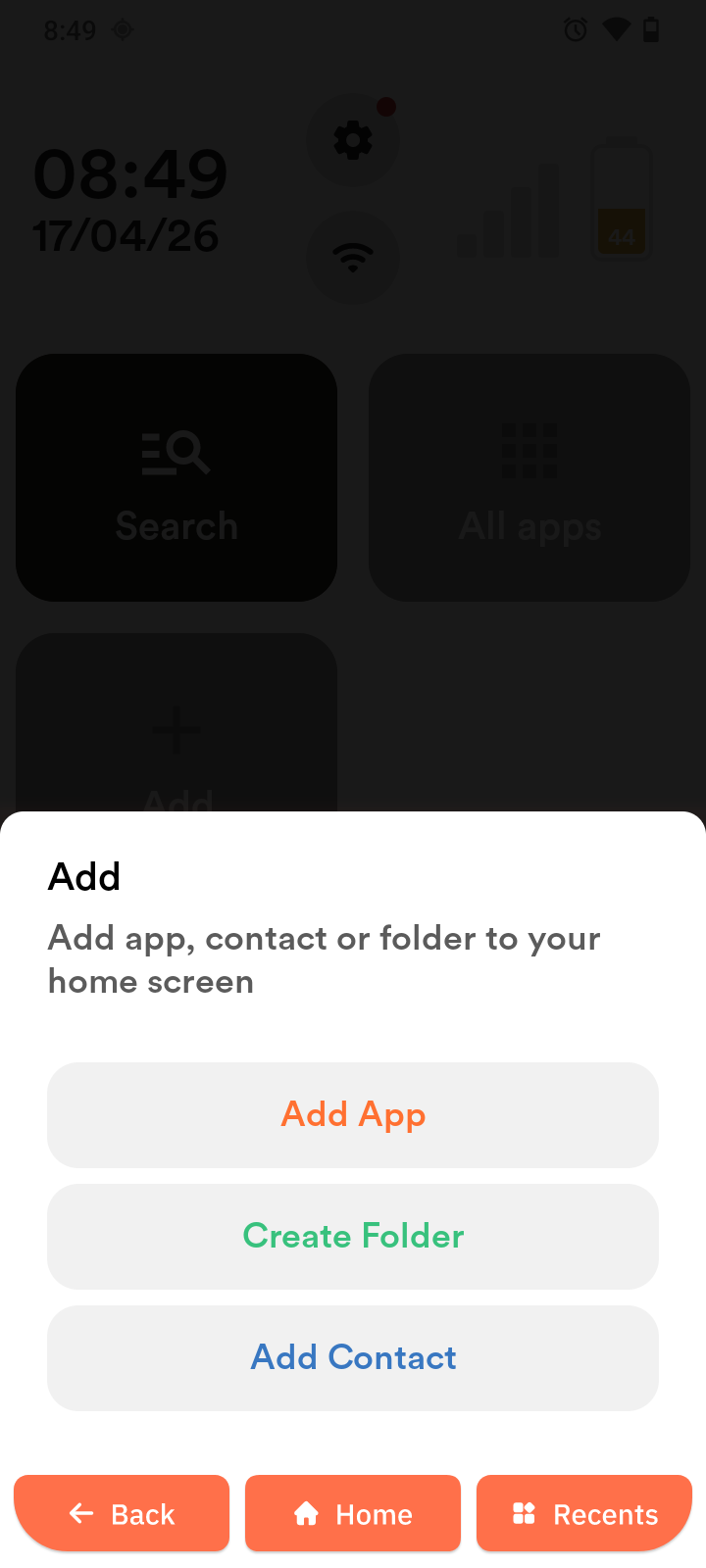
The Add app lets you add apps, folders, and contacts to the home screen.
- Tap the Add tile.
- Choose Add App, Create Folder, or Add Contact.
Add App
- Tap Add App.
- Select an app.
- Tap Install.
You need to sign in to your Google Account to install apps.
Create a folder
- Tap Create folder.
- Tap Folder name to enter a name.
- Tap Create new folder.
- Select one or more apps.
- Tap the orange check mark to save.
- Open the folder on the home screen to view its contents.
- Tap Options to add or remove apps later.
Add a contact
- Tap Add Contact.
- Select a contact.
- Tap a contact.