Calls
Overview
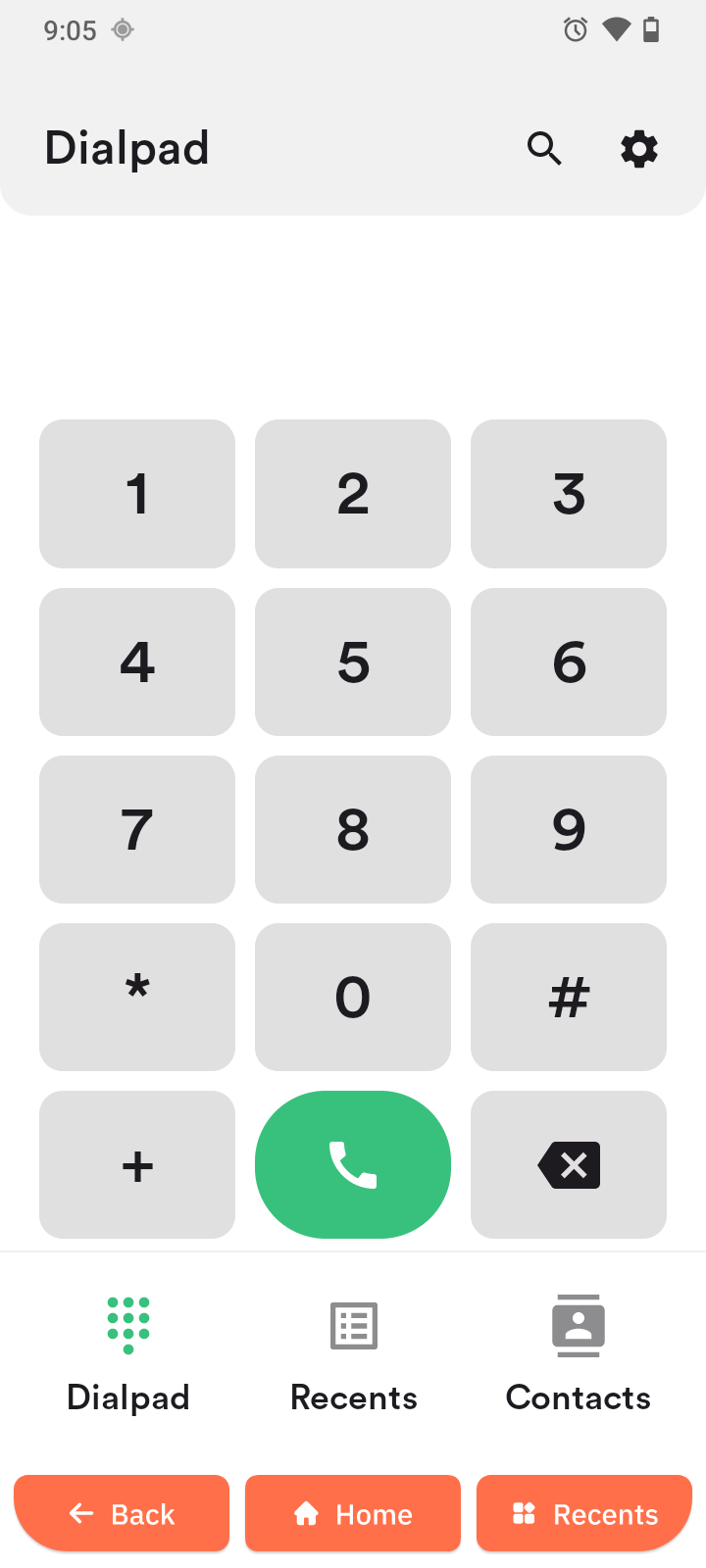
The Calls app lets you call contacts or dial numbers and manage recent calls.
Call a number
- Tap the call button in the navigation panel.
- Enter the number.
- Tap the green call button.
Call a contact
- In the Calls app, tap Contacts.
- Select a contact.
- Tap the green call button.
During a call
You can use several in-call options:
- Hold call (if available)
- Show dial pad
- Speaker on/off
- Mute microphone on/off
- Extra options (if available)
- End call