Alarm
Overview
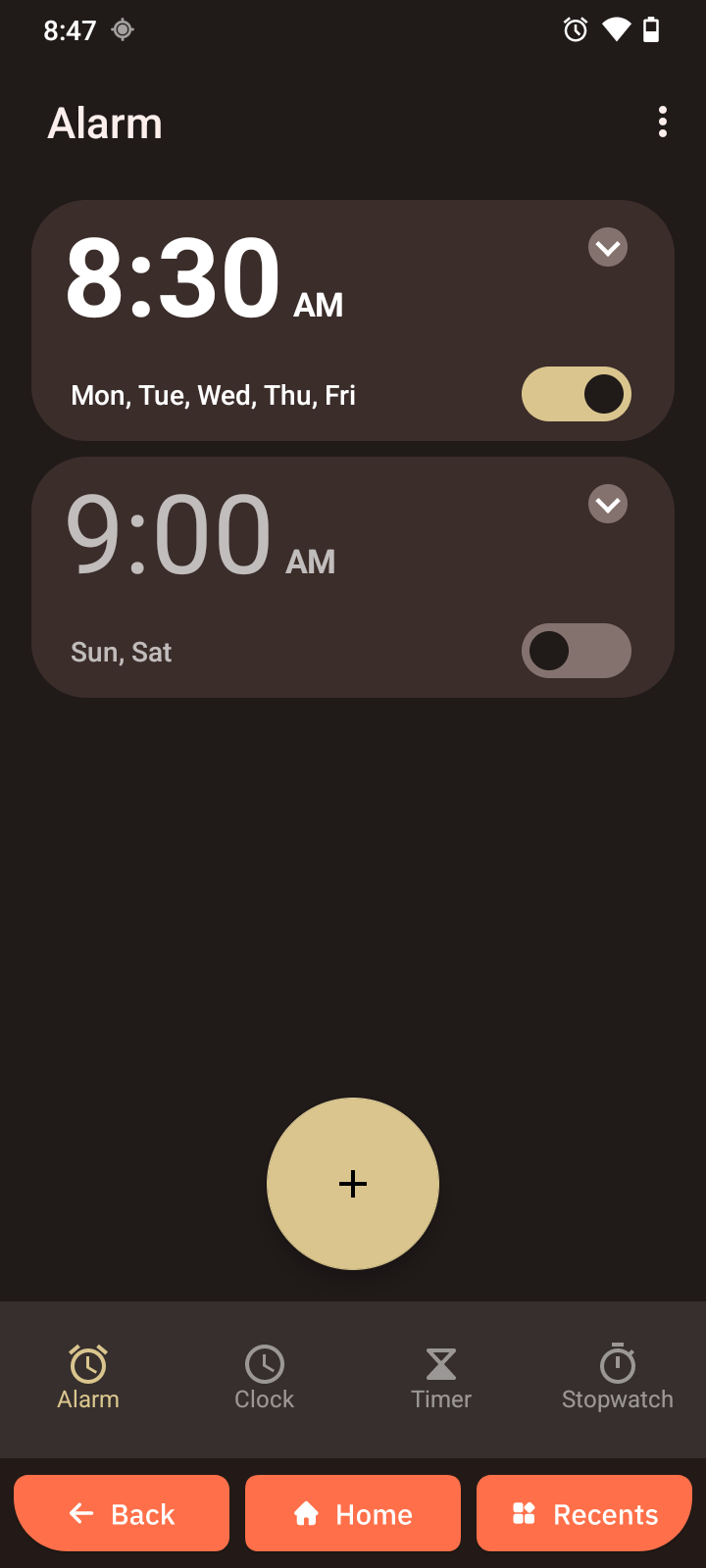
The Alarm app lets you set alarms, check the current time, use a timer, and run a stopwatch.
Open Alarm
- Swipe down from the Home screen.
- Swipe down again for the expanded panel.
- Tap Alarm.
Set an alarm
- Open Alarm.
- Tap Add alarm ("+").
- Select the time.
- Tap Ok.
Edit or delete an alarm
- Open Alarm.
- Tap the alarm you want to change.
- Adjust the time or settings.
- Tap Ok.
To remove an alarm, tap the Delete icon next to it.
Use the timer
- Open Alarm.
- Tap Timer.
- Set the countdown duration.
- Tap Start ("▶").
The timer alerts you when the time runs out.
Use the stopwatch
- Open Alarm.
- Tap Stopwatch.
- Tap Start ("▶") to begin timing.
- Tap Pause to end timing.
- Tap Delete to clear the time if needed.