Shortcuts
Overview
The Shortcuts app provides quick access to frequently used features.
Open Shortcuts
- Tap the Shortcuts tile.
- Choose a function from the list.
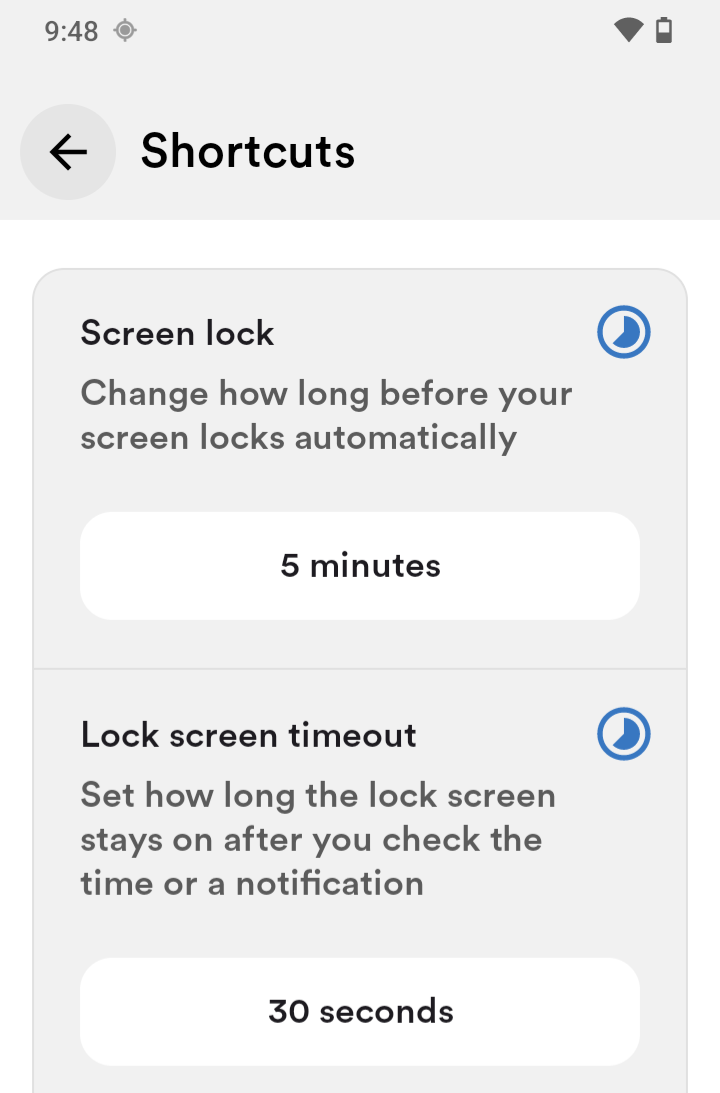
Screen lock and timeout
Adjust standby time for the screen.
- Tap the current timeout value.
- Choose the desired time.
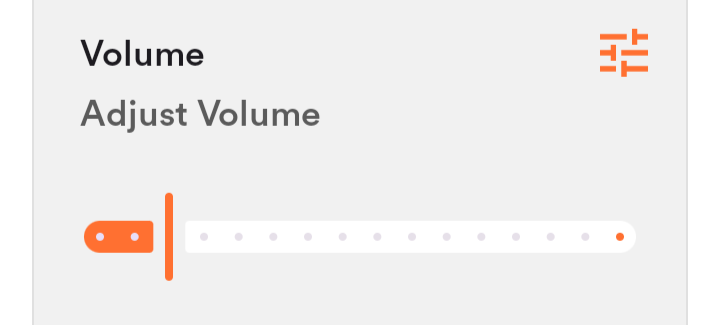
Volume
You can adjust volume in two ways:
- Main volume for music and media.
- Extra volume options for per-category settings.
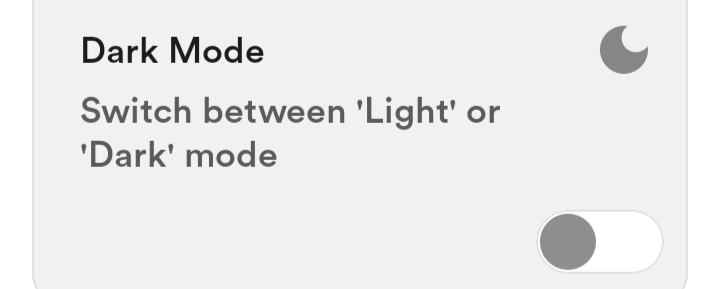
Dark Mode
Dark mode applies a darker theme across Senifone.
- Tap the Dark Mode toggle to enable.
- Tap again to disable.
Some third-party apps may not fully support dark mode.
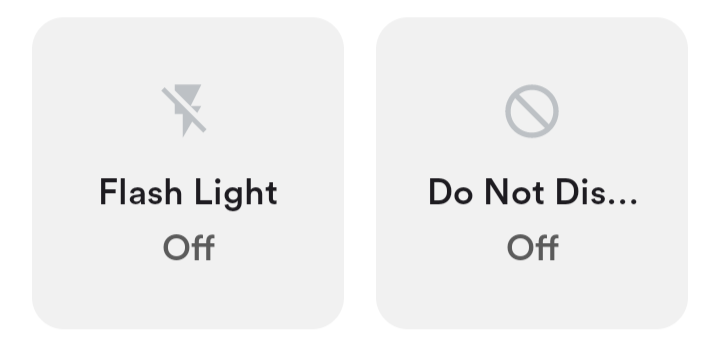
Flash Light
Use the camera flash as a flashlight.
- Tap Flash Light Off to enable.
- Tap Flash Light On to disable.
Do Not Disturb
Do Not Disturb blocks incoming call sounds.
- Tap Do Not Disturb (Off) to enable.
- Tap Do Not Disturb (On) to allow alarms.
- Tap Do Not Disturb (Alarms only) for custom settings.
- Tap Do Not Disturb (On) again to disable.
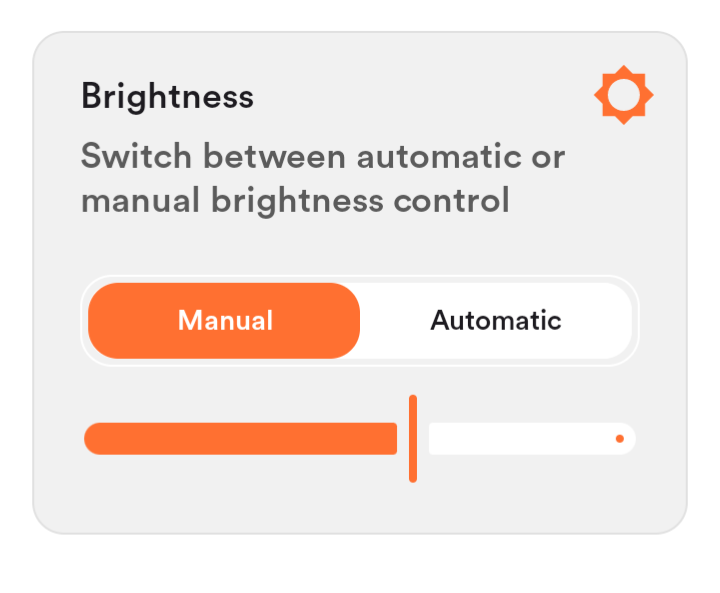
Brightness
- Adjust brightness with the slider.
- Tap Automatic to enable auto brightness.