Calendar
Overview
The Calendar app helps you organize events, reminders, and appointments.
Open Calendar
Tap the tile Calendar.
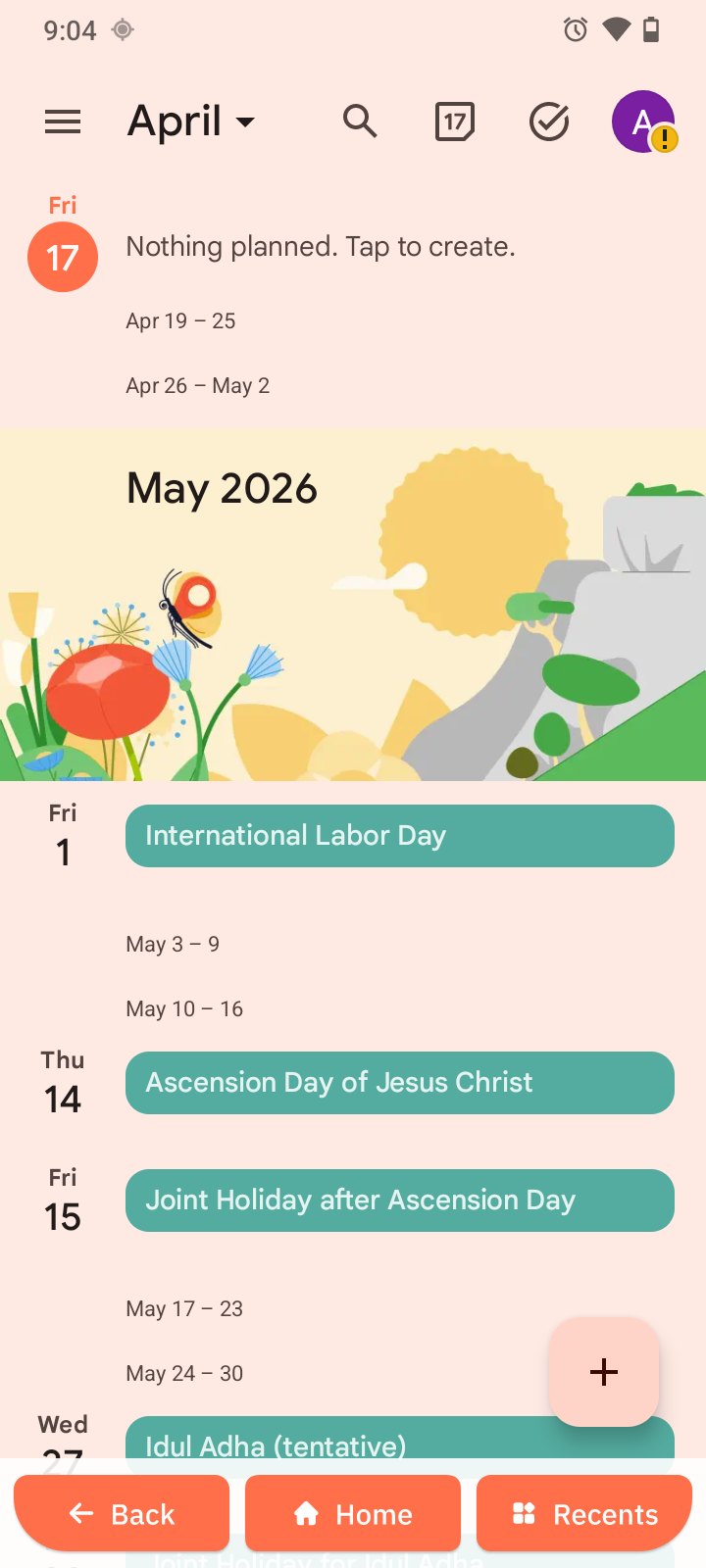
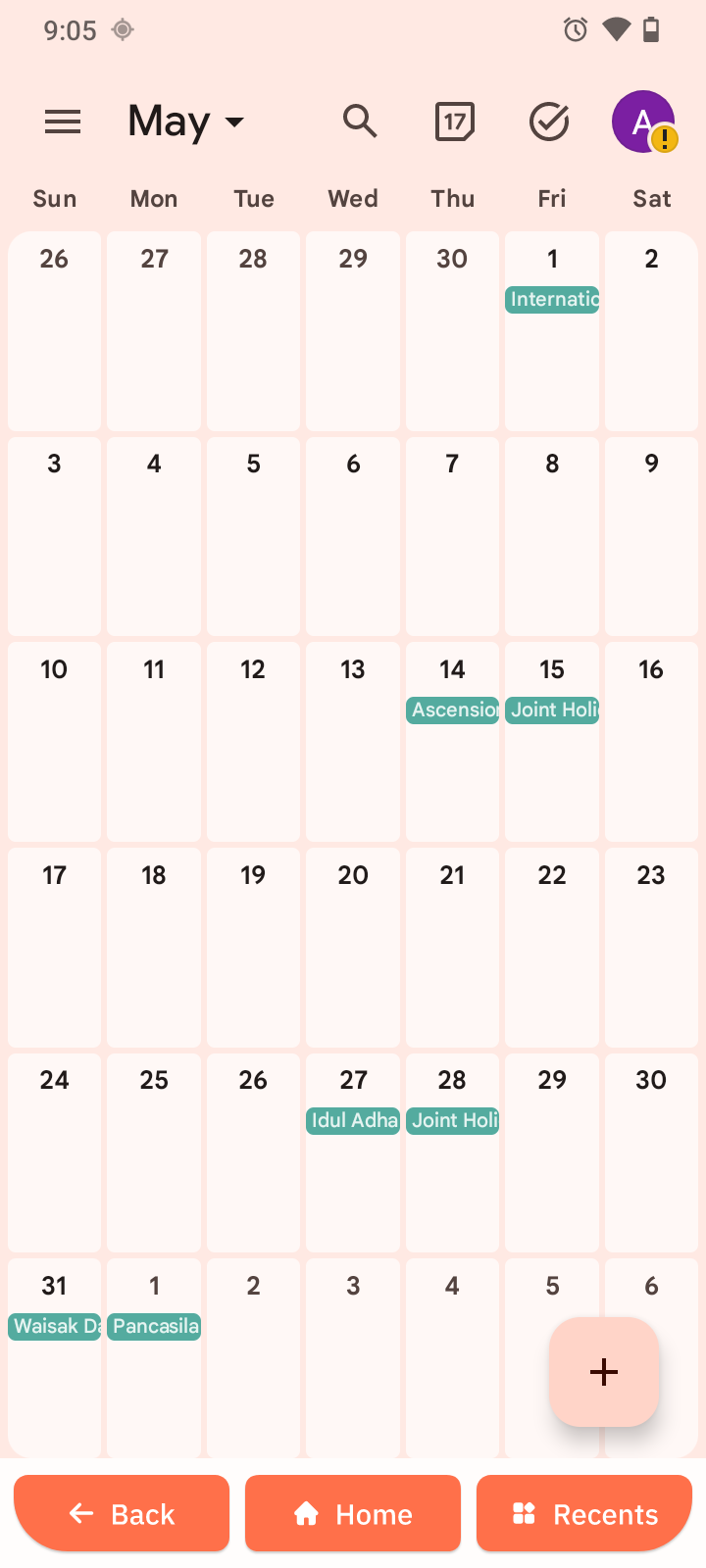
The current day or month view appears.
View your calendar
You can switch between these views:
- Day for one day
- Week for the current week
- Month for the current month
Swipe left or right to move between dates.
Create an event
- Open Calendar.
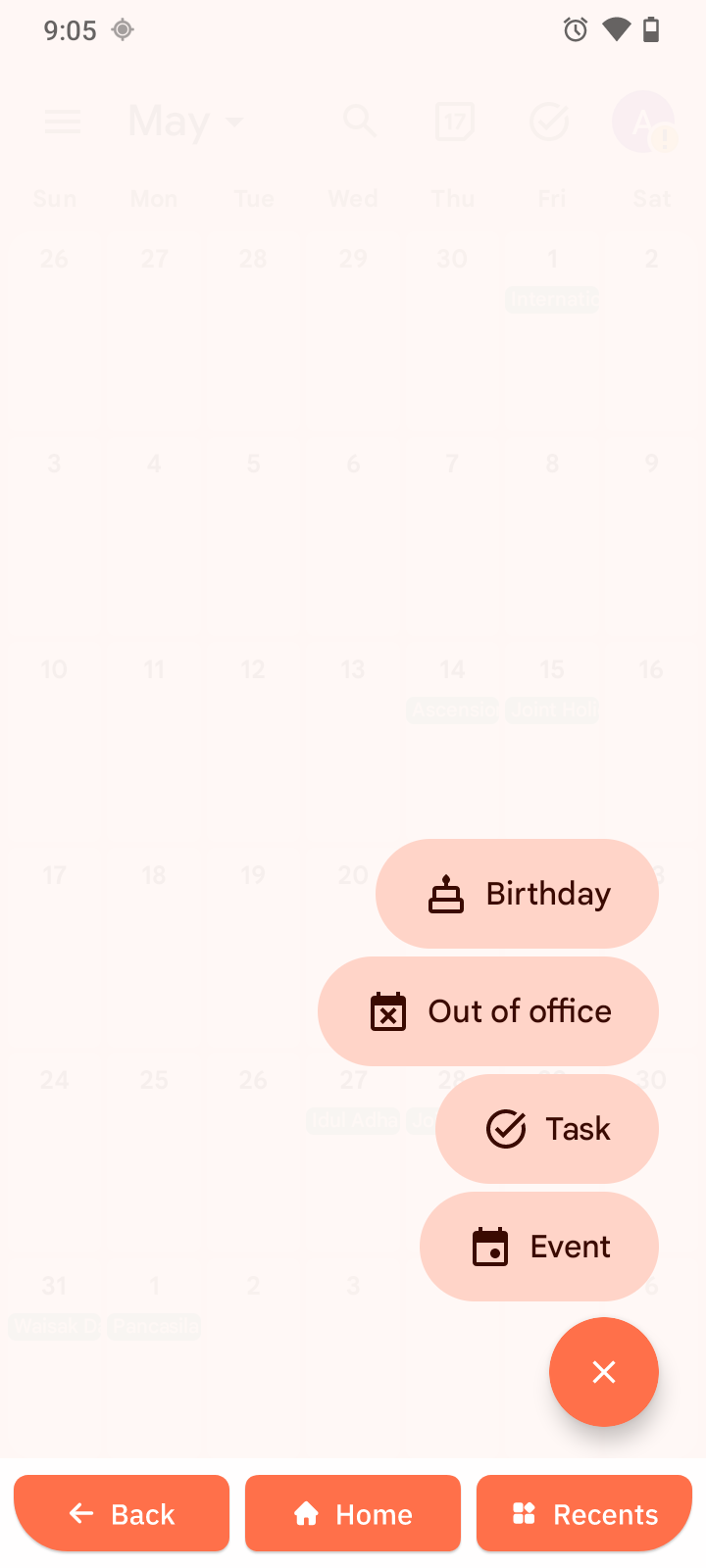
- Tap +.
- Enter the event title, date, and time.
- Add guests, a location, description, and URL if needed.
- Tap Done.
Edit or delete an event
- Tap the event.
- Tap Edit to update it, or Delete to remove it.